


In the past, people's entertainment and understanding of the world usually depend on books, plays and so on. The advent of modern television has greatly enriched people's daily lives. Television provides a more immersive experience and helps people understand the wider world. However, television alone cannot satisfy people's needs.
Even when the picture quality is excellent, the TV's built-in speakers may still fail to provide an immersive audio experience. When people watch movies, play games or listen to music through TV, they find that the sound is thin and unreal.
So people have come up with many ways to enrich their auditory experience. For example, adding a soundbar or changing the TV equipment, and so on. However, nowadays, many TVs have the HDMI ARC feature. For those who own speakers or plan to build a stereo system, they can use the built-in HDMI ARC to upgrade their TV speakers.
In this article, we will explore why HDMI ARC is worth it for better TV audio, as well as some basic knowledge about HDMI ARC.
Why Does TV Audio Still Need an Upgrade?
Slim Form Factor
Modern aesthetics pursue simplicity. TV designs are getting thinner and smaller. But this design will squeeze the space of TV speaker slightly, and it will be difficult for sound to resonate in a very small space.
Poor Speaker Placement
Most audio speakers are installed at the bottom or rear of the TV, so the sound cannot be delivered to you directly. Through multiple reflections, the sound can lose clarity and become less direct.
Lack of Bass
Small built-in TV speakers usually struggle to reproduce deep bass frequencies. For example, the explosion of the movie will be reduced and there will be a lack of power.
Poor Dialogue Clarity
Most televisions only provide basic two-channel audio without a dedicated physical center channel.
In a movie, when background music, explosions and human voices come together, it often results in the embarrassing situation of "loud background sounds, but inaudible voices", resulting in frequent manual volume increase and decrease.
Narrow Soundstage
With speakers positioned too close together, it is difficult to create a wide soundstage. It also becomes difficult to achieve a realistic stereo image. You can't feel the immersive experience.
These factors degrade the sound experience. There are many ways to upgrade TV audio, and there is no one best solution. However, using the HDMI ARC functionality available on many TVs to enhance the audio experience is a convenient and effective solution. When both the TV and audio devices have HDMI capabilities, the TV can naturally integrate into the audio system. This is where HDMI ARC comes in.
What Is HDMI ARC?
The full name of ARC is Audio Return Channel. ARC is a feature of the HDMI protocol. HDMI ARC allows an HDMI cable to send audio from your TV back to a connected audio device, such as an amplifier, receiver, or soundbar.
In the past, if you wanted to connect a player or game console to both a TV and an audio system, you needed two cables. Previously, users often needed separate cables: one HDMI cable for video devices and another optical or analog cable for TV audio output. It is a difficult process for users and the sound quality might be limited.
For now, if you have an HDMI ARC port, the working process will be different. A player or game console transmits its sound to a speaker or amplifier through an HDMI cable, and then the TV sends audio back to the speaker or amplifier through the HDMI ARC channel. HDMI ARC simplifies the connection between your TV and audio system by using a single HDMI cable.

Why HDMI ARC Is Worth It?
Based on the previous text, optical cable and RCA can also transmit the sound. Why should we upgrade to HDMI ARC?
Make TV the Center of Entertainment
In the past, people watched movies on the TV through a DVD or Blu-ray player. But now, people use different ways to enjoy movies. Disney+, Netflix, Apple TV and so on. HDMI ARC can act as a bridge, gathering TV, streaming and gaming together, allowing all your entertainment sources to work seamlessly with your audio system.
Easy Integration with a Stereo System
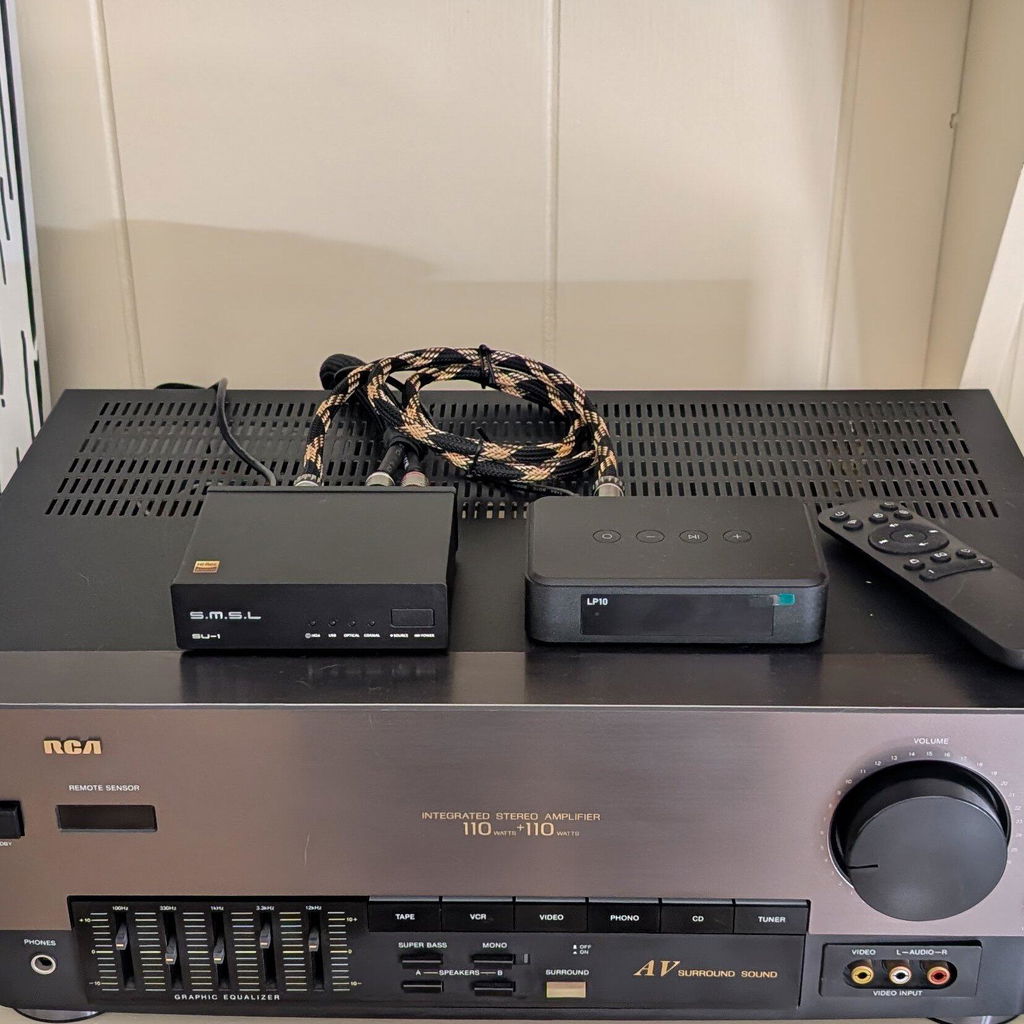
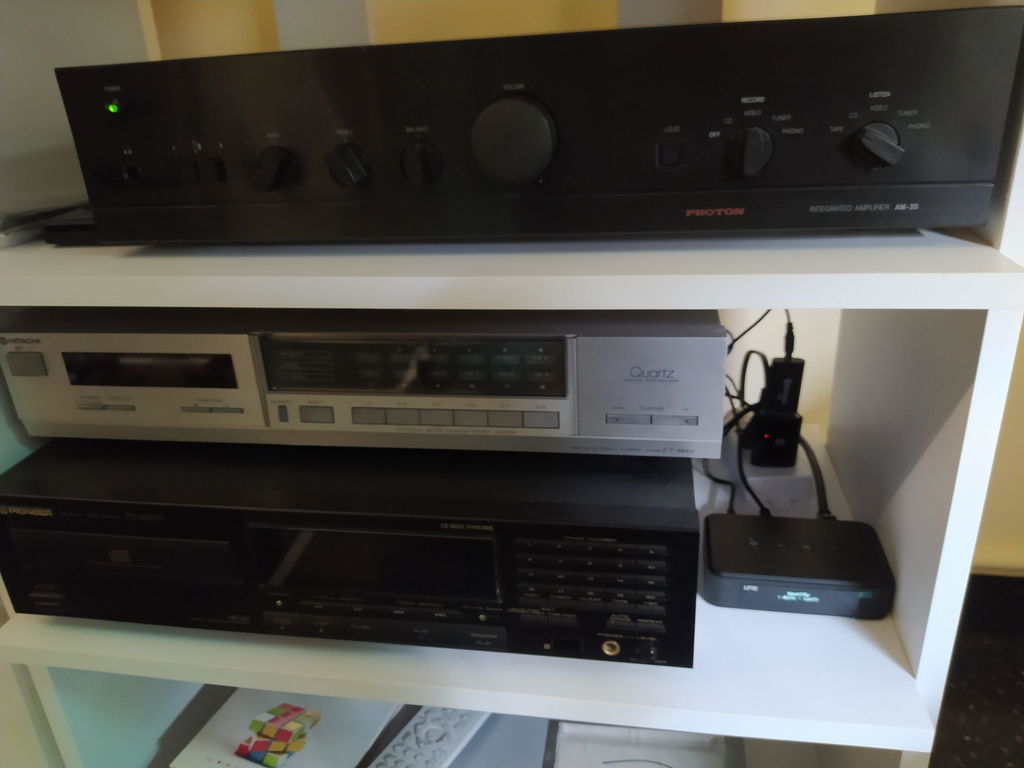
Most people have existing high-quality stereo systems, but these systems do not have streaming capabilities. HDMI ARC can also bring modern TV connectivity to your existing Hi-Fi setup.
With an HDMI ARC-enabled streaming amplifier or preamplifier, you can enjoy movies, shows, and games through the speakers you already love — without replacing your entire audio system.
Clean and Simple Setup
You don't need to take lots of different cables and learn different technology. With HDMI ARC replaces the separate optical or analog audio cable with a single HDMI connection between your TV and audio system.
Control Everything with One Remote
One of the biggest advantages of HDMI ARC is the convenience.
Users seeking a better experience will buy more devices. However, these devices often have different operating systems and require different remote controls to control them. HDMI ARC solves this problem well. While HDMI ARC handles audio transmission, it often works together with HDMI-CEC, a feature that allows compatible devices to control each other over an HDMI connection. After enabling HDMI-CEC, compatible devices can automatically turn on, switch inputs, and control volume. Turning on the TV can also automatically wake up the amplifier and switch it to the correct input, making the entire system feel like one connected setup.
Better Audio Synchronization
Many users encounter an annoying situation. When you are watching your favorite show, the sound does not match the visual image. Legacy connections often suffer from processing delays. HDMI connections support features that can solve those problems.
TV Audio Connection Comparison: HDMI (e)ARC vs. Optical vs. RCA
|
Connection
|
HDMI ARC
|
Optical
|
RCA / 3.5mm AUX
|
|---|---|---|---|
|
Audio Signal
|
Digital audio
|
Digital audio
|
Analog audio
|
|
TV Remote Volume Control
|
Yes
|
No
|
No
|
|
Automatic Power & Input Switching
|
Yes
|
No
|
No
|
|
Dolby Atmos support
|
Partial (device dependent)
|
Limited
|
No
|
HDMI ARC Setup Tips
Use the Right HDMI Port
Many people may confuse HDMI ports and HDMI ARC ports. HDMI ARC only works through the HDMI port labeled ARC or eARC on your TV. Make sure your device supports HDMI ARC functions.
HDMI ARC vs. HDMI eARC
The full name of HDMI eARC is Enhanced Audio Return Channel. Actually HDMI eARC is the upgrade of HDMI ARC.
HDMI ARC supports common surround formats, while eARC provides higher bandwidth for lossless formats such as Dolby TrueHD and DTS-HD Master Audio.
|
|
HDMI ARC
|
HDMI eARC
|
|---|---|---|
|
Best for
|
Daily Streaming
|
Home theater enthusiasts
|
|
Audio quality
|
Supports compressed formats
|
Supports lossless formats
|
|
Bandwidth
|
Lower
|
Higher
|
|
Audio formats
|
Common formats
|
Advanced formats such as Dolby TrueHD and DTS-HD Master Audio
|
Enable HDMI CEC
HDMI CEC and HDMI ARC are two different functions. HDMI CEC is responsible for allowing the TV remote control compatible devices connected via HDMI. while HDMI ARC handles audio connections.
When both functions are enabled simultaneously, users can control different devices with a single remote control.
If you find HDMI ARC is not working properly, you can first check whether HDMI CEC is enabled on your TV.
|
|
HDMI CEC
|
HDMI ARC
|
|---|---|---|
|
Role
|
Device control
|
Audio transmission
|
|
Main functions
|
One remote control
Power synchronization
Input switching
|
Send TV sound to amplifier, receiver, or soundbar
|
Check Your TV Audio Output Settings
Most people may neglect the small setting. You need to switch your audio output to "HDMI ARC", and then select suitable speakers or receiver.
Choose the Right HDMI Cable
Some users may confuse different cables. Most standard HDMI cables can support ARC, but for eARC or higher bandwidth audio formats, a high-speed HDMI cable may be required.
Restart Devices When Connection Issues Occur
When connection issues happen, you can try to turn off both devices and reconnect HDMI cable. Later, you can check whether the firmware is updated.
Once you gain some basic knowledge, HDMI ARC becomes one of the easiest ways to improve your TV audio. The next step is to choose a device that can perfectly match your existing device.

Choosing the Suitable HDMI ARC Device
There are many devices on the market with HDMI ARC capability. Everyone's preferences are different, and it's hard to choose the best device. Therefore, when selecting a device, users can consider existing devices and usage habits to select the appropriate device.
Simple TV Audio Upgrade - Soundbar
If you don't want too many devices, but want to add a machine to enrich the sound of the TV. Adding a Soundbar is enough to meet the needs of users. Because it is simple to operate, and does not take up space, you do not need to spend a lot of thought to learn and adjust.
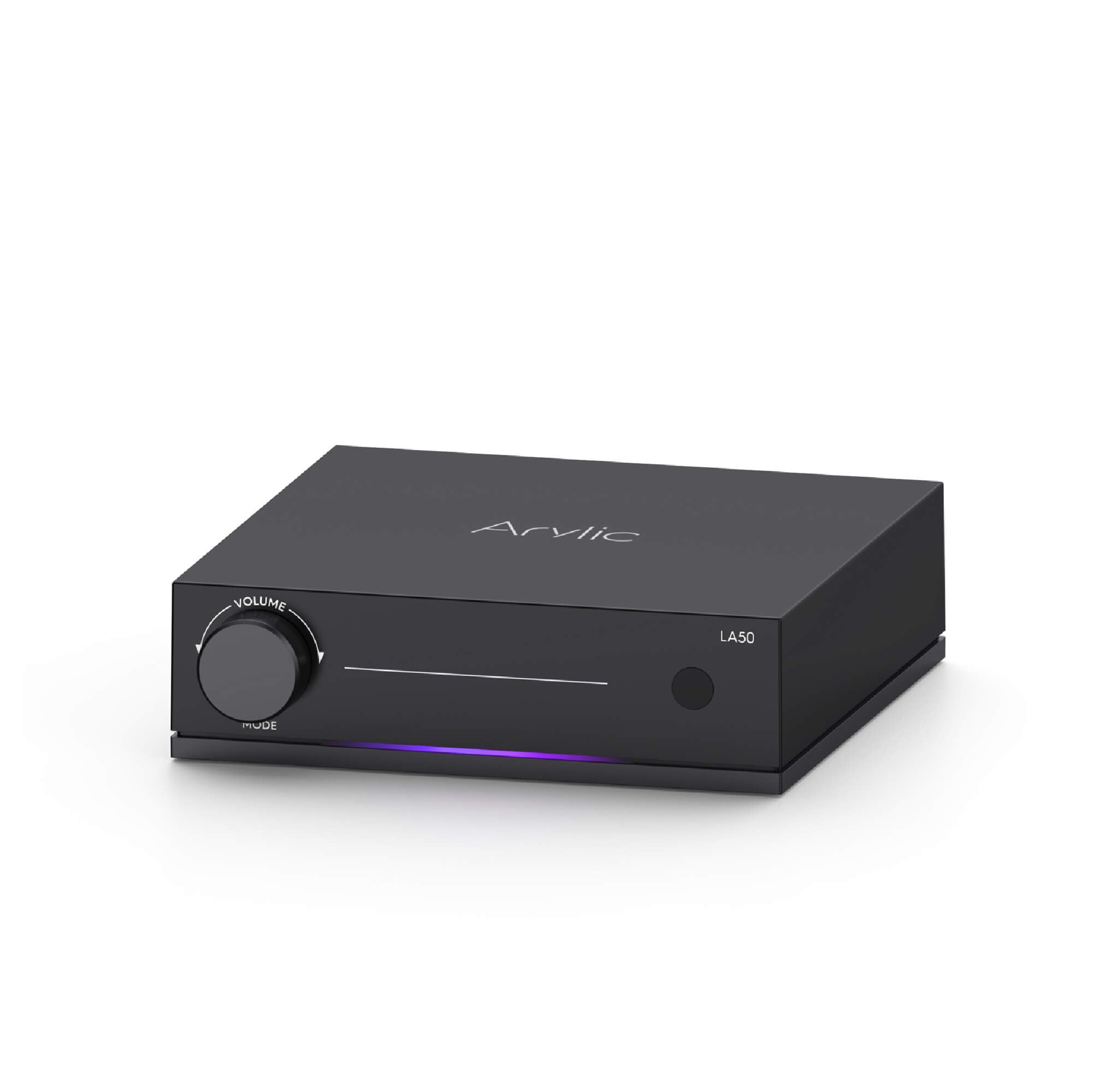
Connecting Passive Speakers - Arylic LA50 Streaming Amplifier
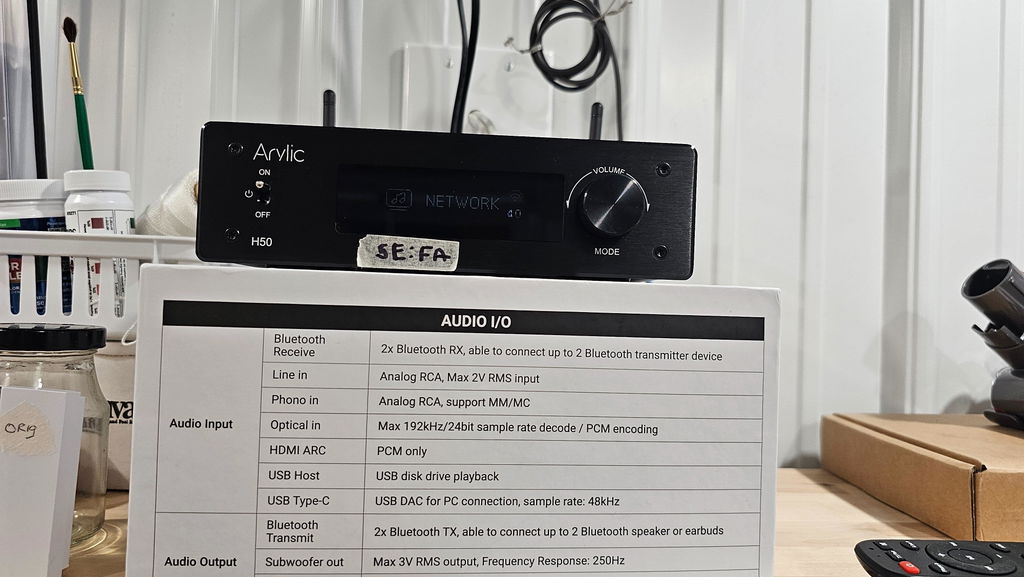
If you already have a pair of passive speakers, there's no need to replace them just to enjoy better TV sound. A TV, an amplifier, passive speakers, and a subwoofer form a classic 2.1 home theater setup. Simply add the Arylic LA50 streaming amplifier to connect your TV and build a compact 2.1 home theater system with your existing speakers.
With HDMI ARC, LA50 connects seamlessly to your TV, while the dedicated subwoofer output lets you add a powered subwoofer for deeper bass and a more immersive home theater experience.
If you are a gamer, a 2.1 speaker setup can highly upgrade your immersive gaming experience, delivering clearer audio cues.
Explore more: https://www.arylic.com/products/la50-streaming-amplifier
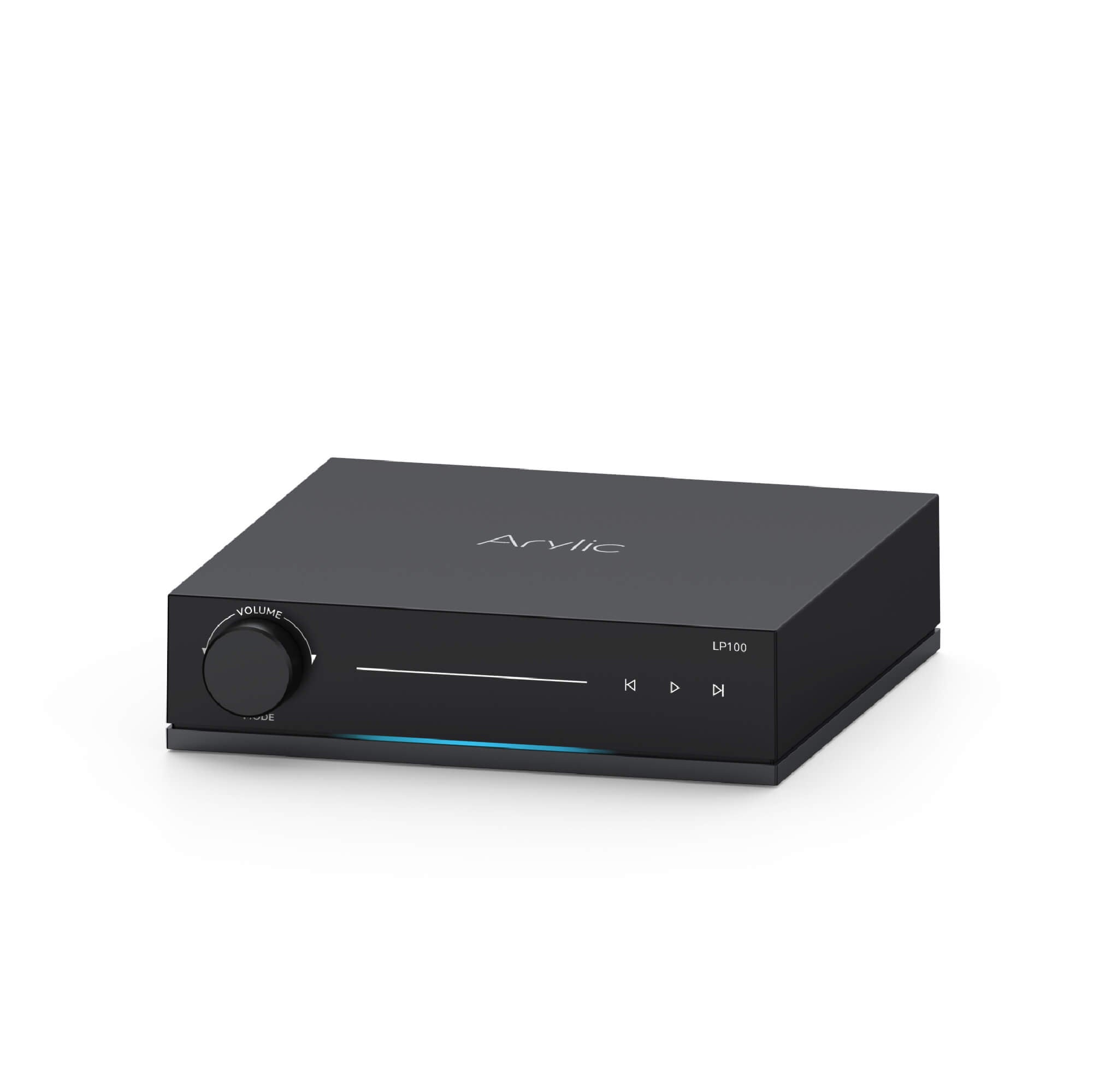
Hi-Fi Lover - Arylic LP100 Music Streamer
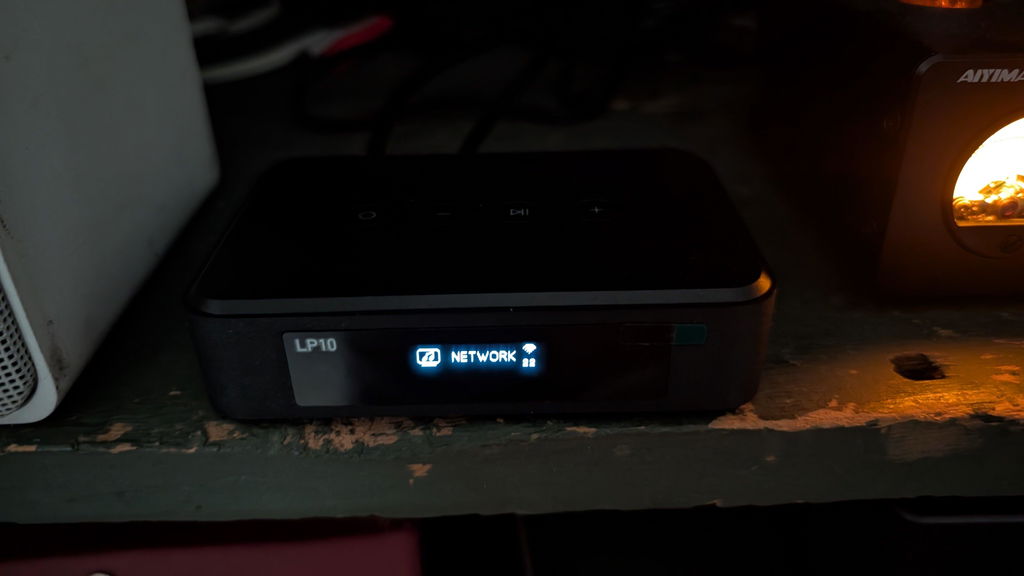
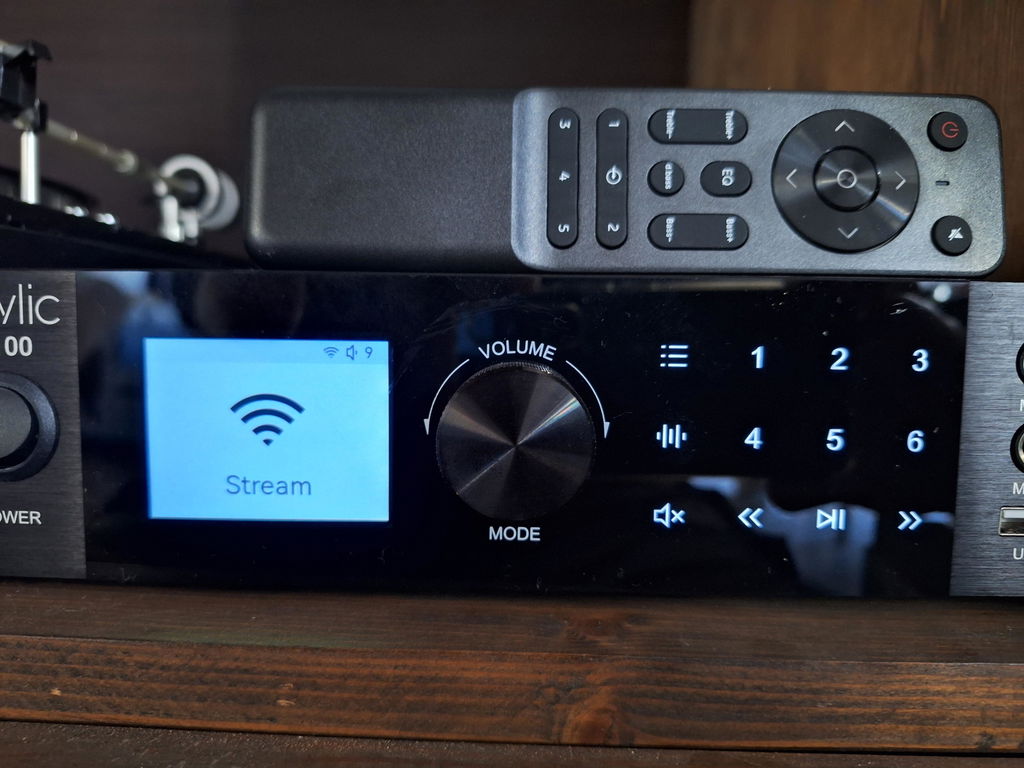
For users who have active speakers and want a more advanced Hi-Fi system with HDMI eARC connectivity and high-resolution audio support, LP100 provides a more flexible solution.
LP100 supports HDMI eARC, helping reduce audio delay and supporting high-quality audio transmission. Through LP100, you can switch between more input sources and unlock more functions.
Explore more: https://www.arylic.com/products/lp100-music-streamer
|
|
LA50 Amplifier
|
LP100 Streamer
|
|---|---|---|
|
Best for
|
Upgrade TV audio with existing passive speakers
|
Upgrade TV audio with existing audio system
|
|
HDMI Support
|
HDMI ARC
|
HDMI eARC
|
|
Wireless capability
|
WiFi (2.4G/5G), AirPlay 2, Google Cast, Spotify Connect, Tidal Connect, Qobuz Connect, QQ Play, Bluetooth, UPnP, DLNA
|
WiFi (2.4G/5G), AirPlay 2, Google Cast, Spotify Connect, Tidal Connect, Qobuz Connect, QQ Play, Bluetooth, UPnP, DLNA
Roon Ready
|
|
Multi-Room
|
AirPlay 2, Google Cast
|
AirPlay 2, Google Cast, Roon Ready
|
|
Audio Input
|
Line in, Optical in, TV in (ARC), USB host, USB DAC (Type-C)
|
Line in, Optical in, USB, USB DAC (USB-B), Phono in, Coaxial in, TV eARC
|
|
Audio Output
|
Subwoofer out, Speaker out
|
Line out, Optical out, Subwoofer out, 12V Trigger out
|
|
Audio Format (Up to)
|
48kHz/16-bit (USB DAC)
|
192kHz/24-bit (Hi-Res Audio)
|
Conclusion
The development of technology has greatly changed our lives. We have more options to choose our favorite way to play our music, TV series, movies and so on. HDMI ARC can make everyday entertainment more convenient and enjoyable. We should make the best use of everything, and explore a richer and more immersive entertainment experience.
With only one cable, you can enjoy better sound quality and easier control.








Leave a comment
All comments are moderated before being published.
This site is protected by hCaptcha and the hCaptcha Privacy Policy and Terms of Service apply.