


The 2026 World Cup kicked off on June 11. The FIFA World Cup isn’t just a football tournament; it is a global moment where every home becomes a mini stadium.
But not everyone can go to the stadium to experience those magnificent matches by themselves. They stay at home to support their favorite teams. Some people may feel disappointed that watching at home is a completely different experience from being in the stadium.
Enjoying that atmosphere without being at the stadium might seem like a luxury, but it’s easier than ever to achieve a multi-room audio setup at home. In this article, we’re going to explore how multi-room audio can change your World Cup party experience at home.
The Gap: Watching vs Experiencing Live Sports
There are two completely different experiences when watching the game at home and watching it in the stadium.
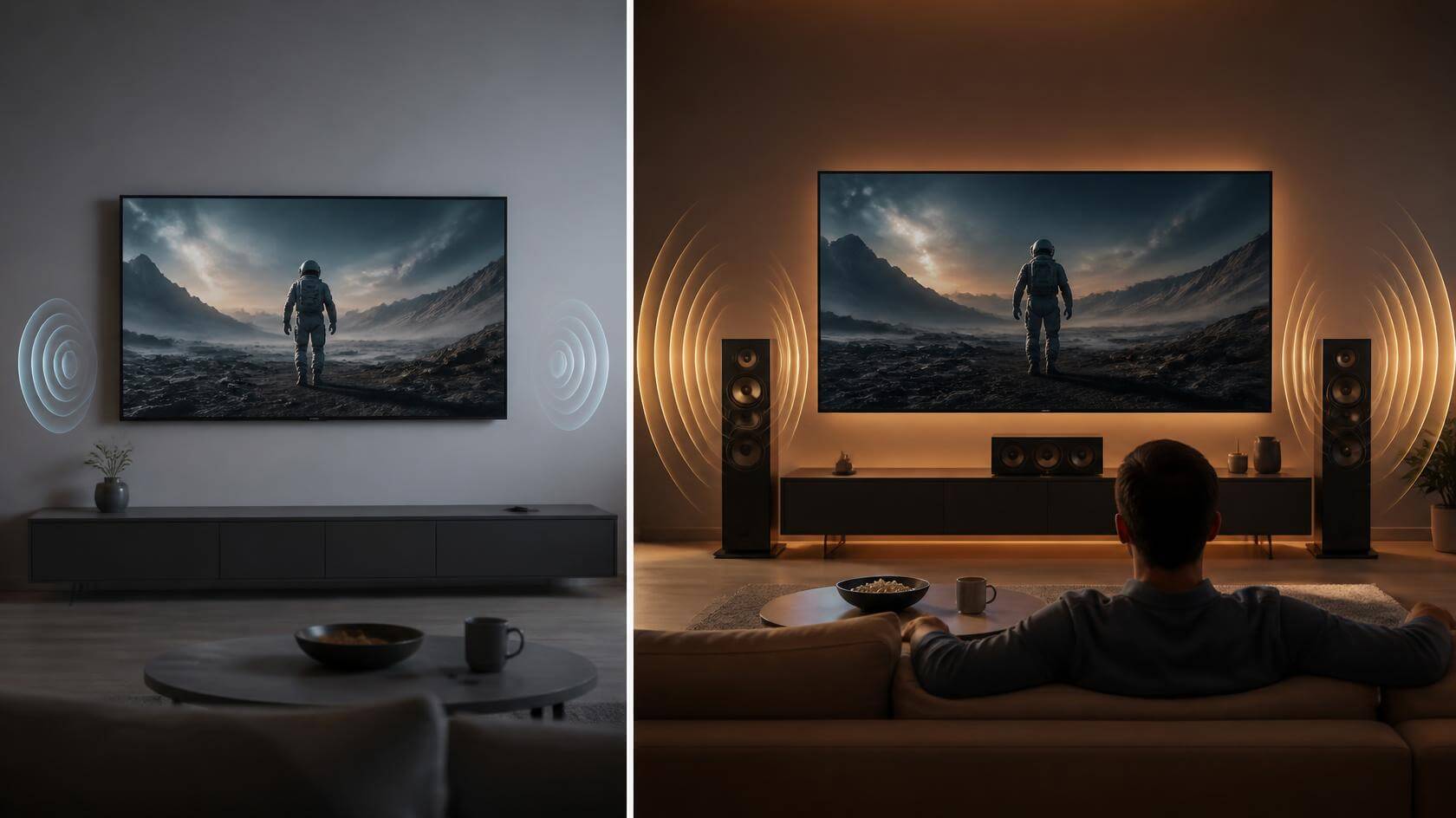
In the stadium, you can hear the cheers of the crowd and the conversations around you. You could even hear the silence that seemed to last a century before the penalty kick. Every decision made by the referee will put you into the game. In contrast, at home, sound usually comes from one direction, so it's hard to feel the surround sound effect of the game.
Therefore, we can conclude that watching the game is linear, while experiencing the game is spatial and emotional.
How Multi-Room Audio Solves These Problems
During a World Cup party, multi-room audio allows the atmosphere of the game to extend beyond the living room. Mostly, watching games at home, people will not sit still all the time. There may be various activities. For example, preparing snacks while waiting for the game, or going to the room to play games, or even playing board games with friends. A multi-room audio system keeps the atmosphere consistent throughout the home. For example, when everyone is relaxing, you can play songs related to the World Cup or broadcast real-time reports, so that people in different rooms can enjoy the same streaming media source at the same time.

How to Create a Multi-Room Audio Experience for the World Cup at Home
Start with Main Viewing Area
Begin with the room where everyone will watch the match—usually the living room. This is where the biggest moments happen, so it's worth making it the center of your audio setup.
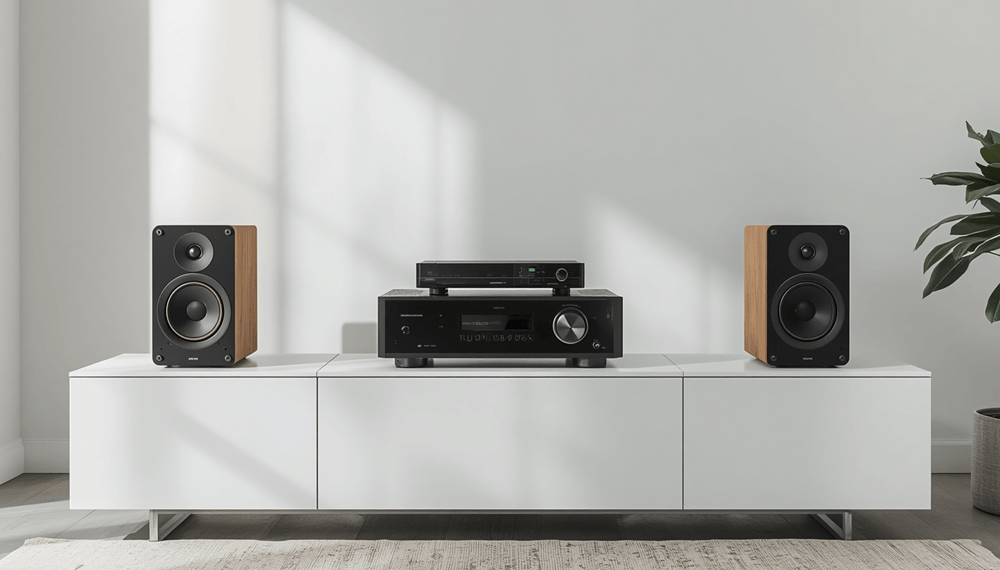
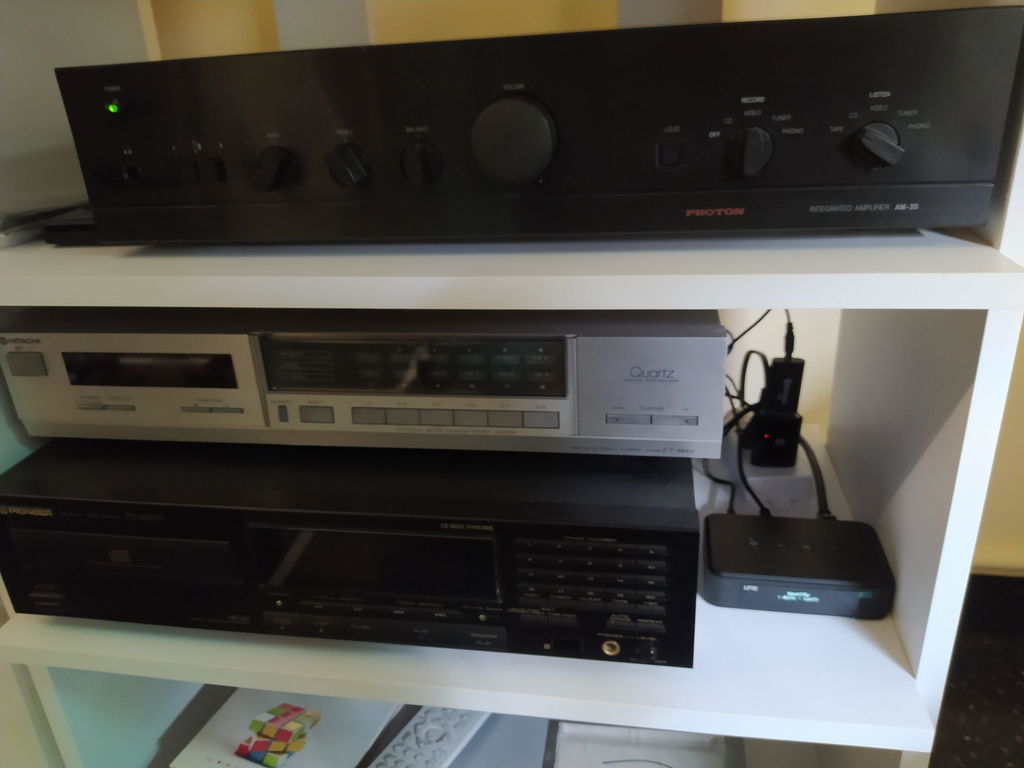
If you already own a pair of speakers or an amplifier, you don't need to replace them. Adding a music streamer or streaming amplifier is an easy way to bring wireless streaming and multi-room playback to your existing system, letting you play music across different rooms without running extra cables.
Pick the Streaming Method That Fits Your Devices
A World Cup party isn't just about games. Before kickoff, you might want the whole house playing cheerful playlists. Playing the right background music during halftime will keep people in a more active state. After the game, the right music will keep everyone positive at the party.
Most modern streamers support popular protocols such as AirPlay and Google Cast, making it easy for family and friends to stream music directly from their own devices. Whether you're playing a playlist, streaming match commentary, or handing music control to someone else, switching between sources only takes a few taps.
Bring the Atmosphere to Every Room and Every Corner
Instead of keeping the excitement in one place, you can have the same audio playing in the kitchen, dining room, or even out on the patio, so no one misses the action while grabbing snacks or drinks.
Managing a multi-room system is simple with a dedicated control app. For example, Arylic streamers and streaming amplifiers work with the Go Control App, where you can group speakers together for synchronized playback or separate them into different zones. That means every room can play the same match audio—or something completely different—depending on what your guests want to hear.
How to Choose Your Multi-Room Audio: Streamers vs. Amplifiers?
To build a multi-room system, should you replace your whole audio setup? The answer is no. You don't need to throw away anything. The solution depends on whether you have an existing audio system.
Option 1: Already Have Active Speakers? Add Music Streamers
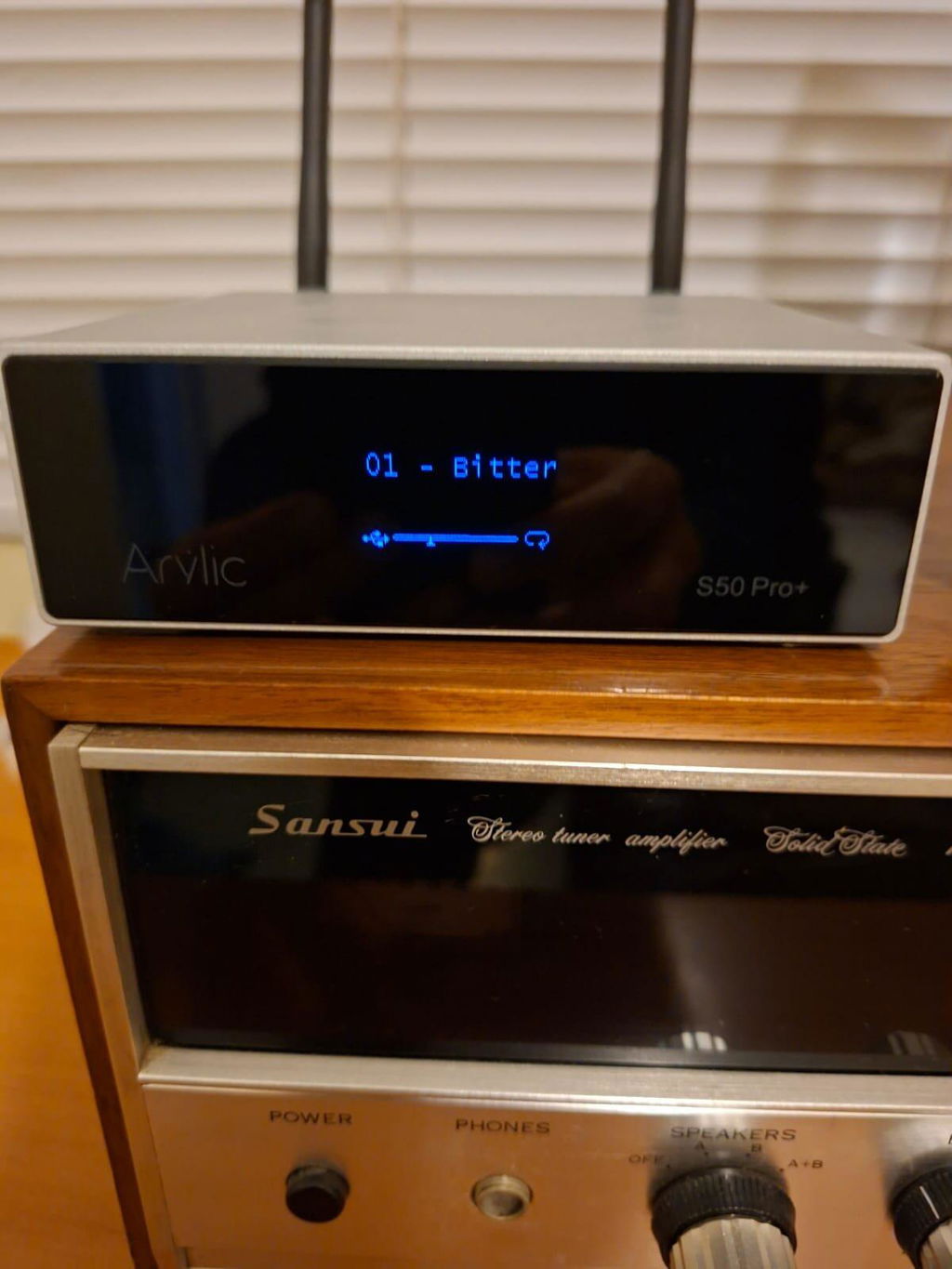
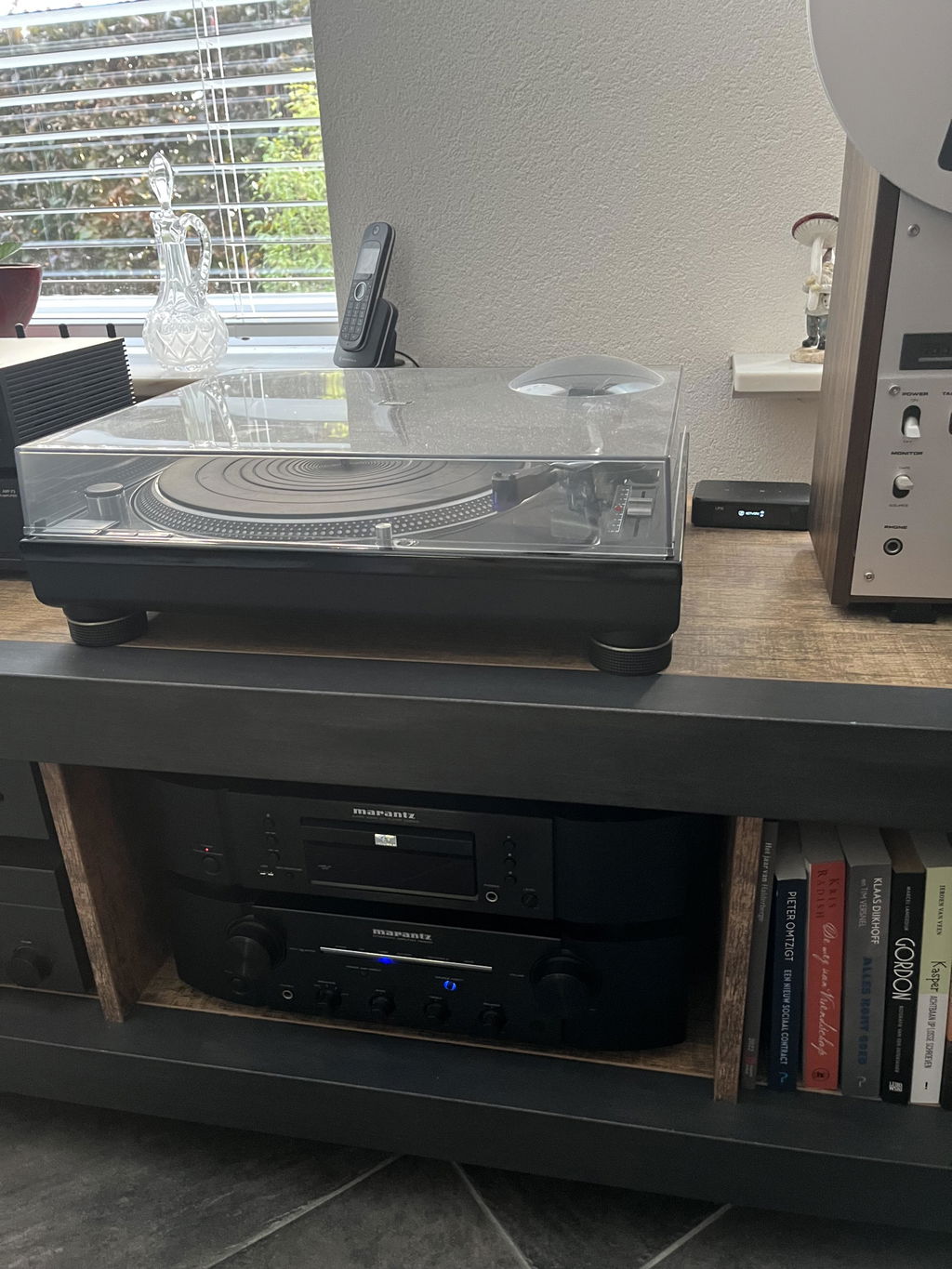
For people who already have active speakers or a complete Hi-Fi system, adding a music streamer is an easy way to achieve multi-room audio.
Music streamers can bring smart streaming features to your traditional audio system. When combined with other compatible streamers or amplifiers, they can also become part of a multi-room audio setup.
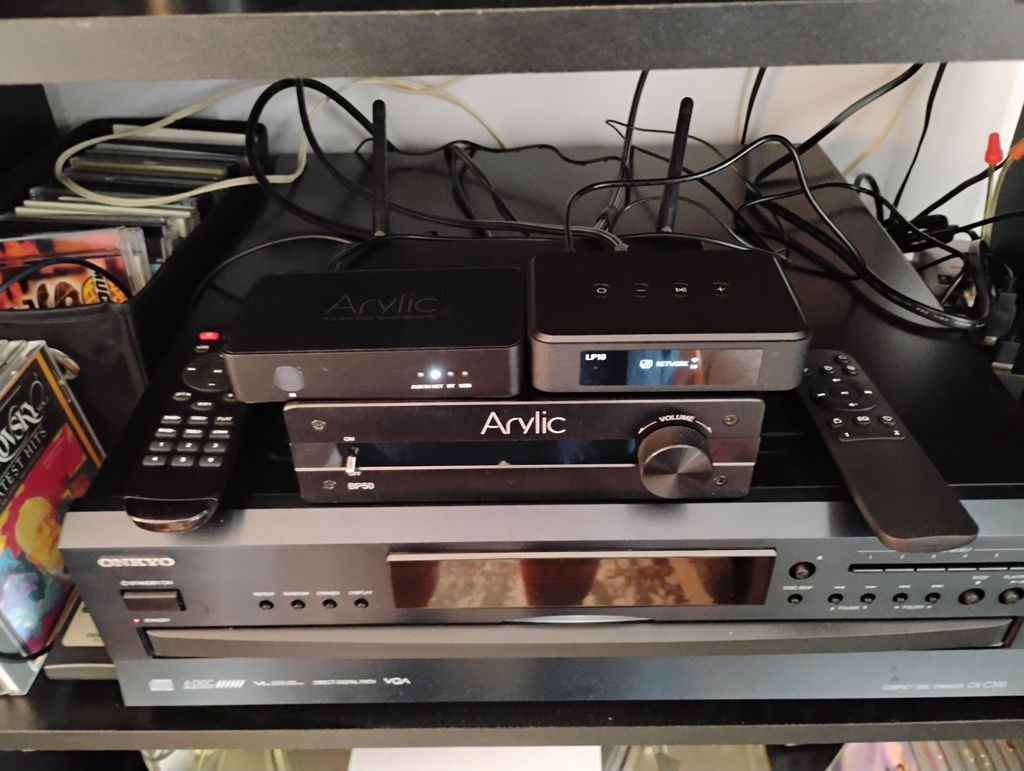
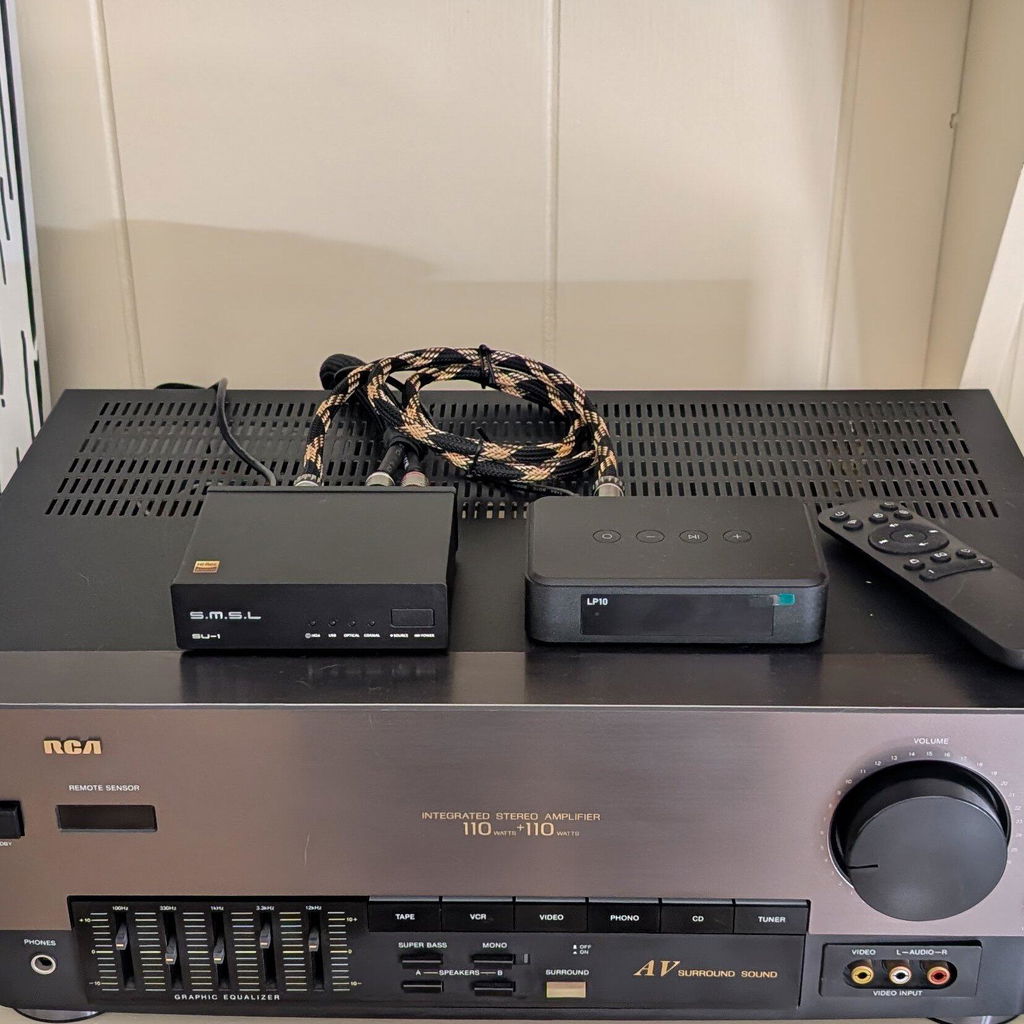
The Arylic LP series offers different options for users with various needs. Simply connect traditional Hi-Fi devices to an Arylic streamer. After adding streaming capabilities, users can use multi-room functions to connect various devices together. There is no need to spend a lot of time and money; you just need to add streamers to achieve whole-home smart audio.
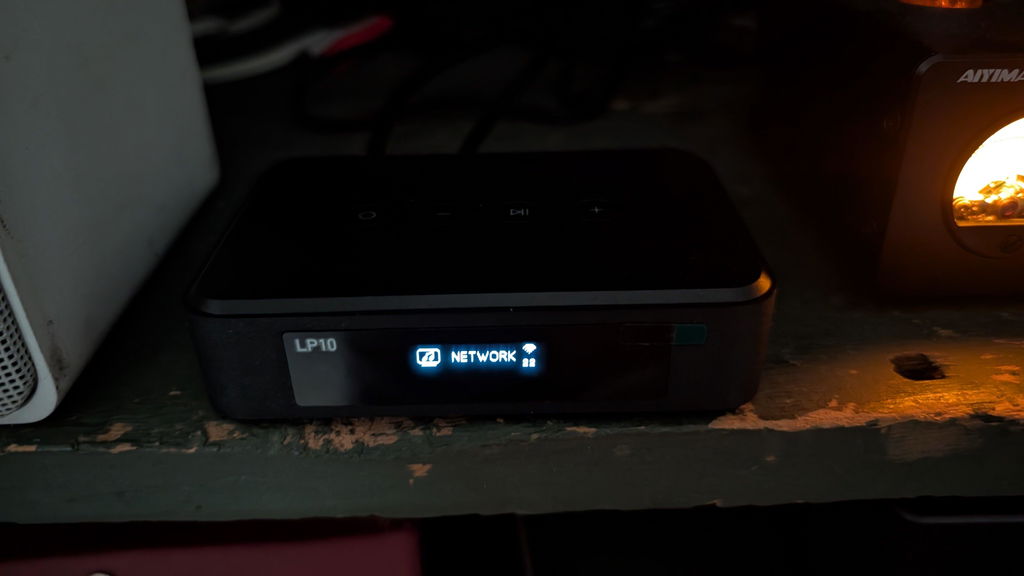
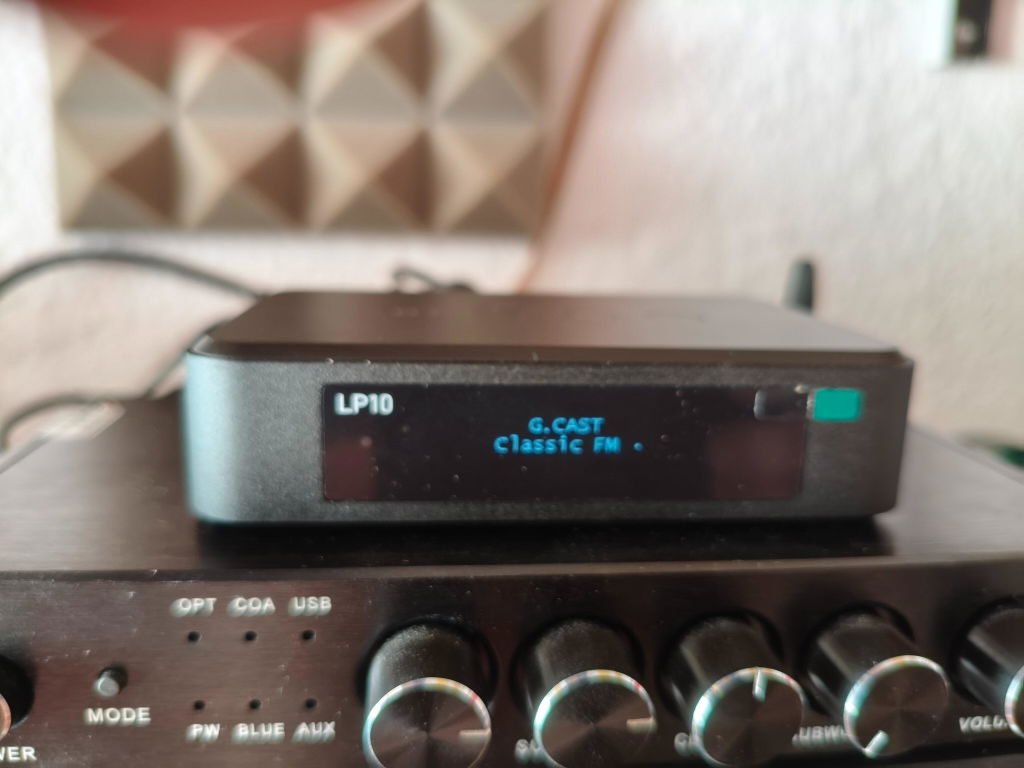
Simple and Basic Upgrade: Arylic LP10 Music Streamer
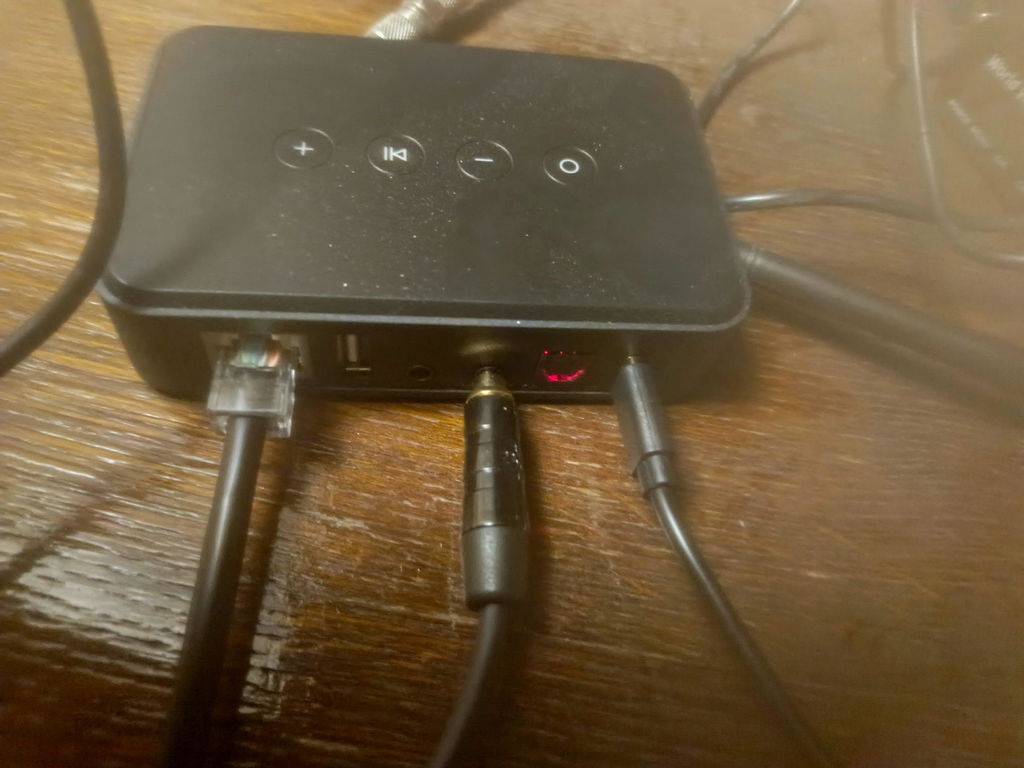
The LP10 supports Wi-Fi streaming, USB playback, optical input and Ethernet connectivity. For beginners who don't have too many devices to connect to, LP10 helps users easily enjoy streaming and multi-room features. Place two LP10 streamers in separate areas, connect them to your existing audio devices, and your multi-room system is complete.
Explore LP10: https://www.arylic.com/products/lp10-music-streamer
Hi-Fi Streaming Upgrade: Arylic LP20 Music Streamer The LP20 brings cleaner and more natural sound to existing audio setups, helping Hi-Fi lovers keep the character of their system while improving overall sound performance.
Explore LP20: https://www.arylic.com/products/lp20-music-streamer
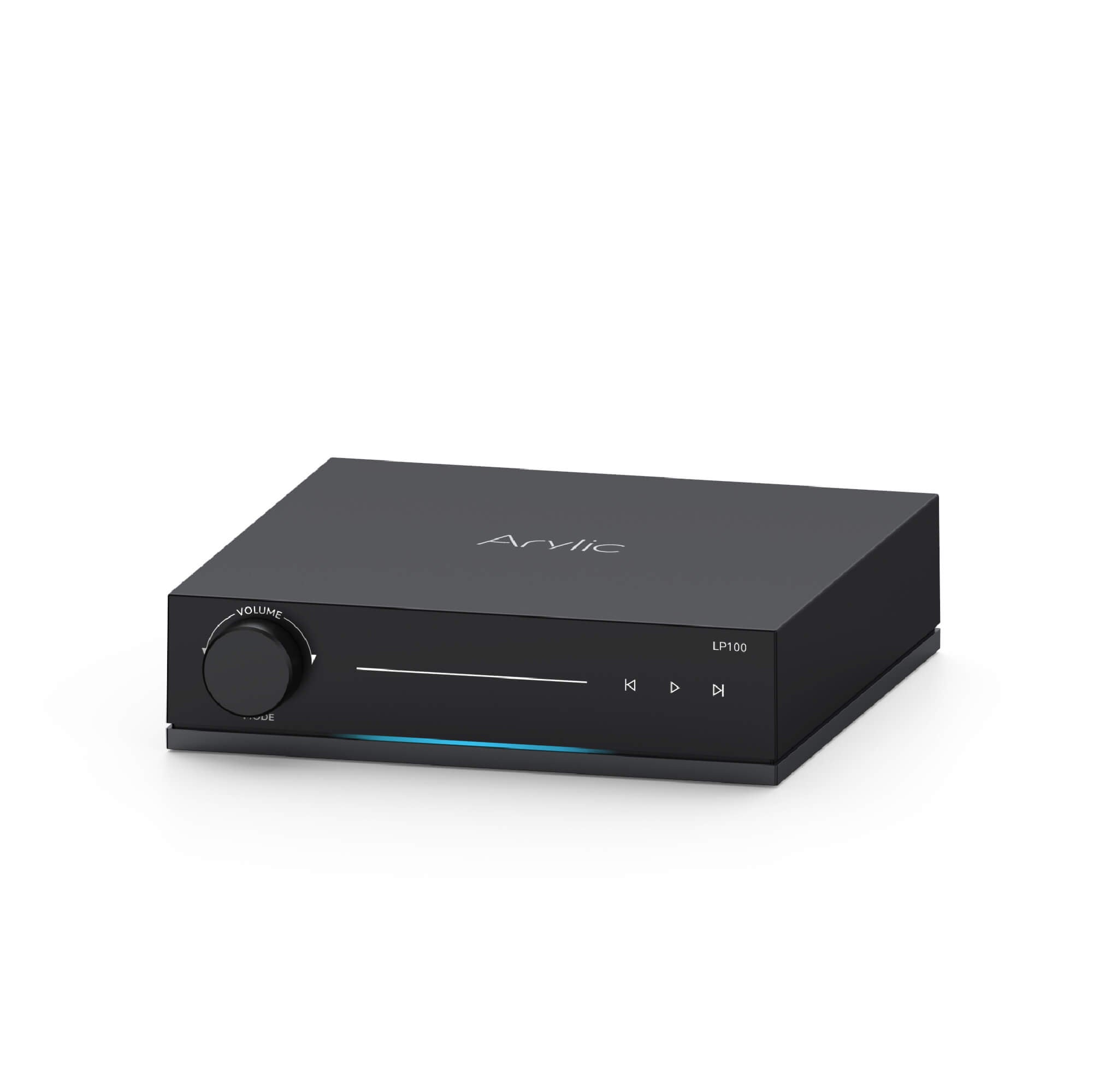
Flagship Hi-Fi Streaming Upgrade: Arylic LP100 Music Streamer The LP100 provides more connectivity and clear sound for users. With Roon Ready and multi-room playback, it fits well into a more complete home audio setup.
Explore LP100: https://www.arylic.com/products/lp100-music-streamer

Option 2: Already Have Passive Speakers? Add Streaming Amplifiers
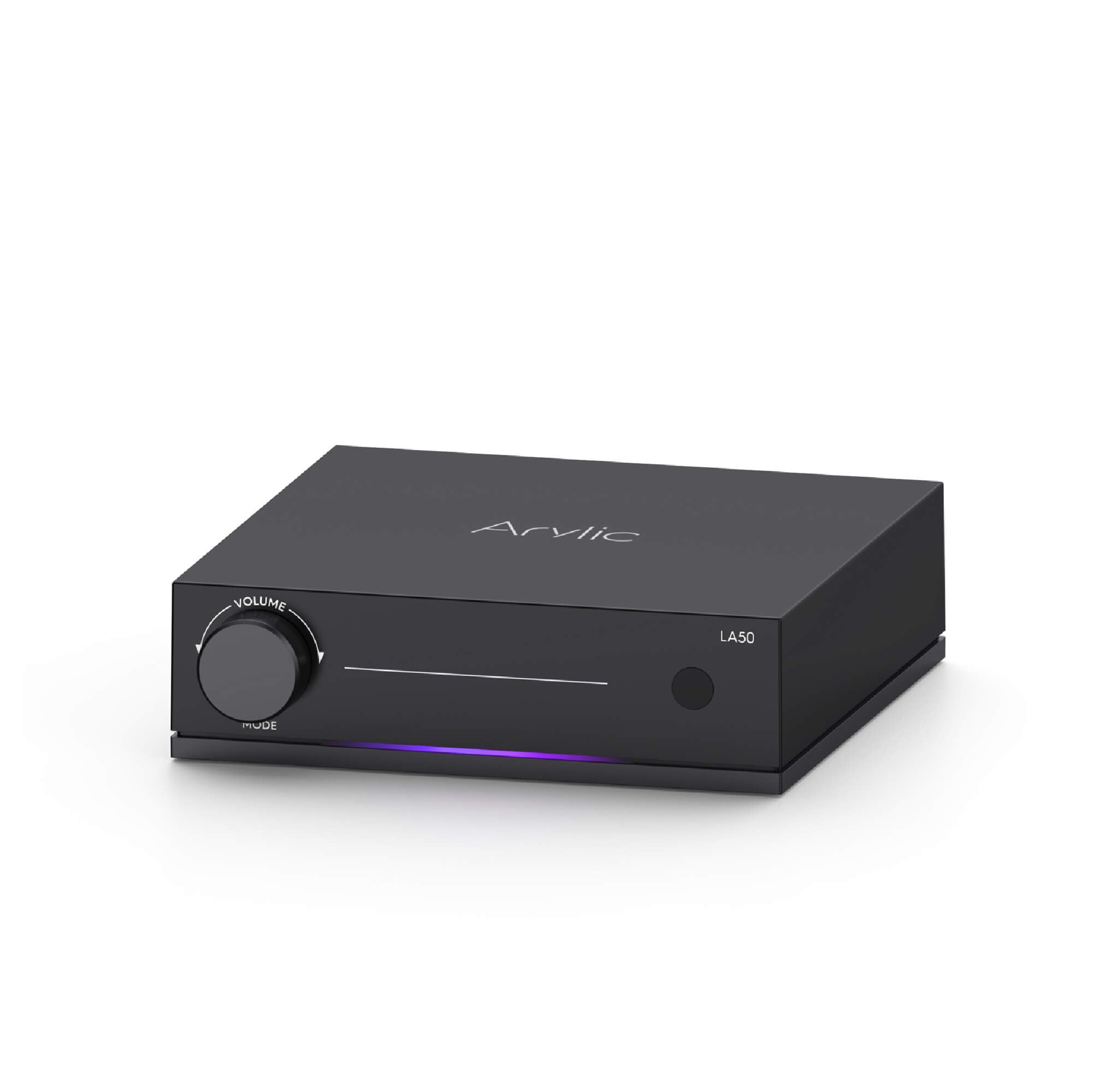
Build an All-in-One Audio System: Arylic LA50 Music Amplifier
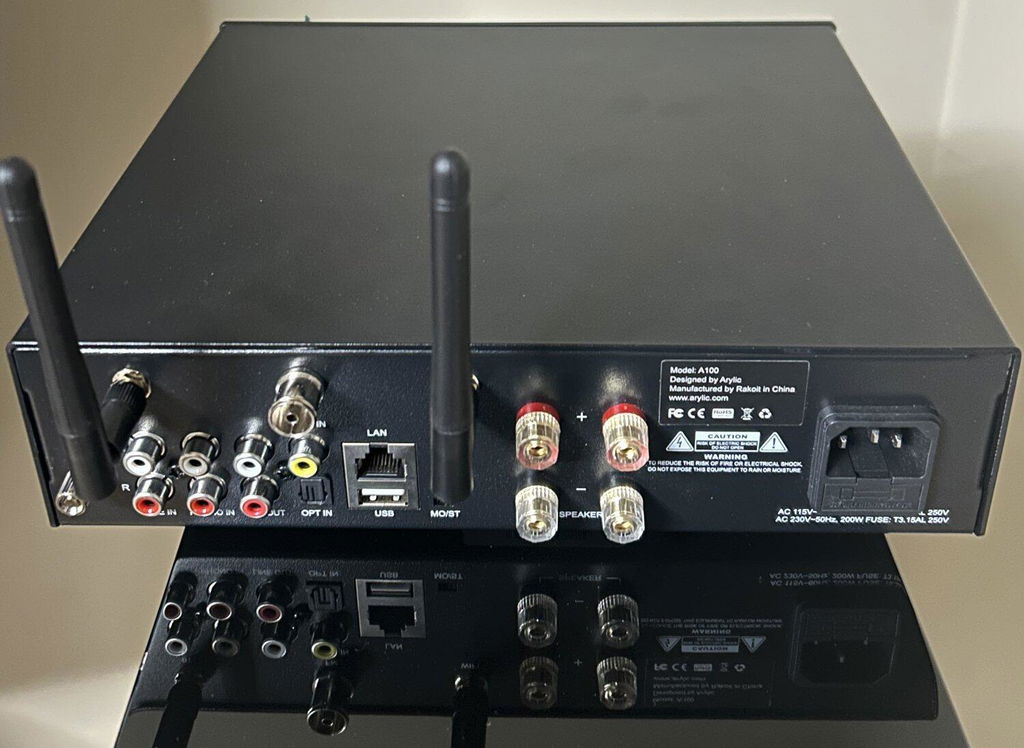
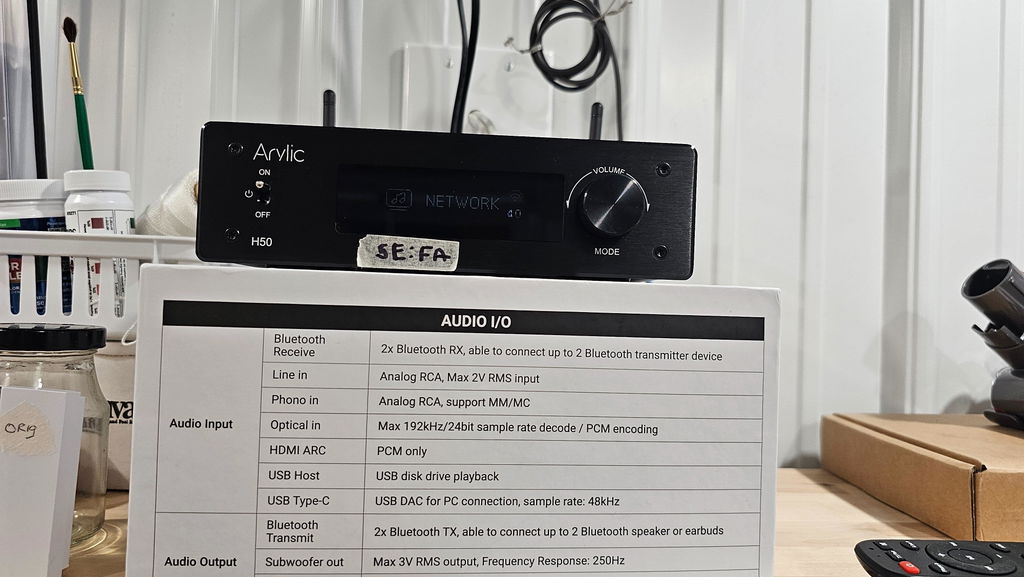
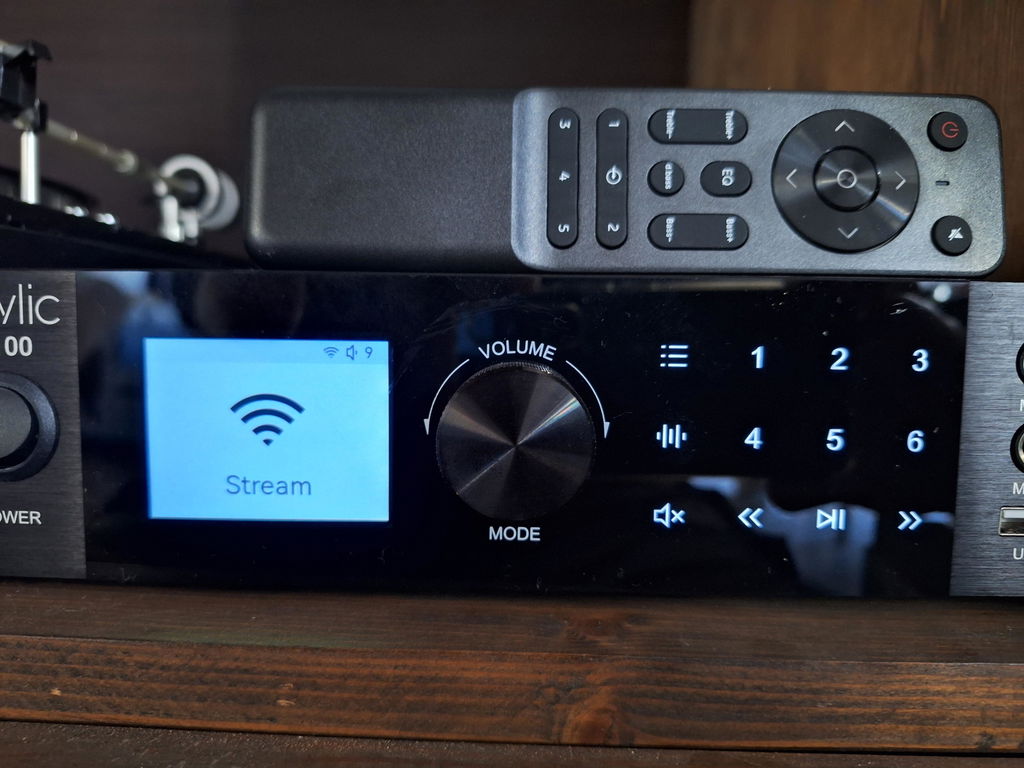
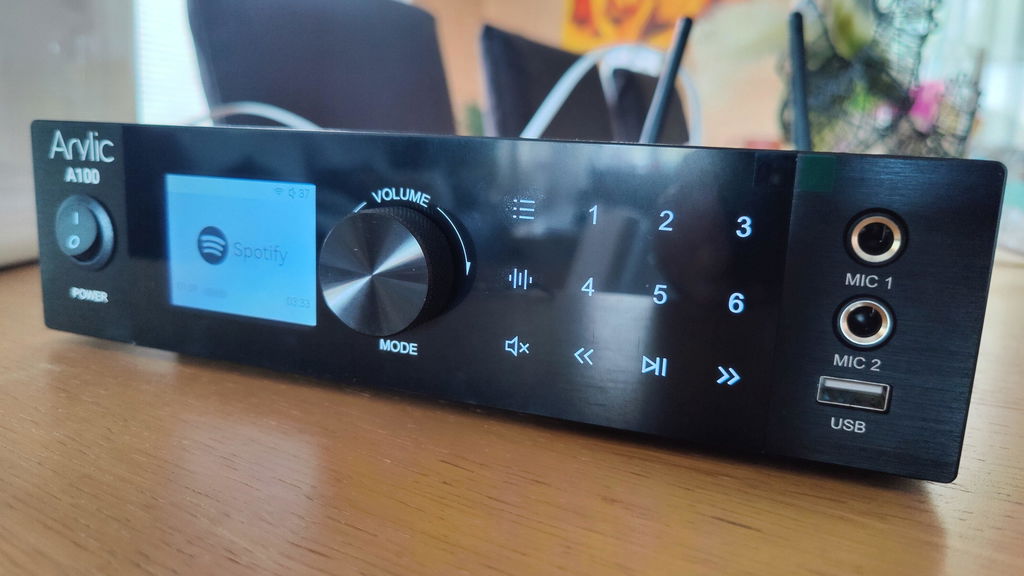
Many users may already have high-quality passive speakers. There is no need to replace your speakers and buy new smart speakers, adding a music streaming amplifier can get streaming services and enable multi-room audio on the basis of retaining the traditional speakers. The Arylic LA50 combines streaming and amplifier functions, bringing traditional passive speakers back to life.
Explore LA50: https://www.arylic.com/products/la50-streaming-amplifier
In another case, if a user has both passive speakers and active speakers, it is also a good choice to add a streaming media player and amplifier separately to create a multi-room system.
|
|
Music Streamer
|
Streaming Amplifier
|
|---|---|---|
|
Best for
|
Existing Hi-Fi systems / Existing active speakers
|
New audio setups / Existing passive speakers
|
|
Main function
|
Add wireless streaming features to existing audio systems
|
Add streaming and amplification in one device
|
|
Streaming Features
|
WiFi (2.4G/5G), AirPlay 2, Google Cast, Spotify Connect, Tidal Connect, Qobuz Connect, QQ Play, Bluetooth, UPnP, DLNA
Roon Ready (LP100 Only)
|
|
|
Multi-Room
|
AirPlay 2, Google Cast, Roon Ready (LP100 Only)
|
|
|
Speaker Compatibility
|
Active Speakers
|
Passive Speakers
|
|
Recommended for
|
Upgrade an existing audio system without replacing speakers
|
Build a complete streaming audio system
|
Conclusion: Bring the World Cup Atmosphere to Every Corner
People like the World Cup not only because they want their favorite team to win the championship, but also because the spirit and excitement of the World Cup inspire everyone.
The multi-room feature helps people recreate the sound atmosphere of the World Cup, allowing the sound to surround the listeners and bring an immersive experience.
Make better use of the multi-room feature to retain memorable moments and celebrate them together.


Leave a comment
All comments are moderated before being published.
This site is protected by hCaptcha and the hCaptcha Privacy Policy and Terms of Service apply.