

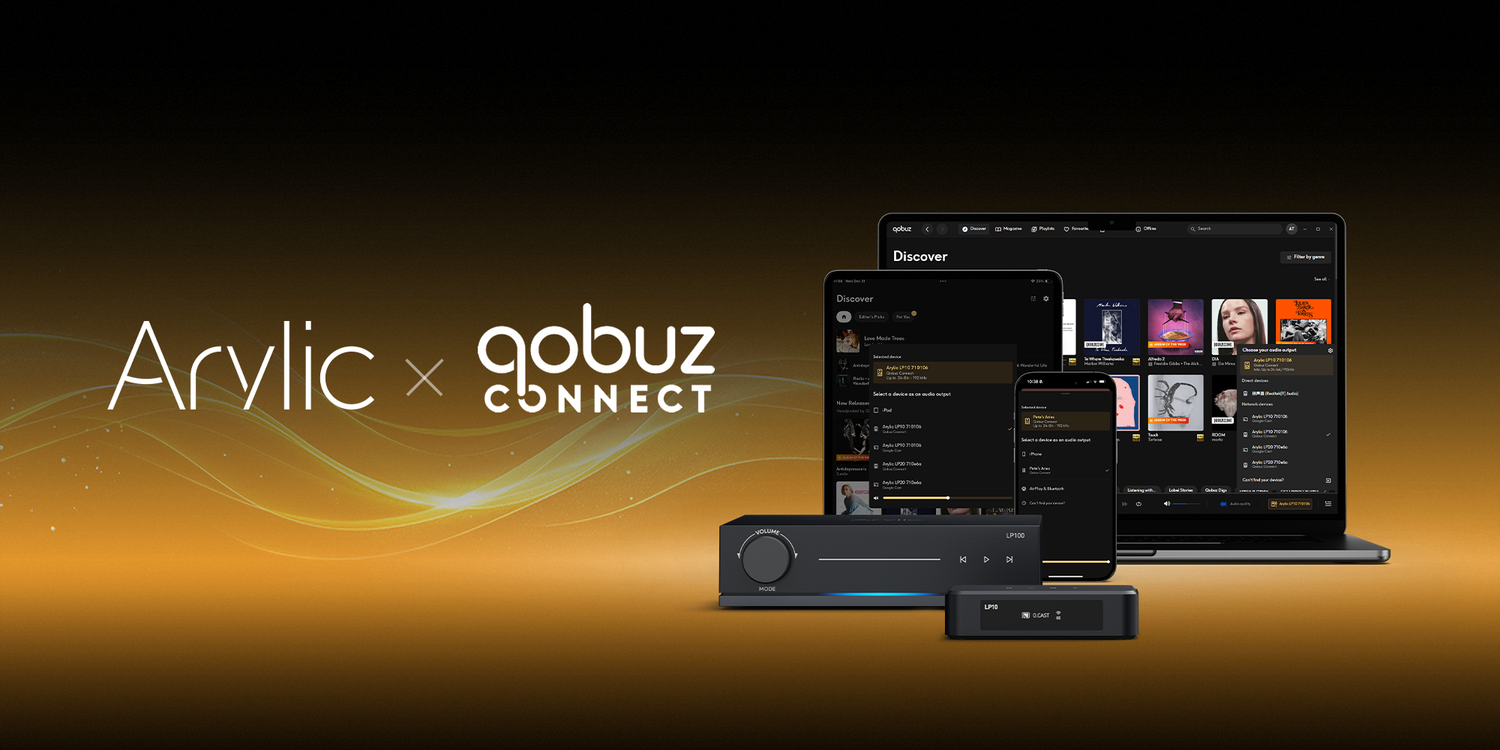
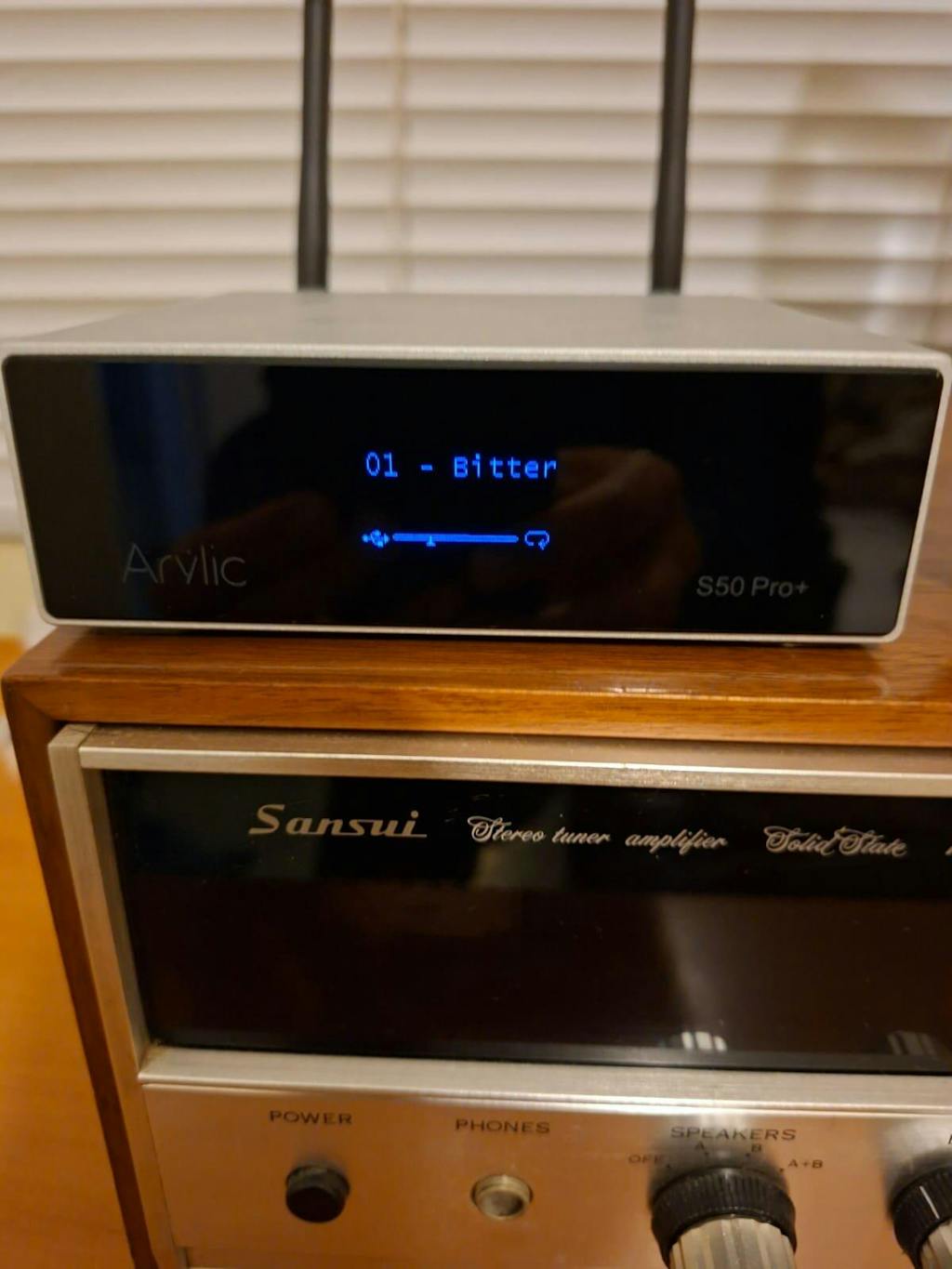
We’re excited to announce that Qobuz Connect is now available on Arylic devices.
With this update, you can play music from Qobuz directly to your Arylic devices — in full lossless and Hi-res quality, controlled right from the Qobuz app.
No extra steps. No workarounds.
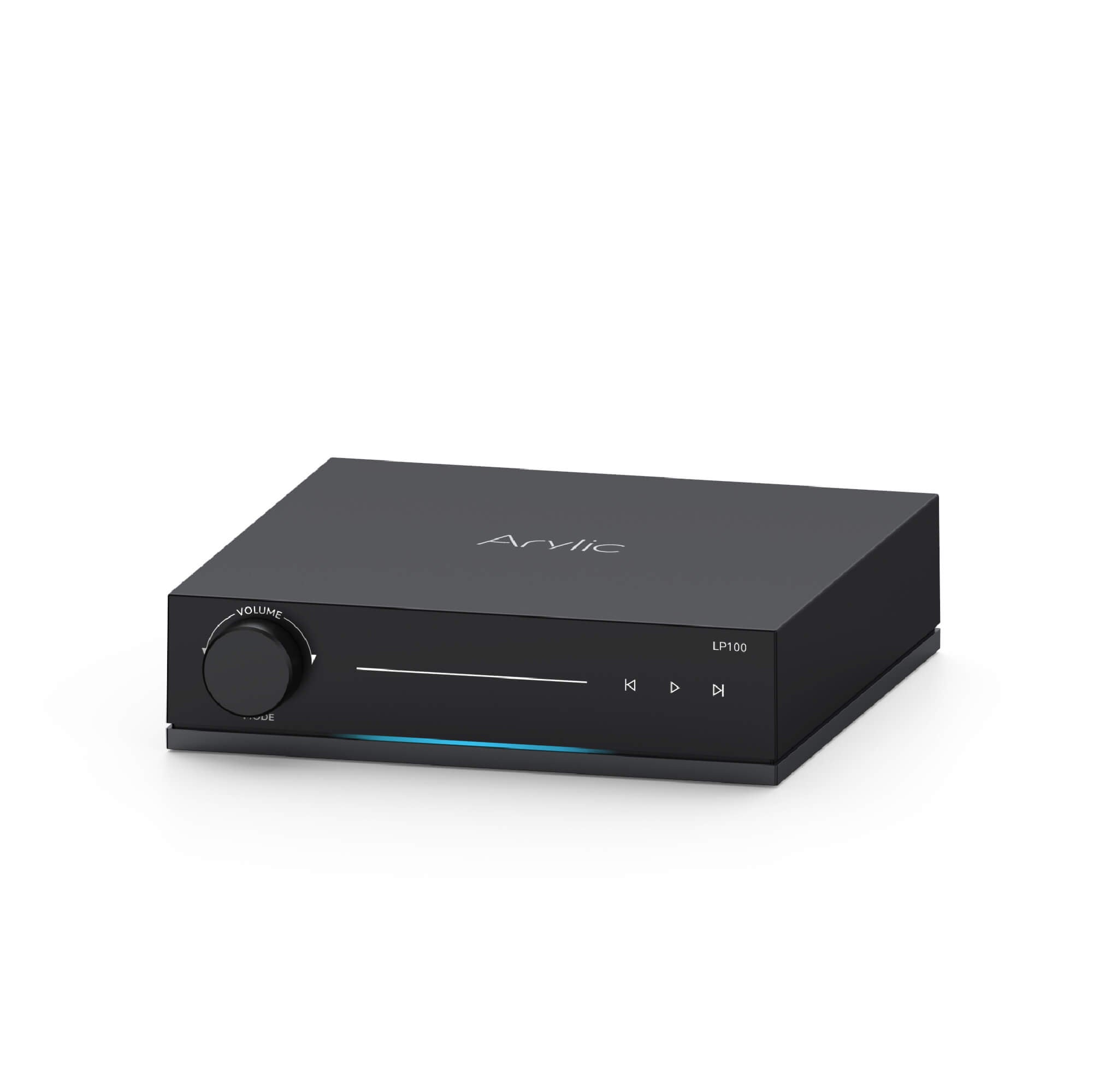
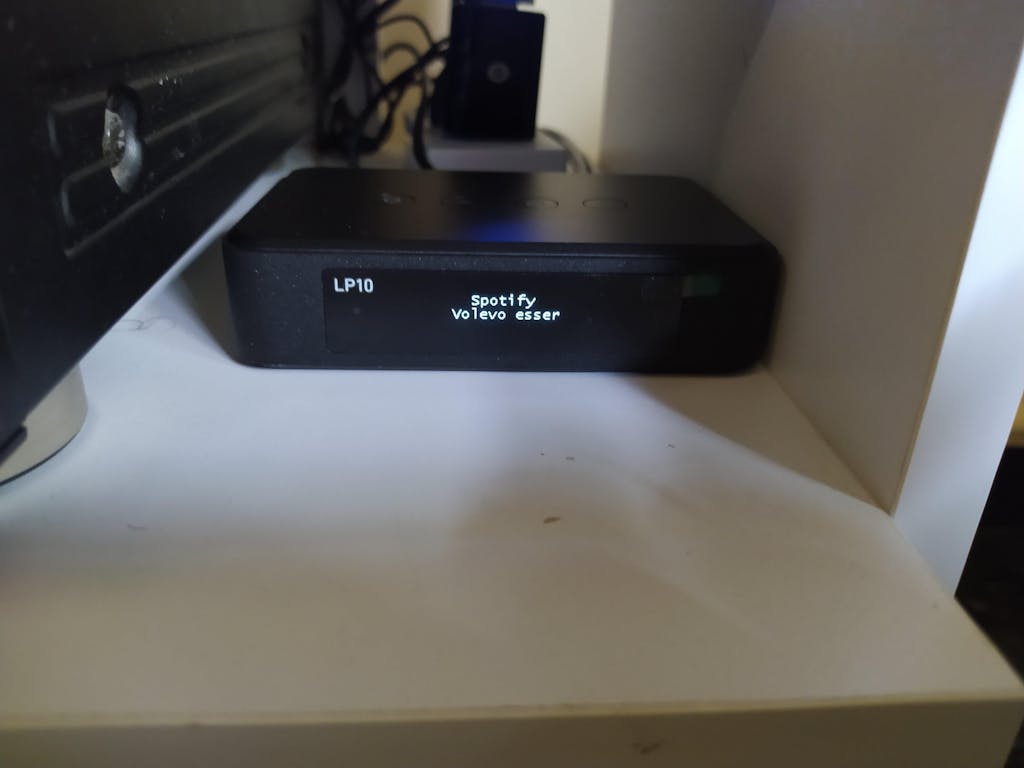
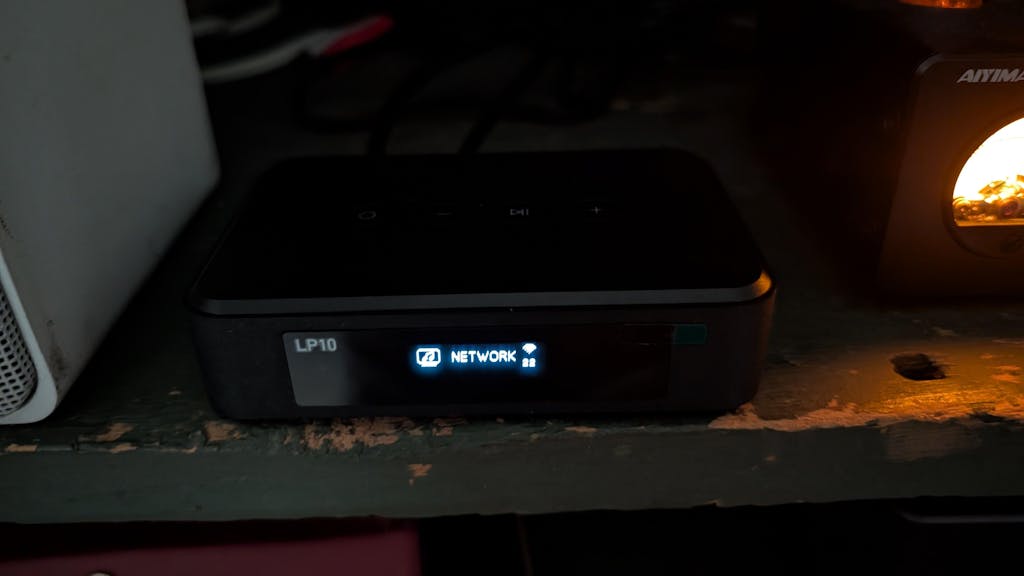
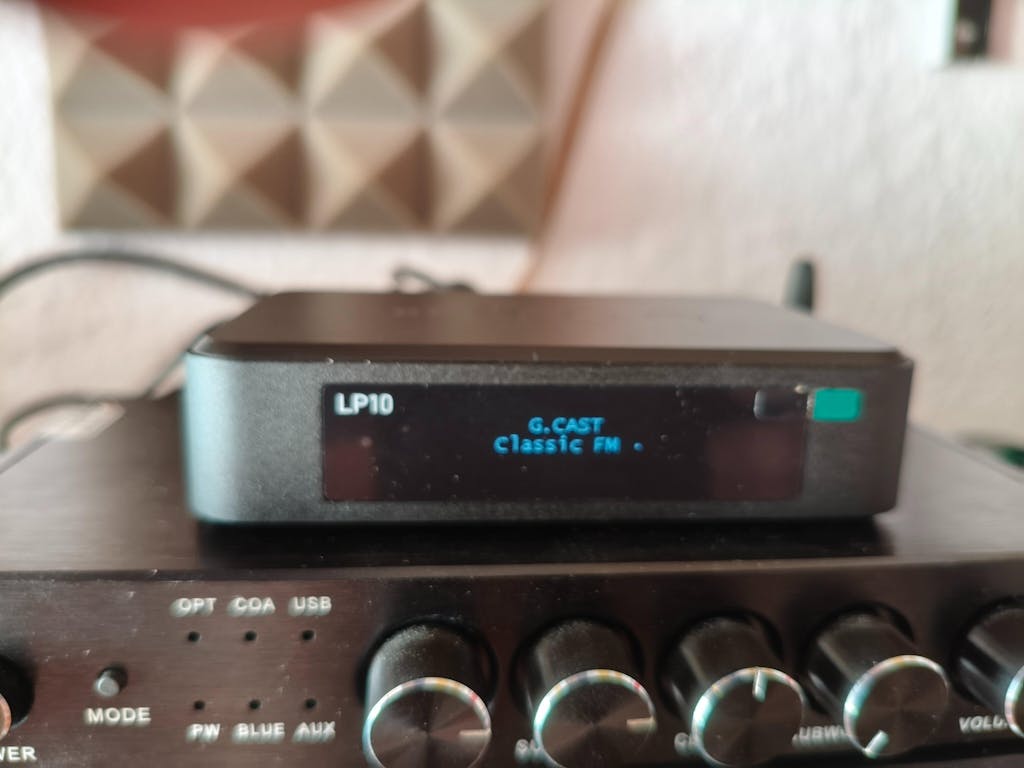
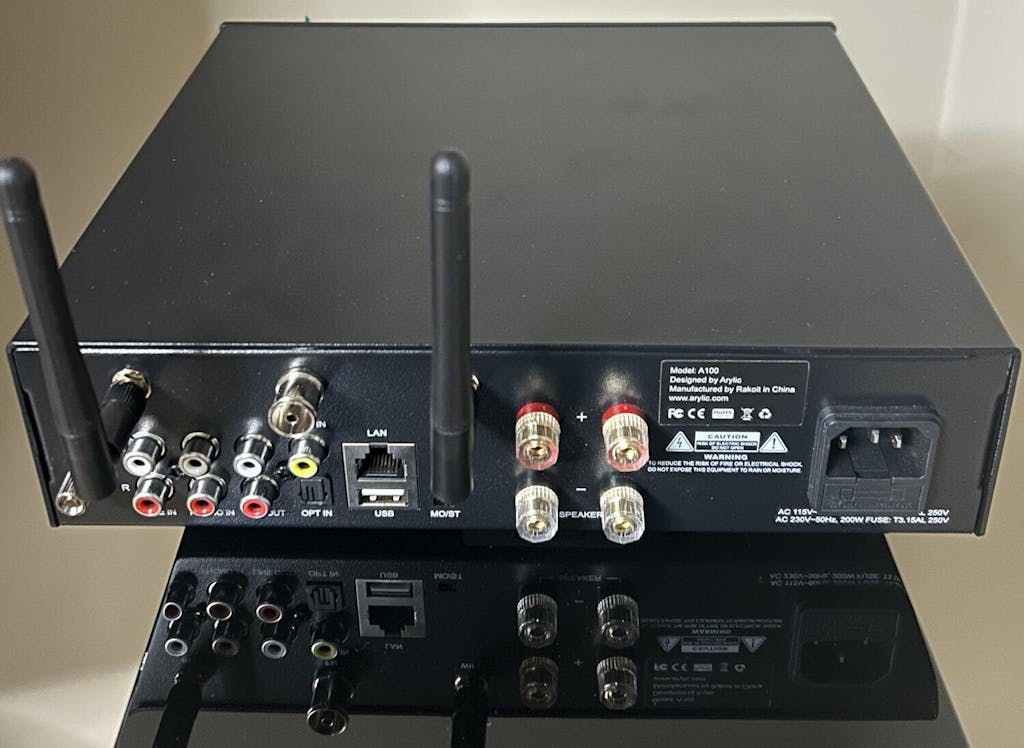
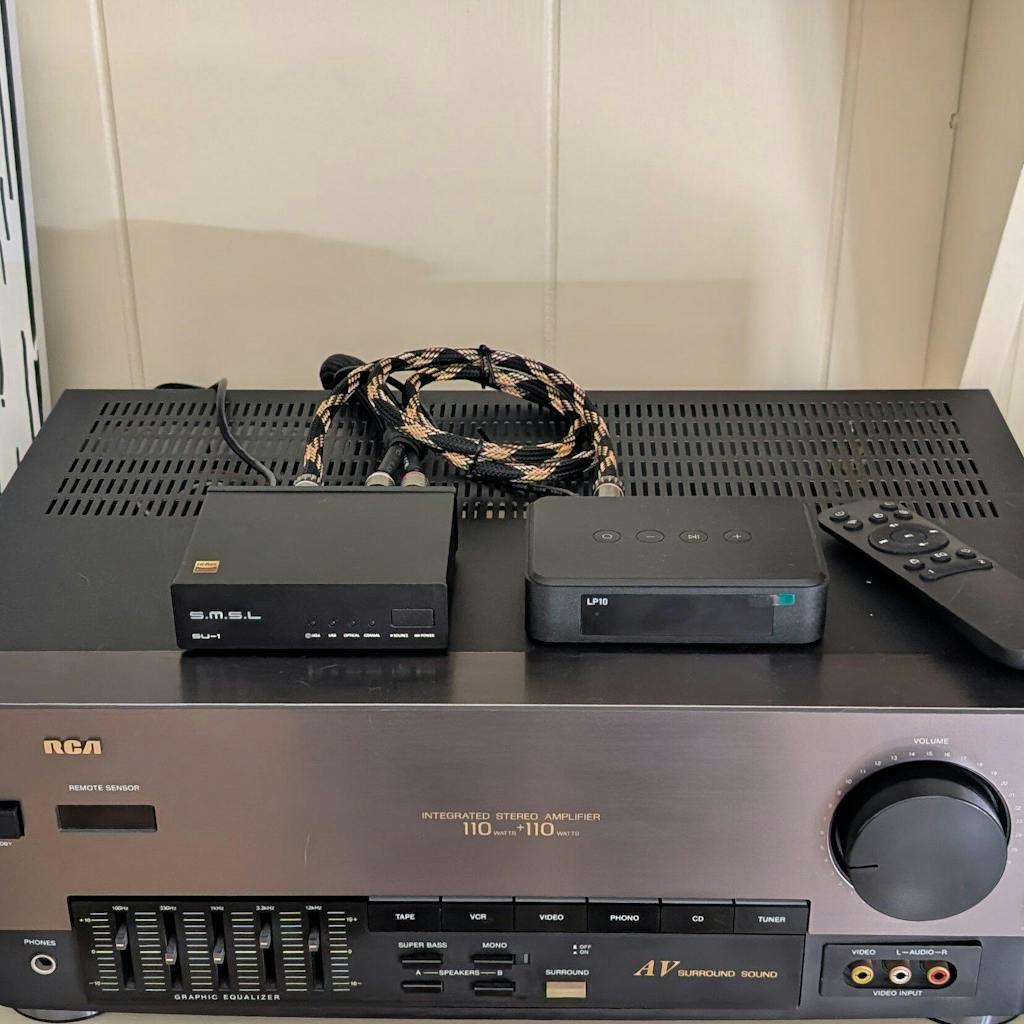
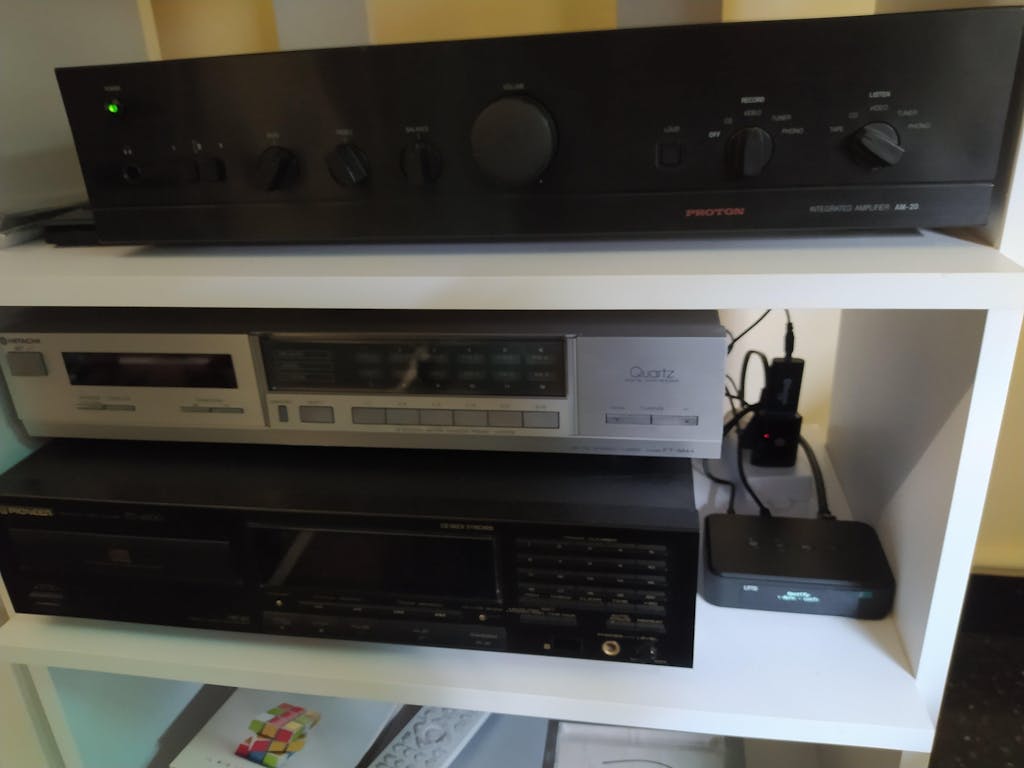
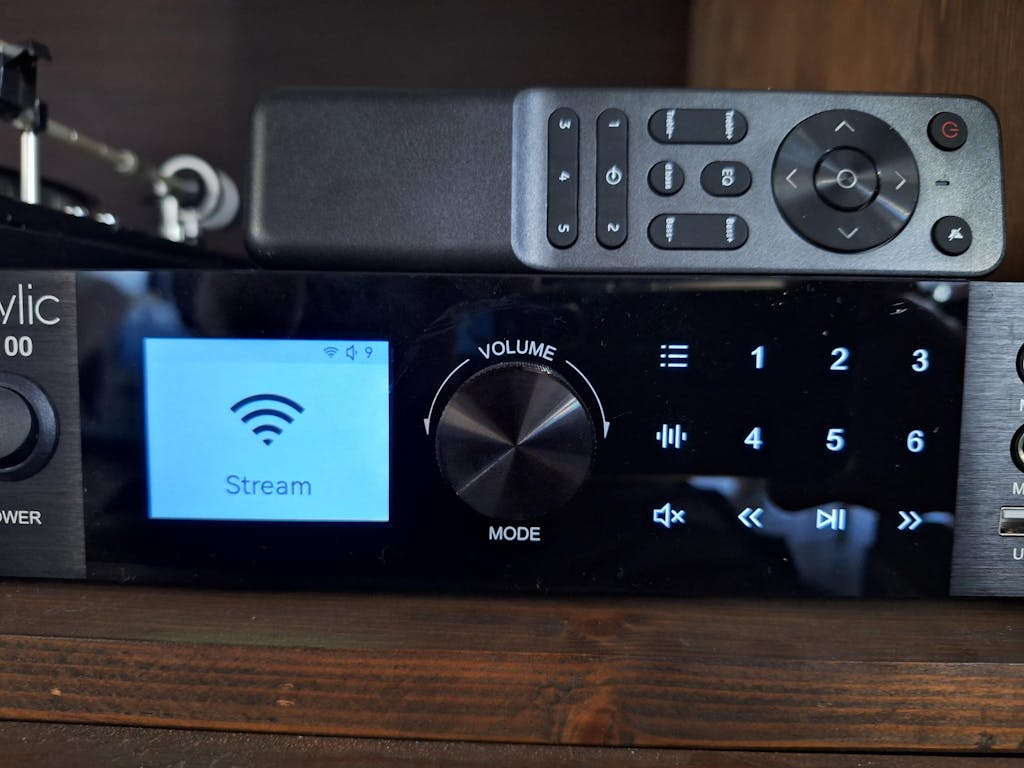
Available models: L series,LP10,LP100 and future models.
*Please update to the latest firmware for Qobuz Connect.
What Is Qobuz Connect?
Qobuz Connect is a wireless streaming protocols developed by Qobuz. It allows Qobuz users stream high quality music wirelessly to streaming devices.
Compared to Bluetooth or basic casting(AirPlay, Google Cast) this keeps the sound quality intact and the connection more stable.
You can stream music directly from Qobuz APP, acess your favorite playlist, album. For Qobuz users, keep their favor habits to play music and enjoy high quality content.
Why Use Qobuz Connect with Arylic?
-
True lossless playback
Music plays in its original quality, without compression.
-
Direct streaming
Your phone isn’t part of the audio path.
-
Stable playback
Lock your phone, switch apps, or take a call — the music keeps playing.
-
Simple control
Everything happens inside the Qobuz app.
-
Listening On Your Headphone
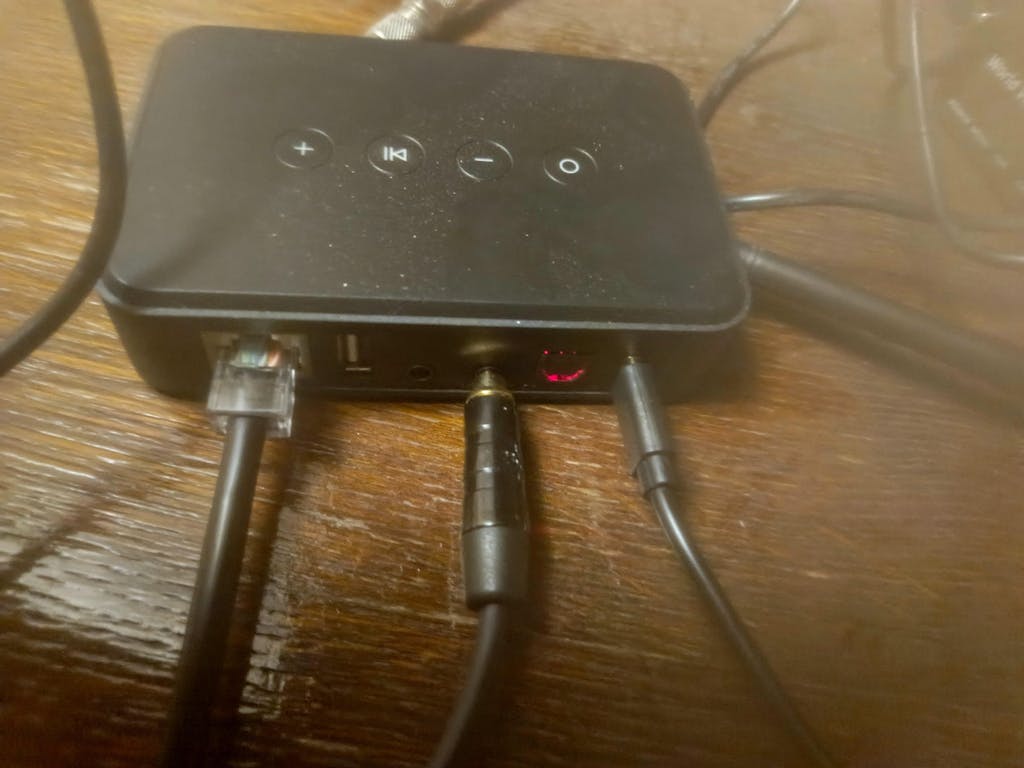
Listen From Qubuz in high quality on Bluetooth Headphone with Bluetooth transmitter feature streamer like LP100.
-
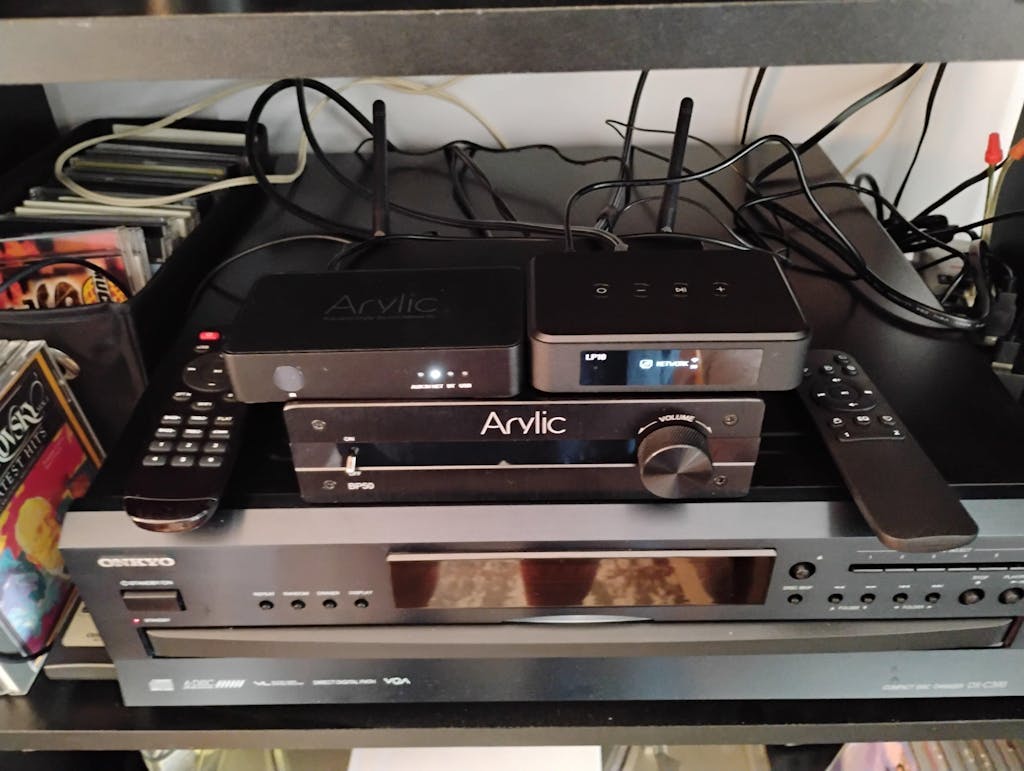
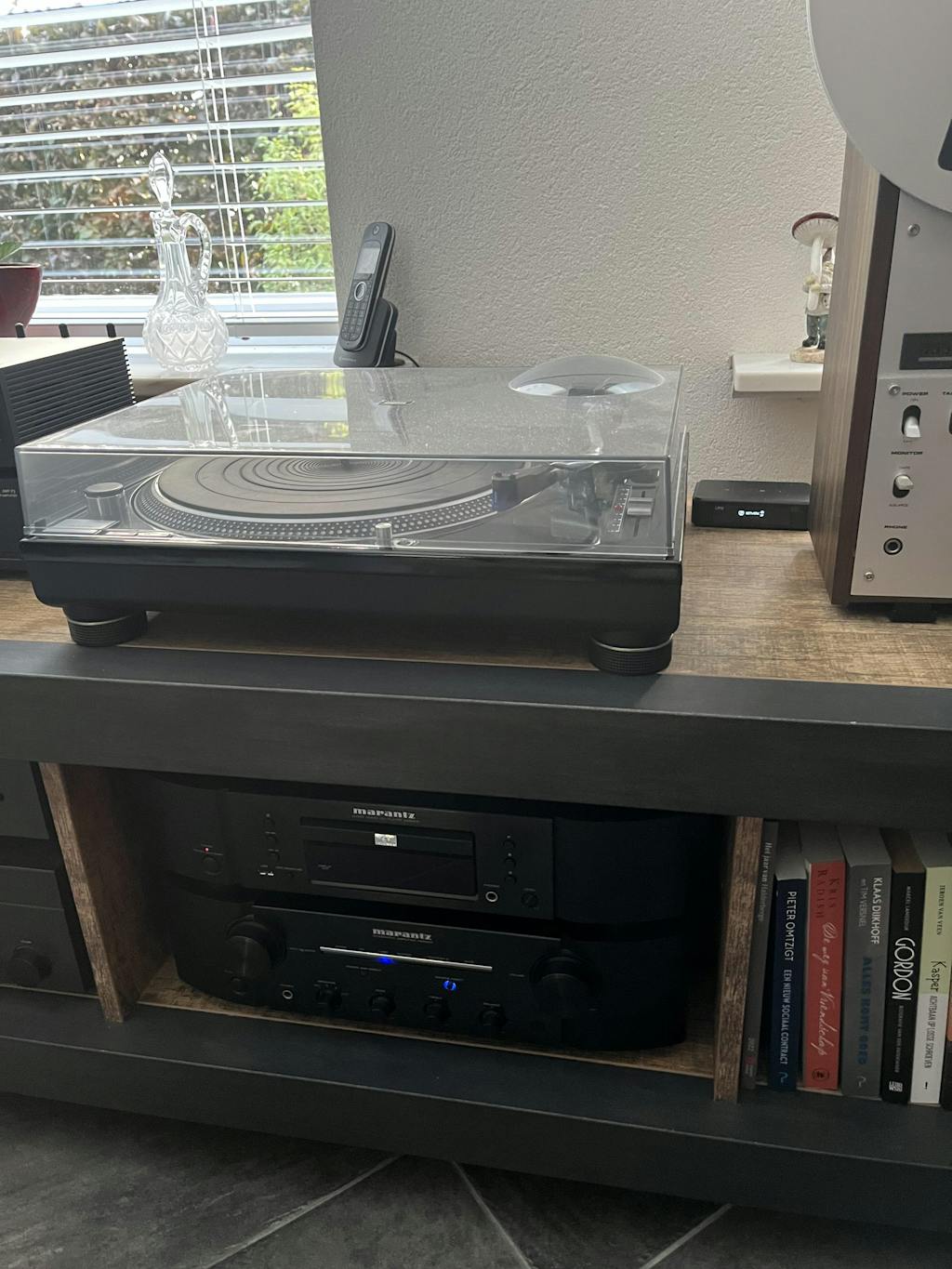
Manage Your Audio Source In One Place
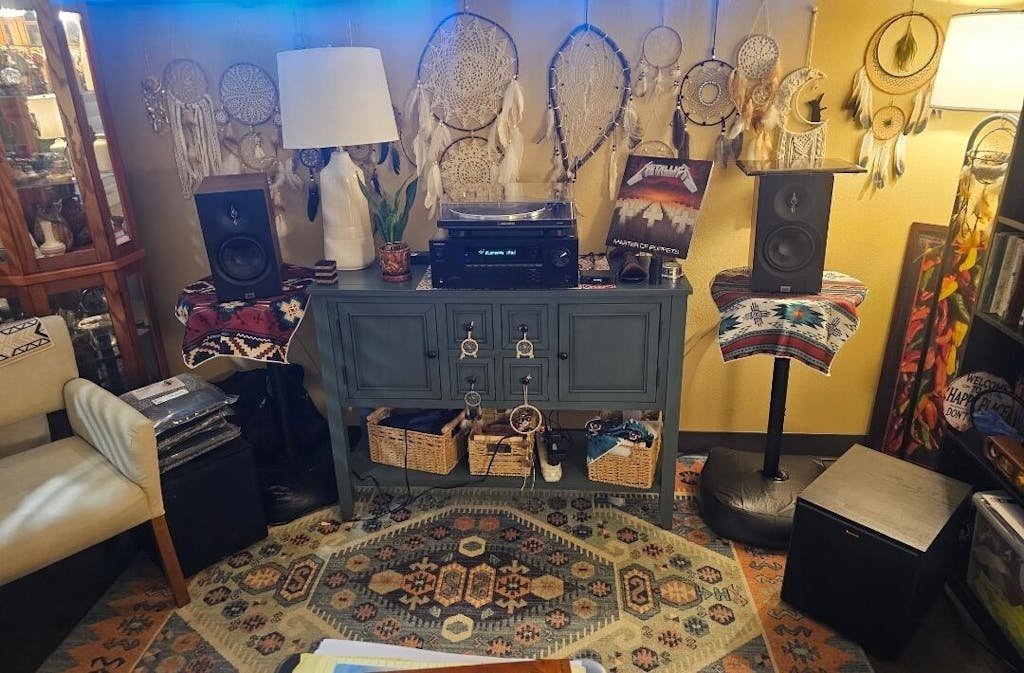
No Matter you want to listening to Qobuz or Vinyl, CD player or watch TV, easily switch and manage in one APP.
How to Get Started?![]()

|
 |
- Update your Arylic device to the latest firmware
- Open the Qobuz app (mobile or desktop)
- Tap the Connect / device icon
- Select your Arylic device
Supported Arylic Devices
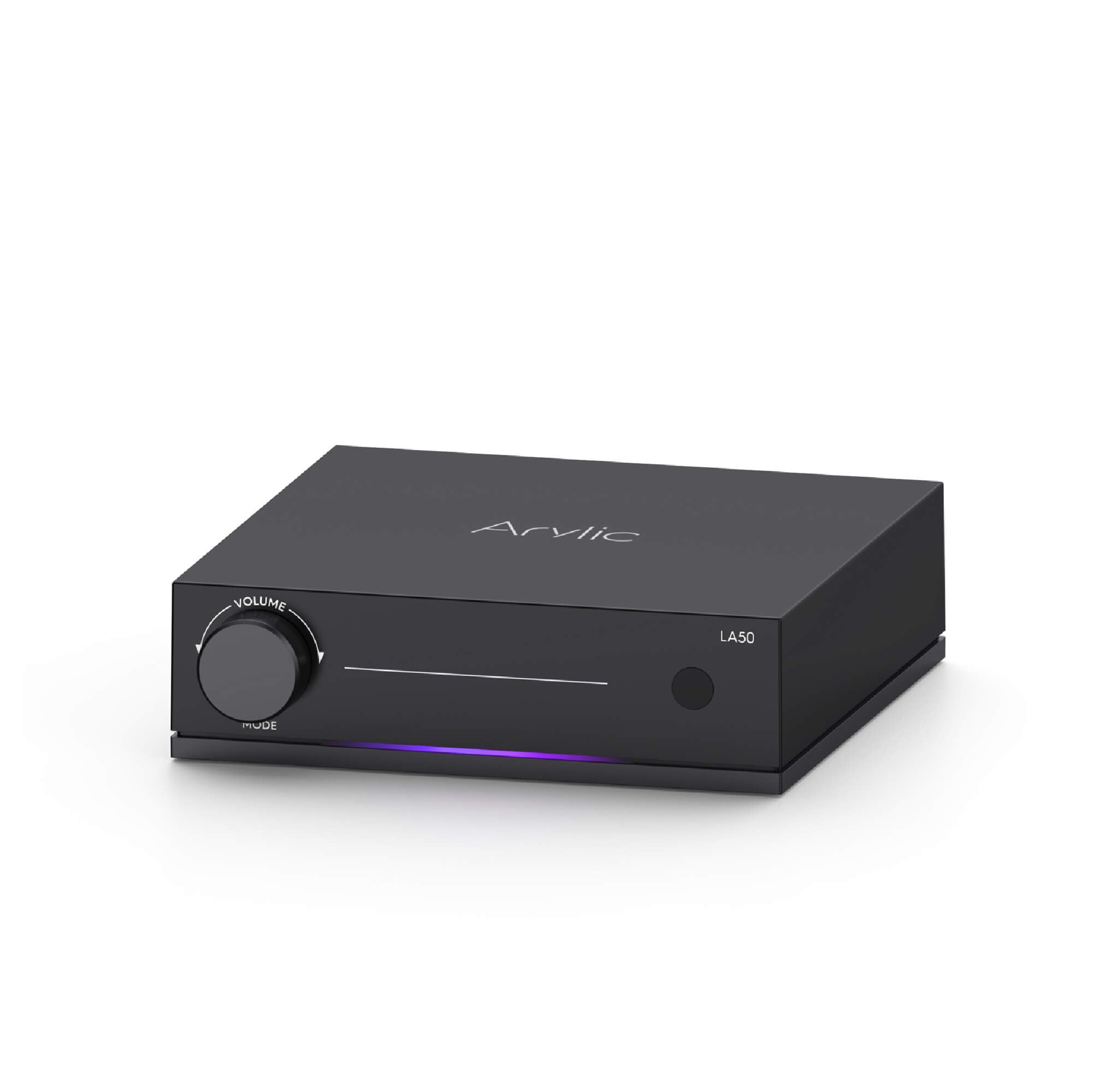
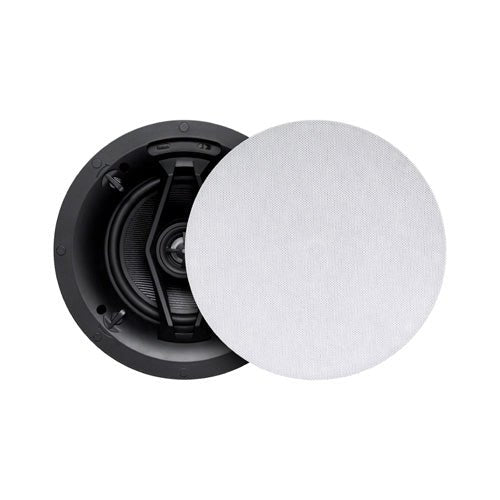
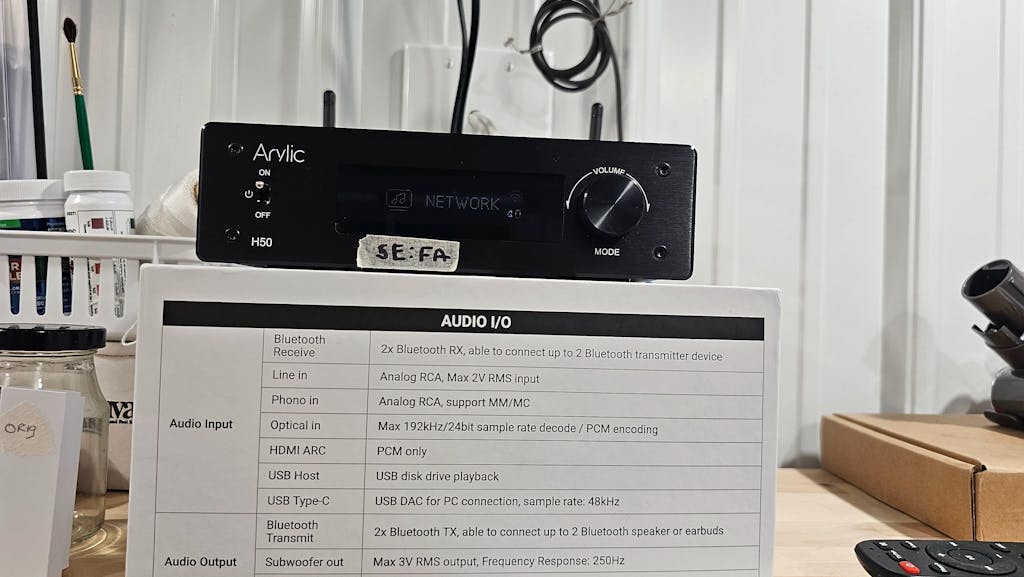
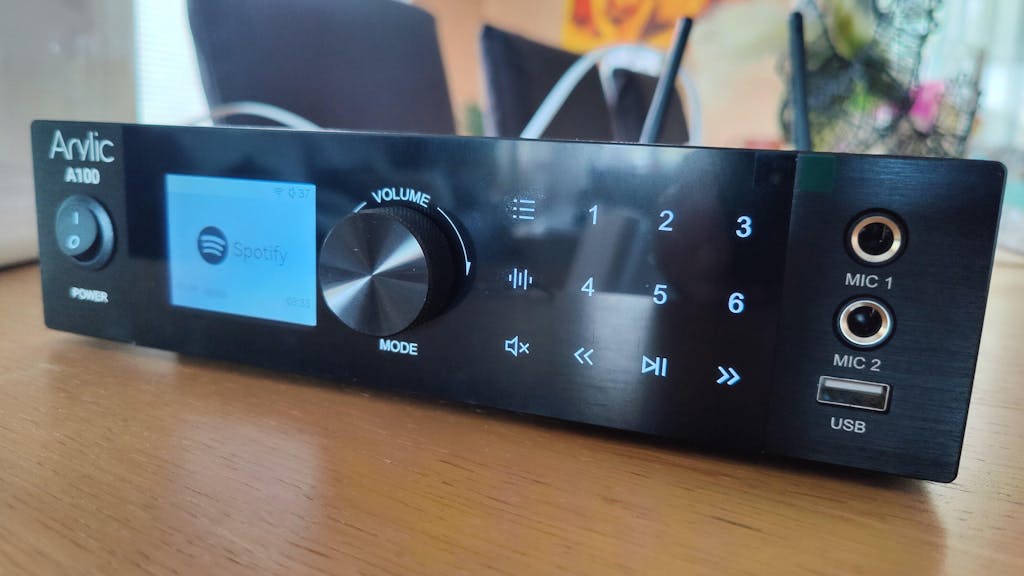
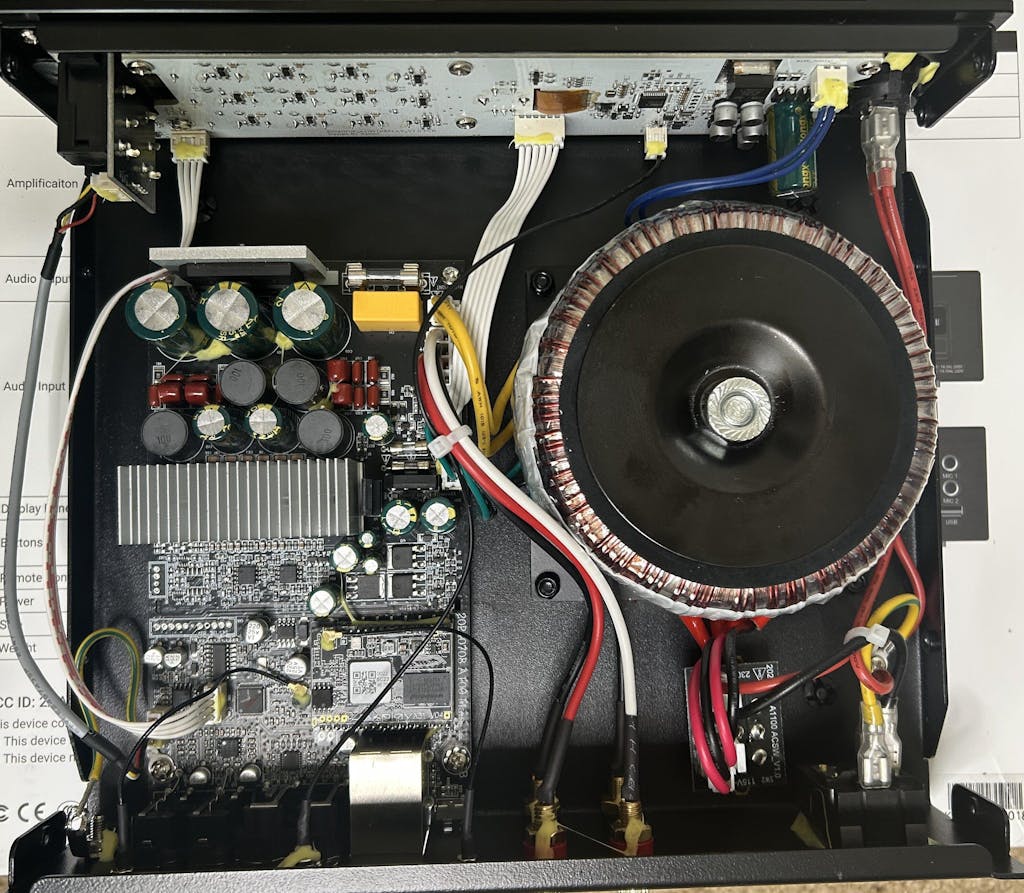
Qobuz Connect is supported on L series Arylic products, including:
Please make sure your device firmware is up to date.

Leave a comment
All comments are moderated before being published.
This site is protected by hCaptcha and the hCaptcha Privacy Policy and Terms of Service apply.