


If your Homey Pro already looks after the lights, the heating and the door locks, music is probably the one thing still left to your phone. Someone has to open an app, pick a speaker and turn the volume up or down.
Arylic changes that. With Arylic Homey APP , selected Arylic streamers and amplifiers can join your Homey Pro, sit next to the devices you already have, and respond to the same routines. The lights go on, the TV starts, the doorbell rings, and your music system reacts.
Here is how it works, which Arylic products can do it, and what you can do once they are connected.
How does Arylic work with Homey Pro?
Think of Homey Pro as the remote control for your whole home, and your Arylic device as the one that actually plays the music.
When you change something in Homey, say you turn the volume down, Homey Pro sends that request to your Arylic device over your home network. The device does it, then tells Homey what it is doing now, so the app always shows the real picture.
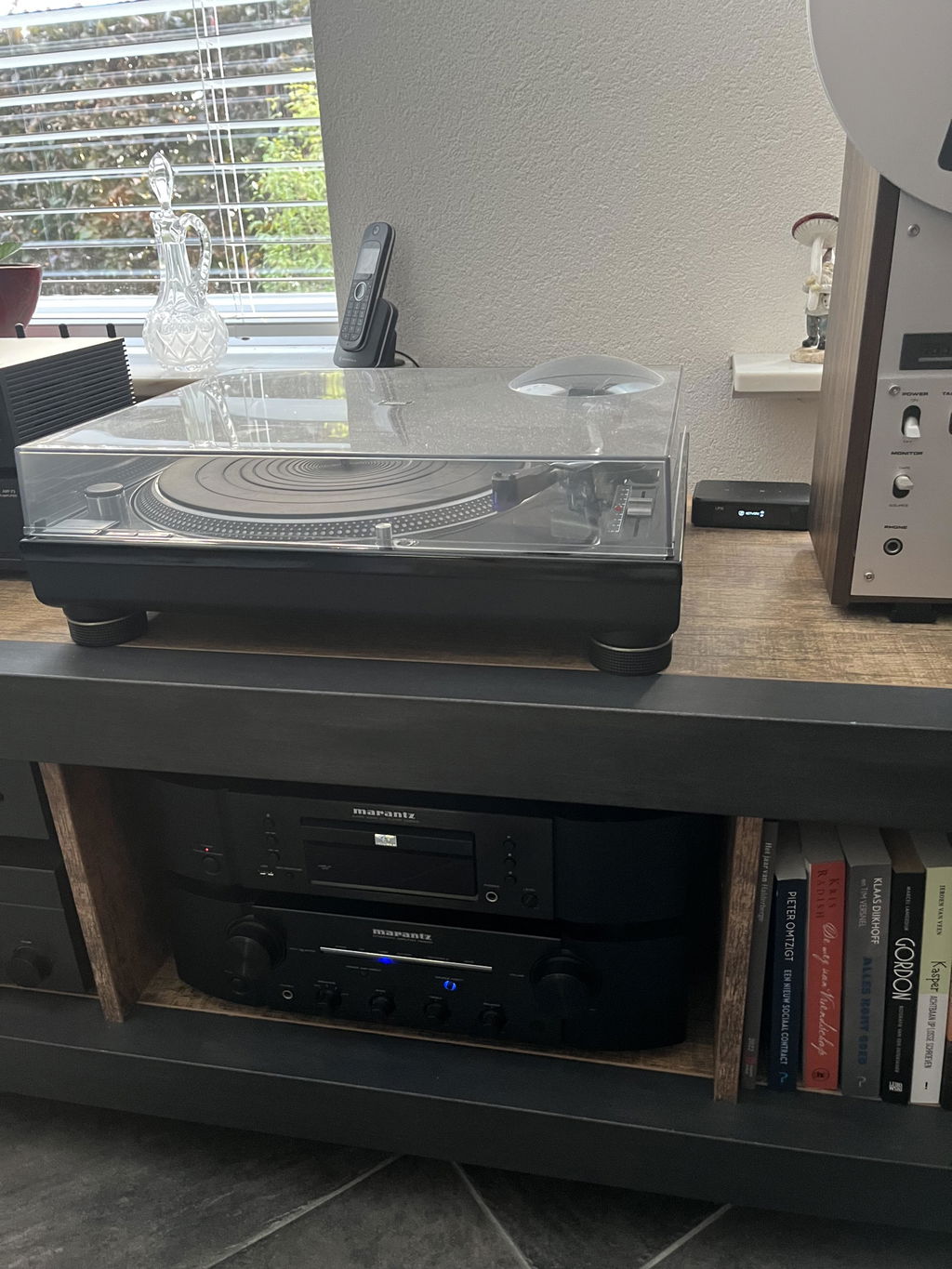
The music itself does not pass through Homey Pro. Your phone, your streaming service or the turntable plugged into your amp keeps sending sound straight to the Arylic device, just as before. That keeps playback steady, and nothing about the way you listen has to change.

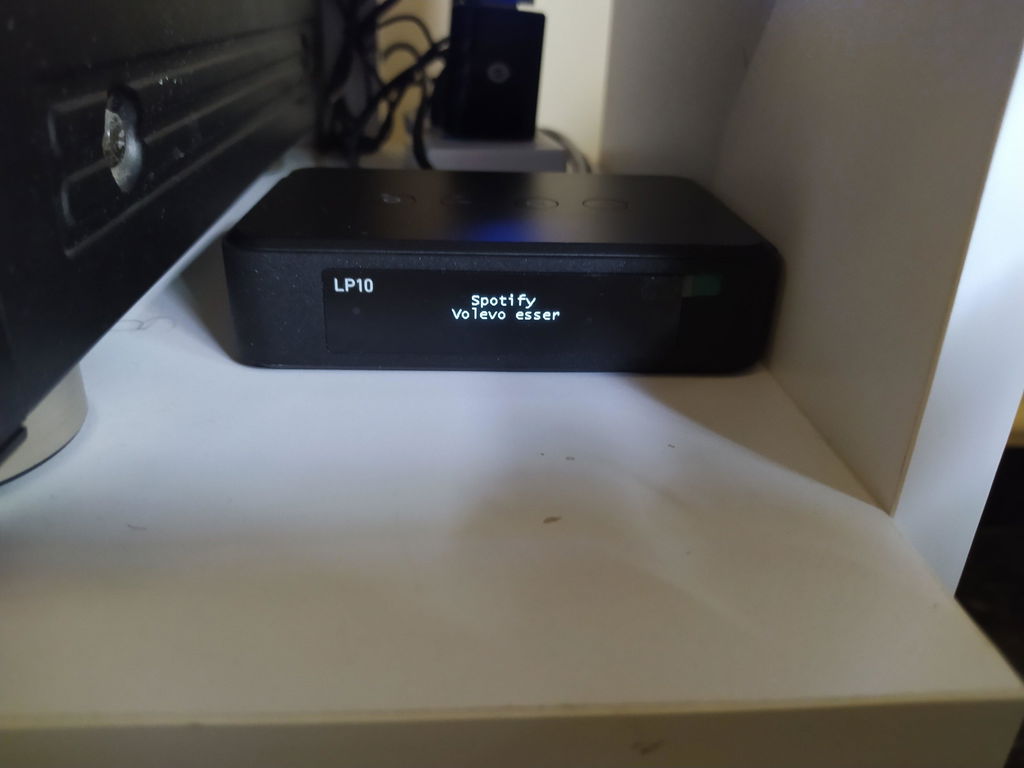
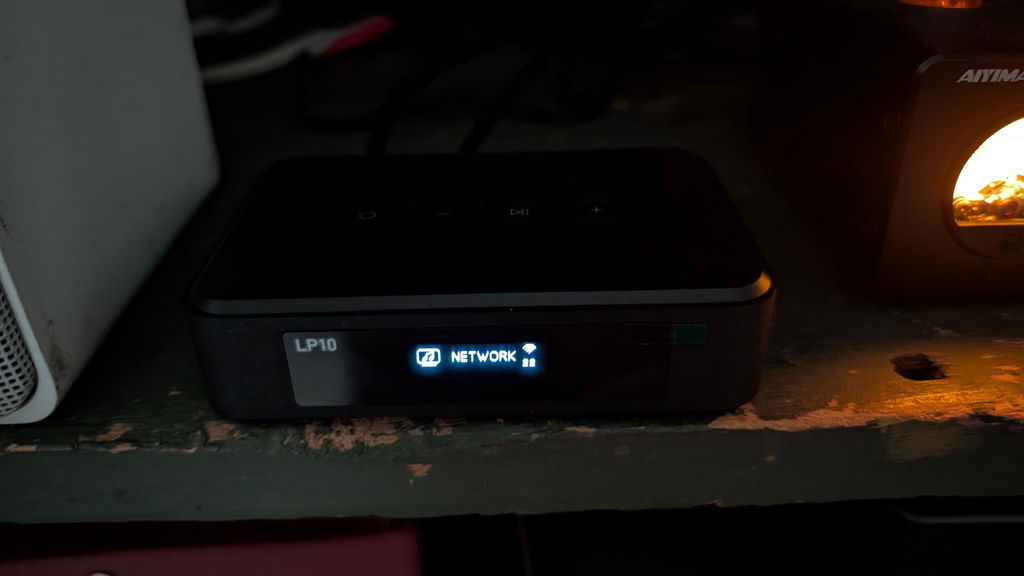
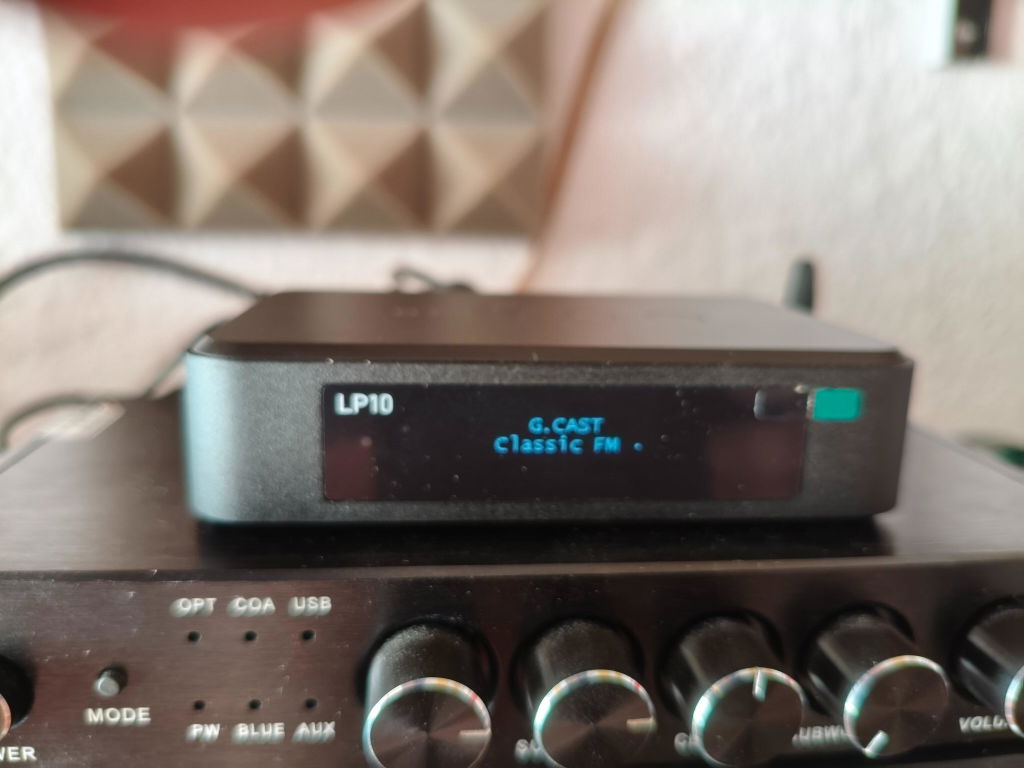
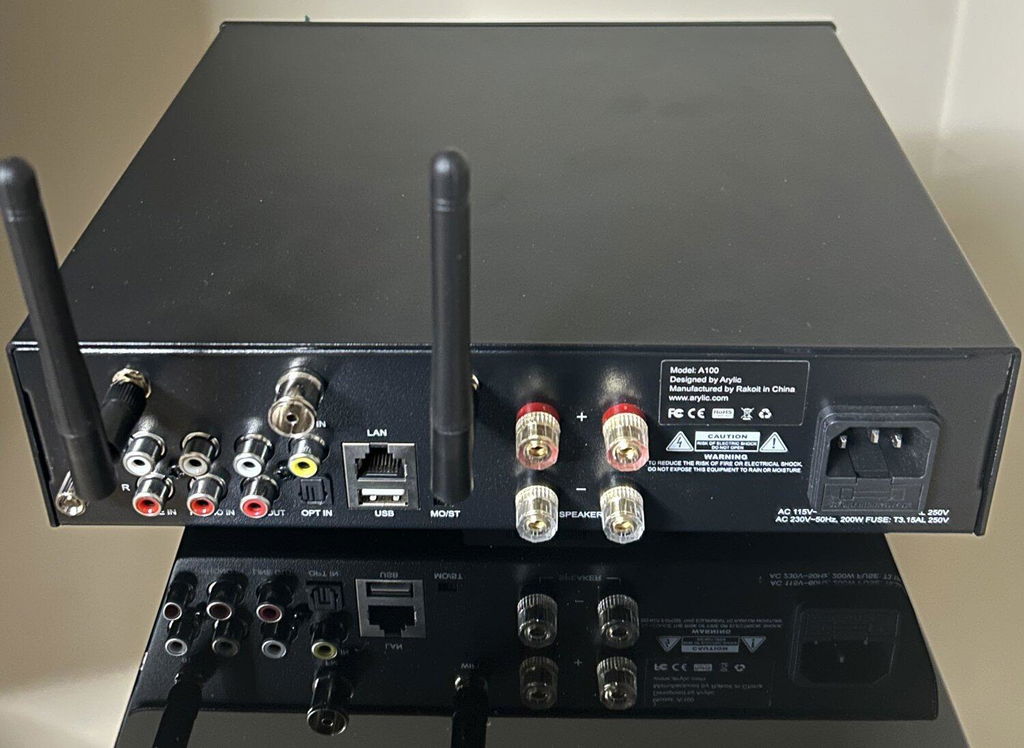
Which Arylic products work with Homey?
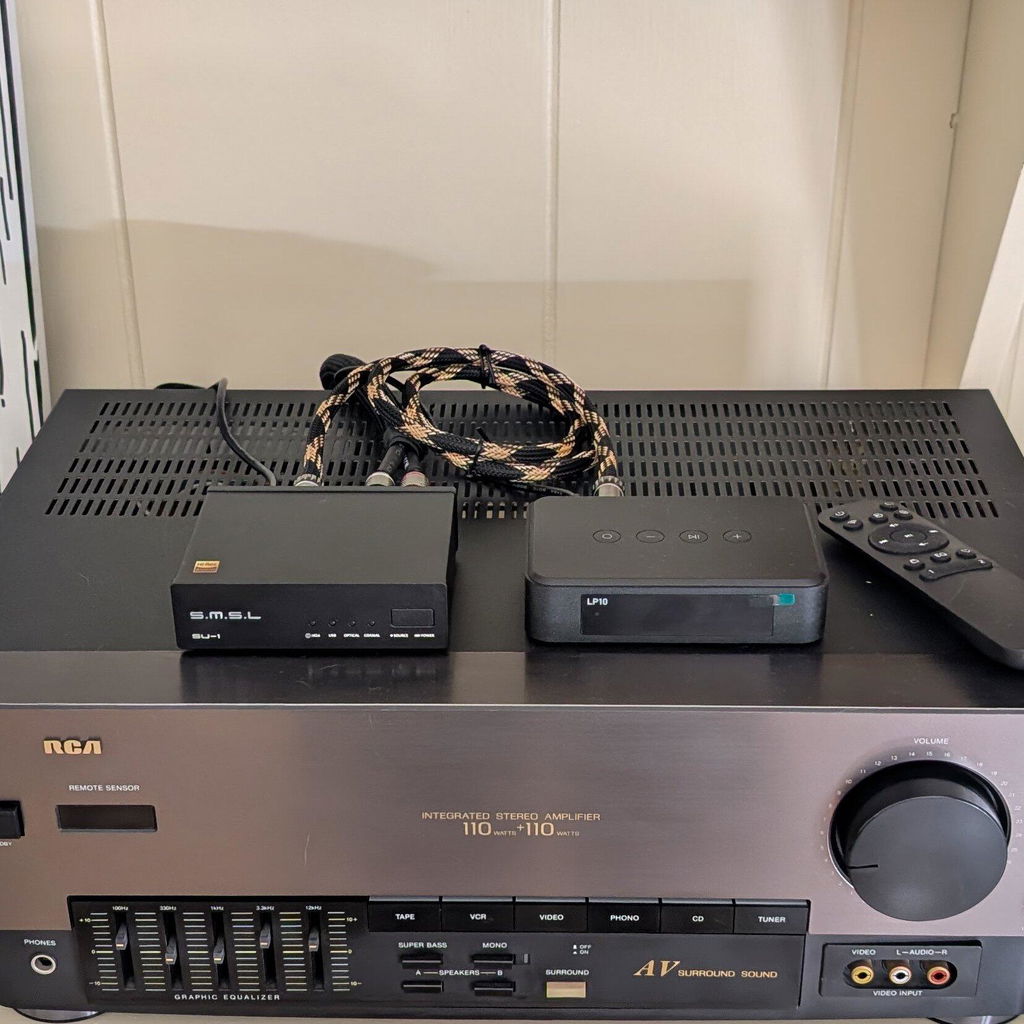
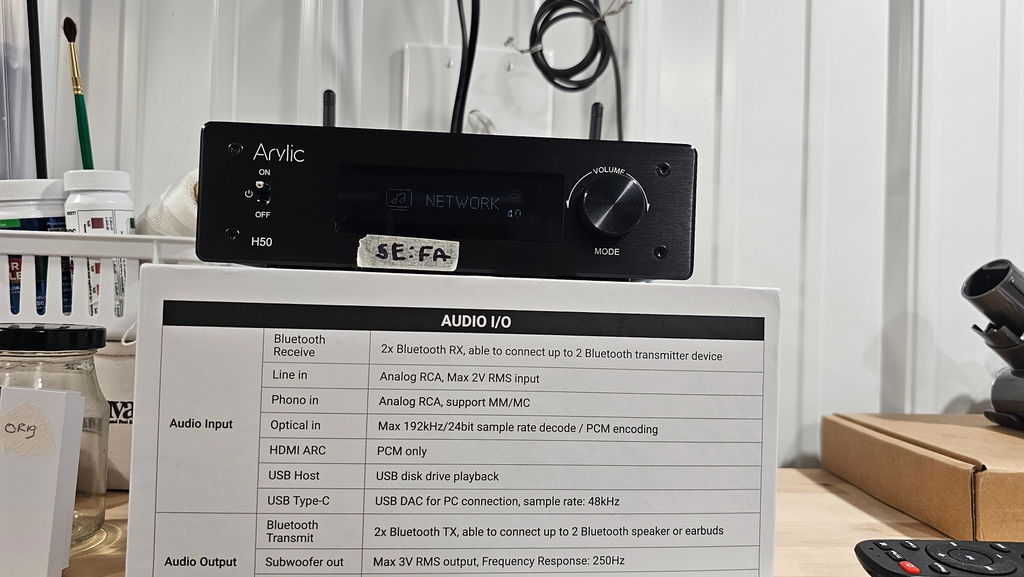
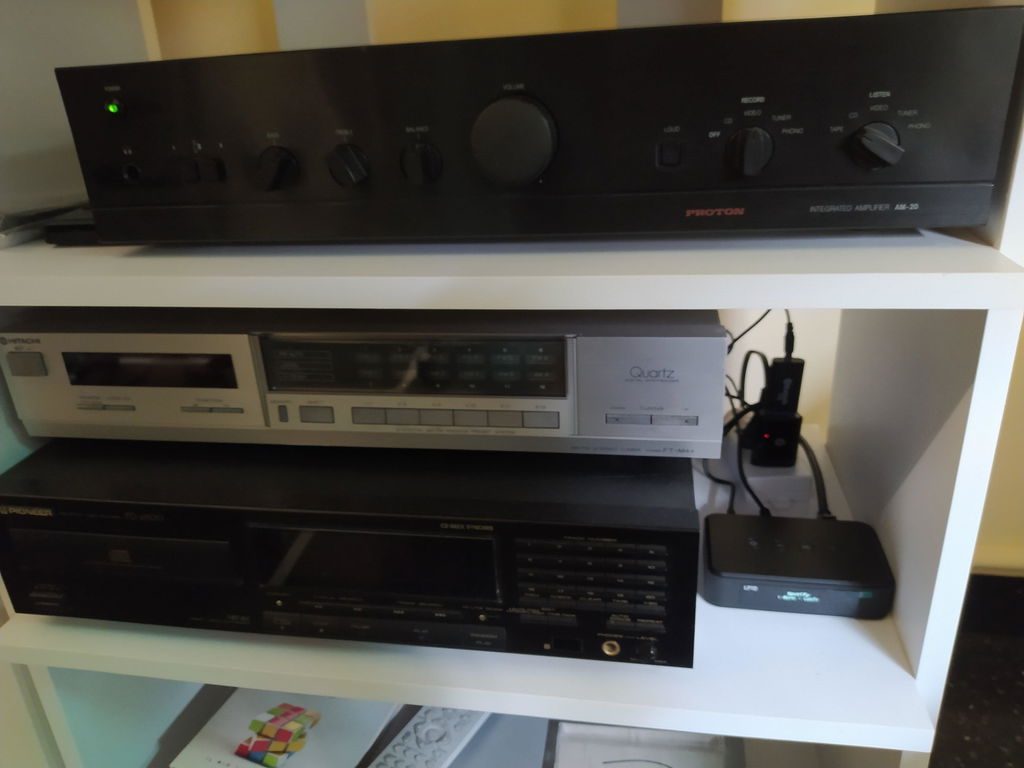
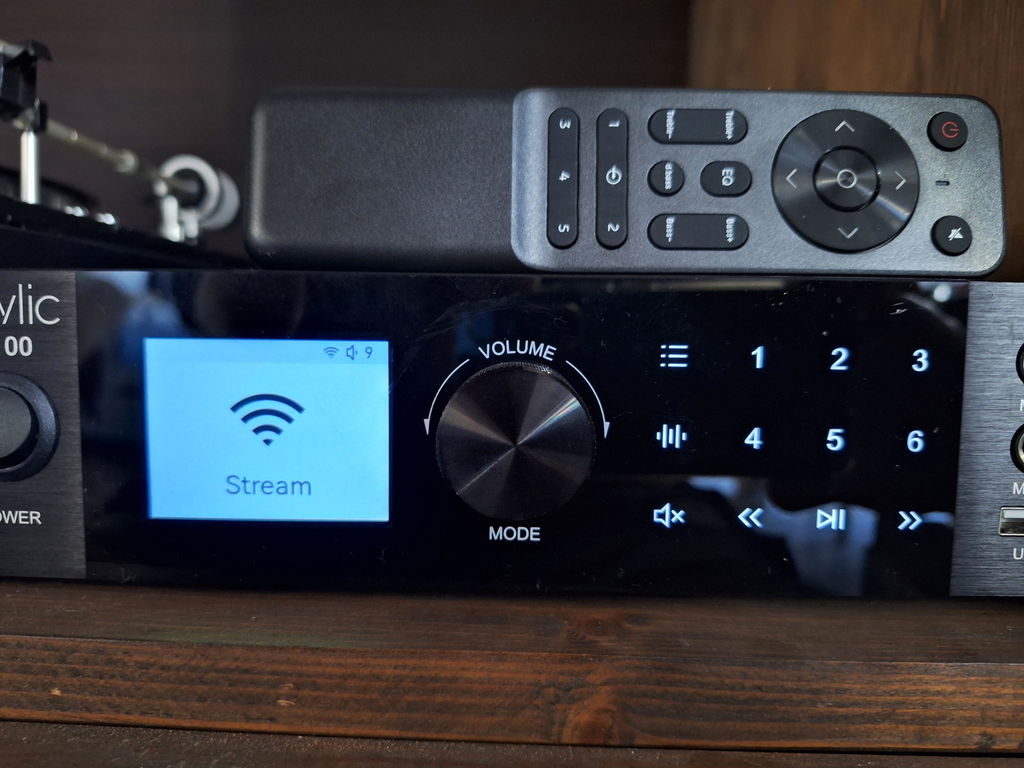
Eight models can be added to Homey Pro or Homey Pro mini today. They fall into two groups, depending on what you already own.
| Type | Models | Good for |
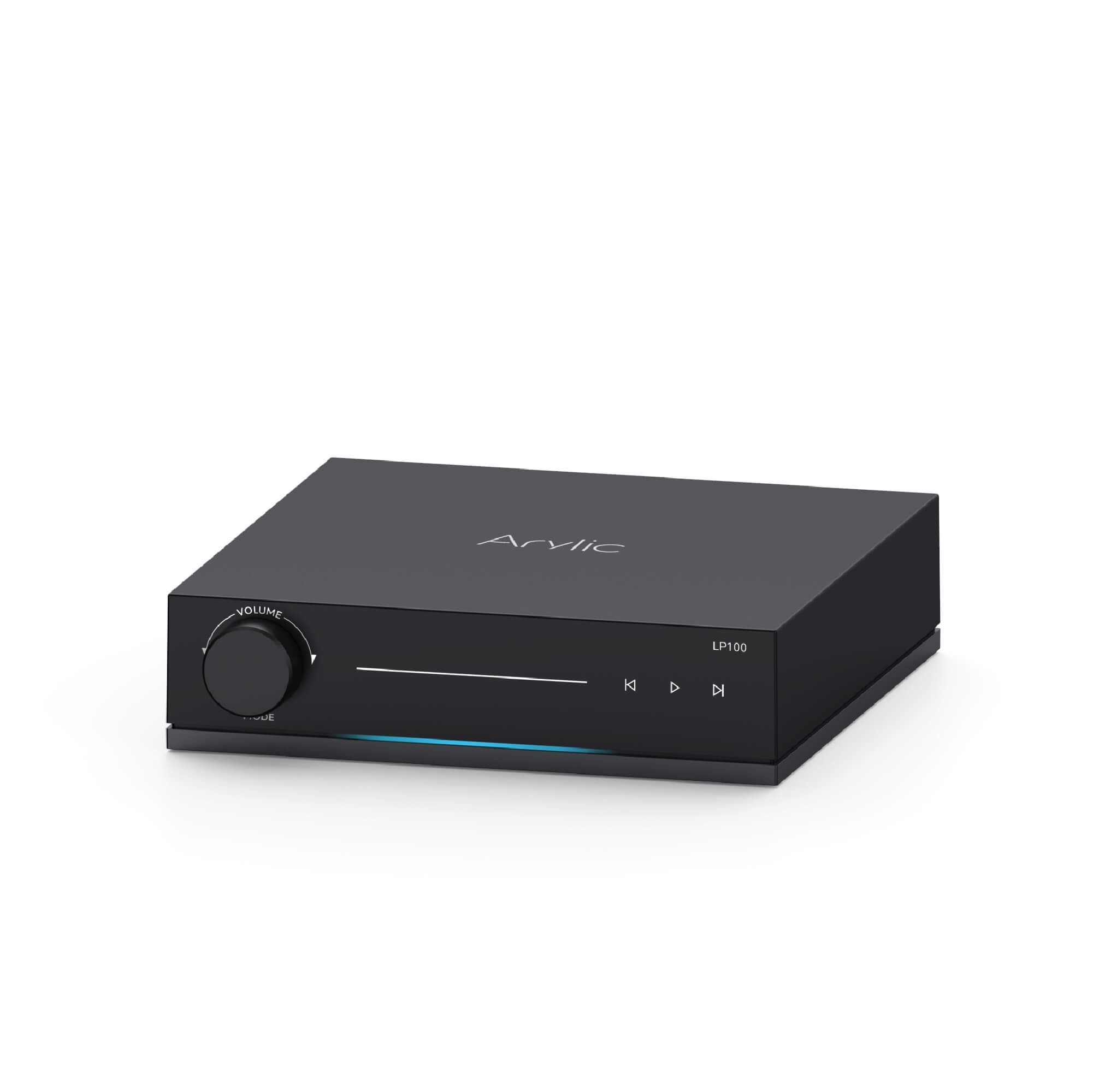
| Streamers and preamps |
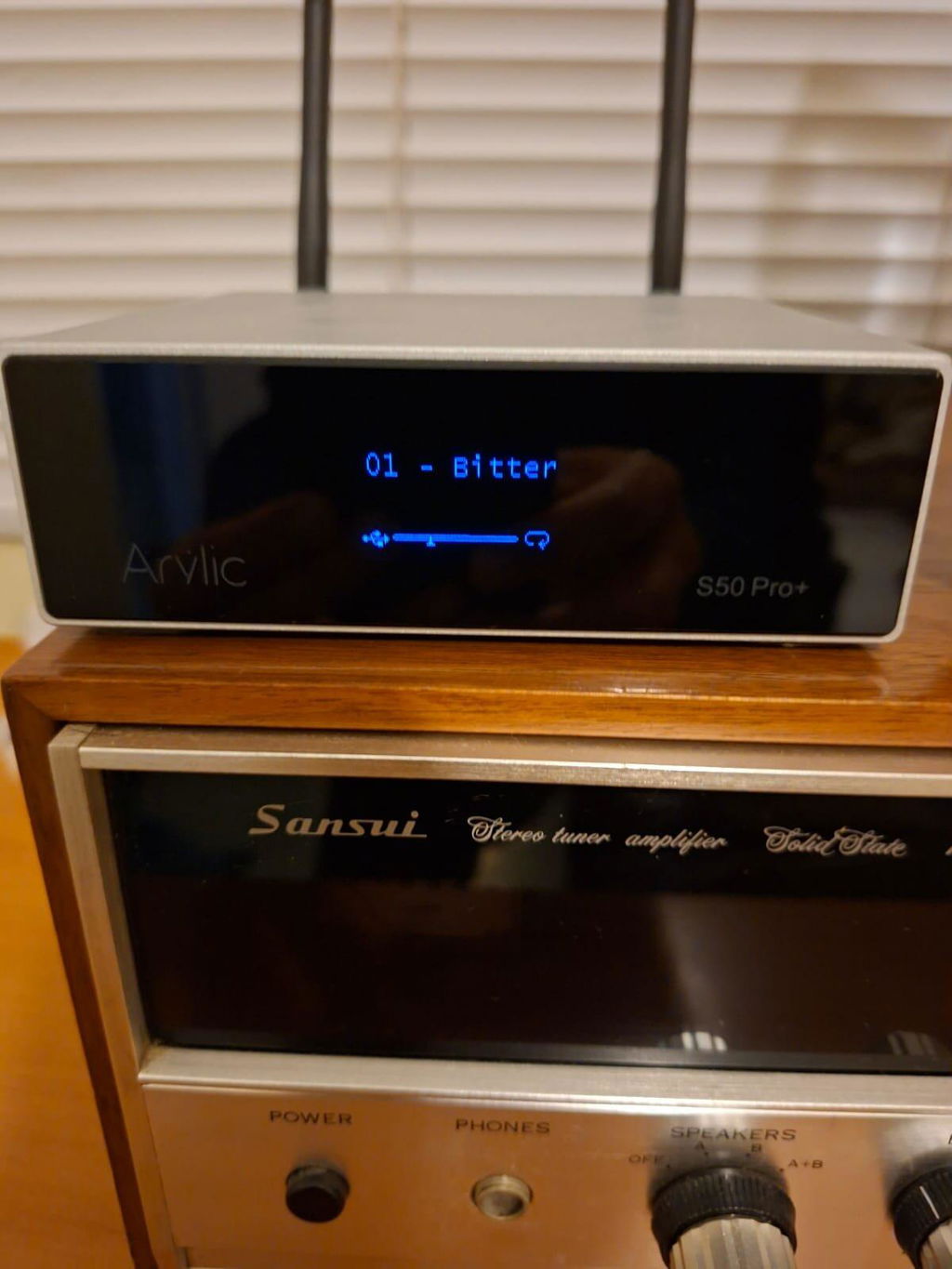
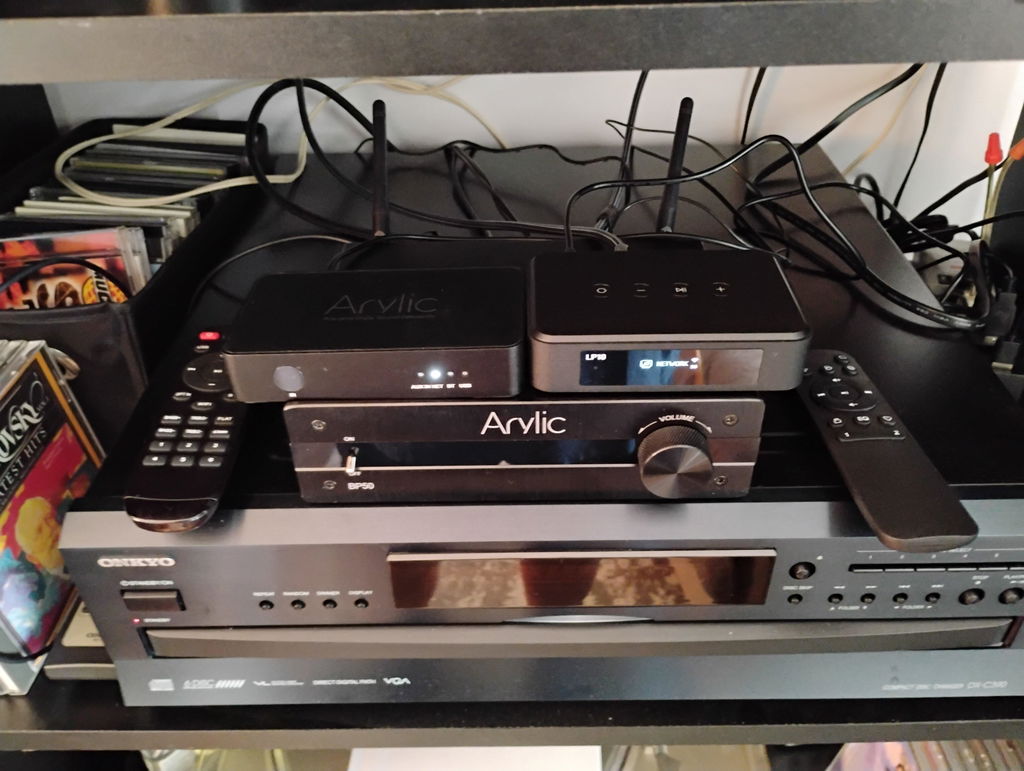
LP10, LP20, LP100, S10+, S50Pro+, |
Adding streaming to an amplifier or powered speakers you already have |
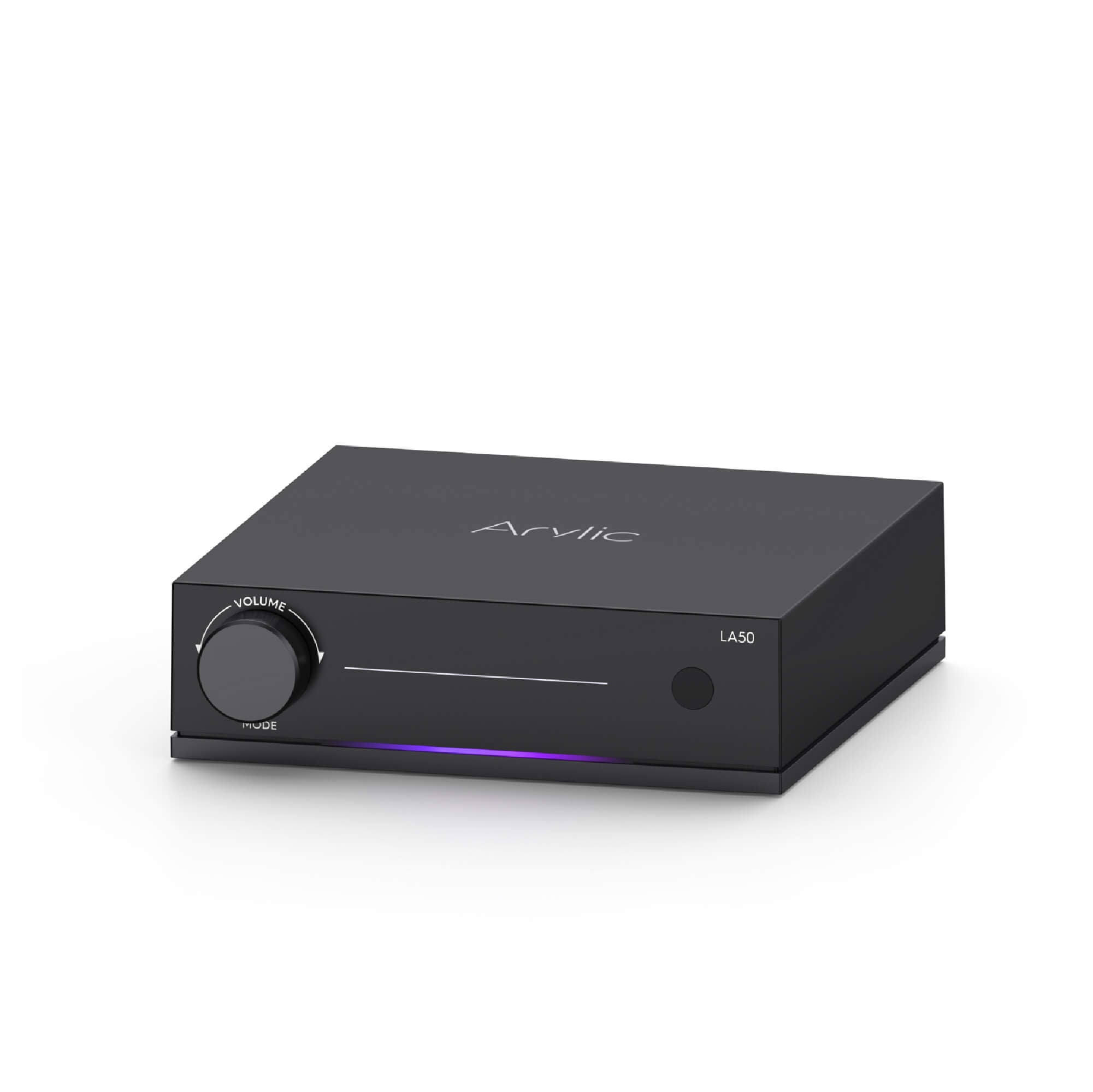
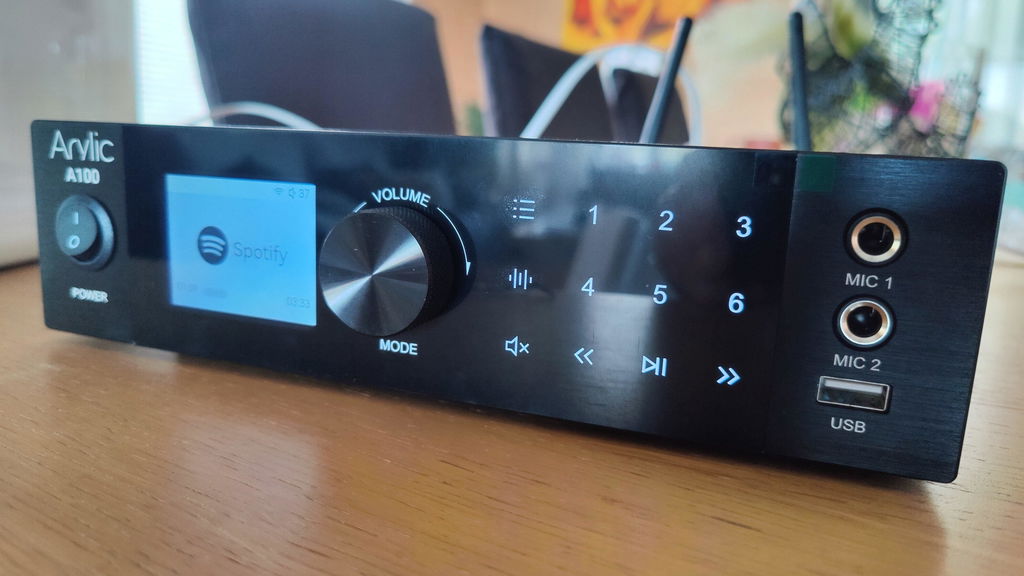
| Streaming amplifiers | LA50, A50+, A30+ | Driving passive speakers directly, with one less box on the shelf |
A simple way to choose: if you have an amp you love, a streamer lets you keep it and makes it part of your smart home. If you have passive speakers and no amp, a streaming amplifier does both jobs. The A30+ delivers 30 watts per channel, which suits a desk or a small room. The A50+ and LA50 step up to 50 watts per channel for bigger spaces.
What can you do once it's connected?
Once an Arylic device is added, it appears in Homey like any other device in your home. You can use it in two ways.
Control it from the Homey App. Change the volume, mute, pause, skip to the next song, pick the input and see what is playing, all in the app you already use for the rest of the house.
Make it part of your routines. Homey Flows can combine your Arylic device with the devices you already have. A few ideas:
-
Quieter evenings. At a set time, if music is streaming over the network, lower the volume to 20%.
-
TV on, music system on the right input. When your TV turns on, switch the amplifier to the input the TV is wired to. When it turns off, switch back.
-
A now-playing display. Send the song title, artist and album to a dashboard tile or a log.
The Arylic Homey APP adds a few Flow cards of its own: switch the input, play a sound from a link, check which input is active, and react when the input or the song changes. Volume, mute and play or pause use Homey's standard controls. Because Flows work with everything else in your Homey, you can mix these with presence, light levels, a calendar or a door sensor.

How do you connect an Arylic device to Homey Pro?
The steps are the same for all eight models and take a few minutes.
-
Put the device on your network. Use Arylic's own setup app to connect it to Wi-Fi or Ethernet. Your Homey Pro should be on the same home network.
-
Install the Arylic Homey APP on your Homey or other Homey devices.
-
Let Homey scan. Most devices show up on their own. If yours doesn't, enter its IP address (you can find it in Arylic's app or on your router) and let Homey test the connection.
-
Check the basics. Open the device page, nudge the volume at a low level, and confirm the input and play status look right.
If nothing shows up, check power and Wi-Fi first, then the series you picked. Guest networks and client isolation on your router are a common reason two devices on the same Wi-Fi can’t see each other.

Good to know before you build
-
Inputs differ by model. Don't assume a model has HDMI, optical or USB. Homey shows the inputs your device reports.
-
Song details come from the source. If a service doesn't send them, Homey can't show them. A blank title doesn't mean playback failed.
-
Song-change Flows with AirPlay have limits. Some tracks from the same album can be hard to tell apart, so test any Flow that depends on song changes with the source you actually use.
-
"Playing" is not always "audible". If the app says it's playing but you hear nothing, check the input, mute, volume, cables and speakers.
FAQ
1.Can I add Arylic devices to my existing Homey Pro, Homey Pro mini or Homey Self-Hosted Server setup?
2.Does Homey Pro or Homey Pro mini control Arylic devices over Bluetooth?
No. The connection runs over your home network. Bluetooth is one of the inputs on the device. Choosing Bluetooth in Homey switches the input, but pairing your phone is a separate step you do on the phone.
3.Does the music play through Homey Pro?
No. The audio goes directly into the Arylic device from your phone, a streaming service or a connected player. Homey Pro only sends the commands.
4.Which Arylic models work with Homey Pro?
5.Can a Flow play a sound file?
Yes. Use the play-from-link action with a direct link to an audio file that the device can reach.
6.What if Homey cannot find my device?
Check that the device is powered and online, that Homey is on the same network, and that you selected the correct series.If scanning still fails, add the device manually with its IP address.
Final thoughts
A good smart home isn't about adding one more gadget. It's about the moments when something should simply happen: the evening getting late, the TV switching on, the doorbell ringing. With the Arylic Homey APP, a streamer or amplifier you already like becomes part of those moments, and your Homey Pro stays in charge without carrying the music itself.



Leave a comment
All comments are moderated before being published.
This site is protected by hCaptcha and the hCaptcha Privacy Policy and Terms of Service apply.