


The Arylic AirMini is a compact AirPlay 2 audio receiver priced under $100. It connects to an existing amplifier or powered speakers via a 3.5mm or optical cable. It allows you to stream music over AirPlay 2 from an iPhone, and supports AirPlay 2 multi-room audio, so you can group your existing speakers and play music in sync across your home.Let's cut to the chase.
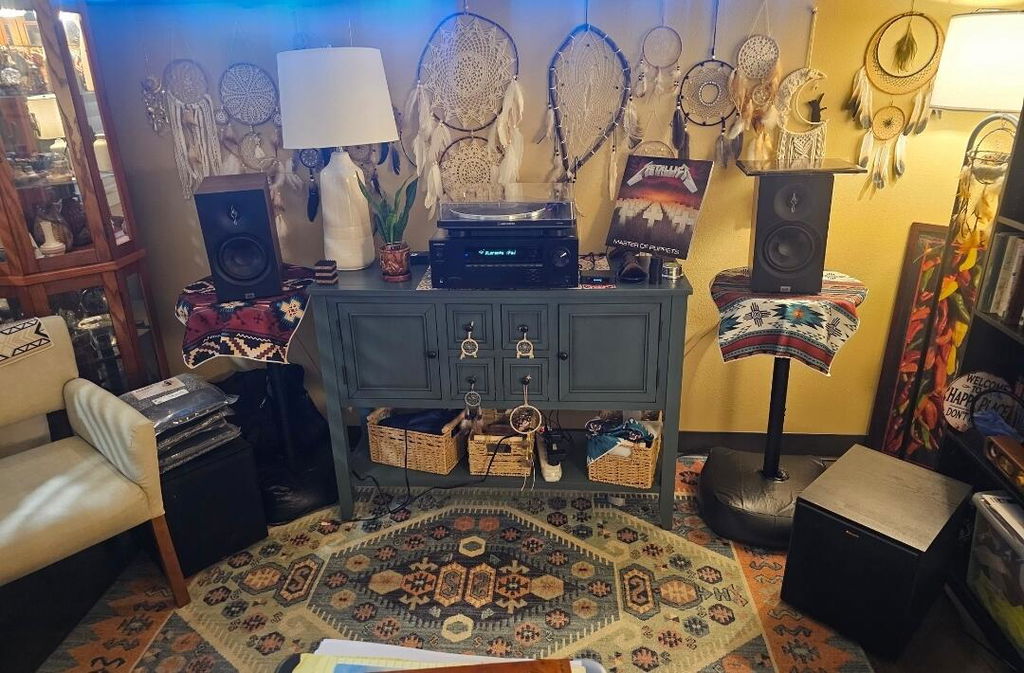
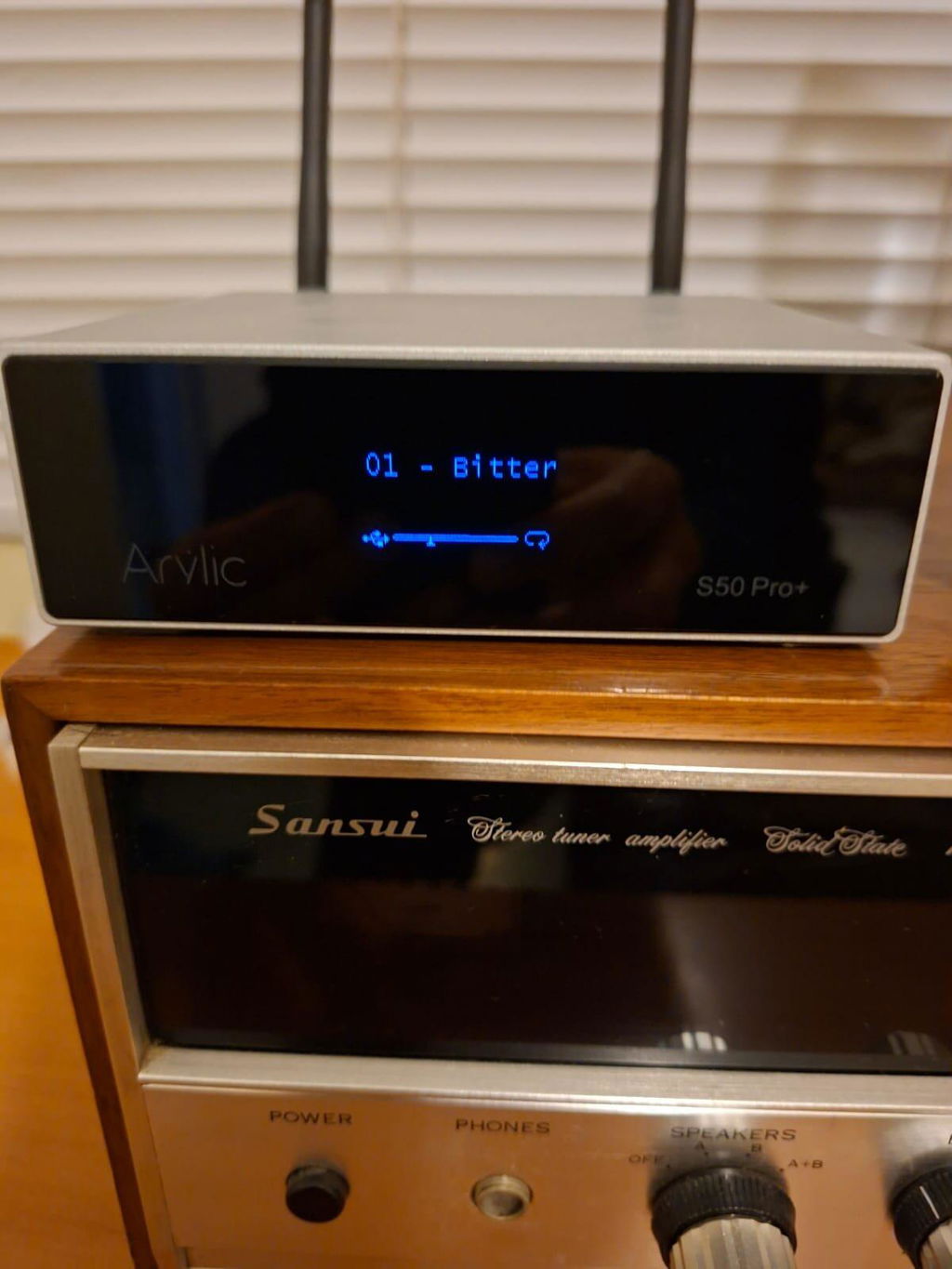
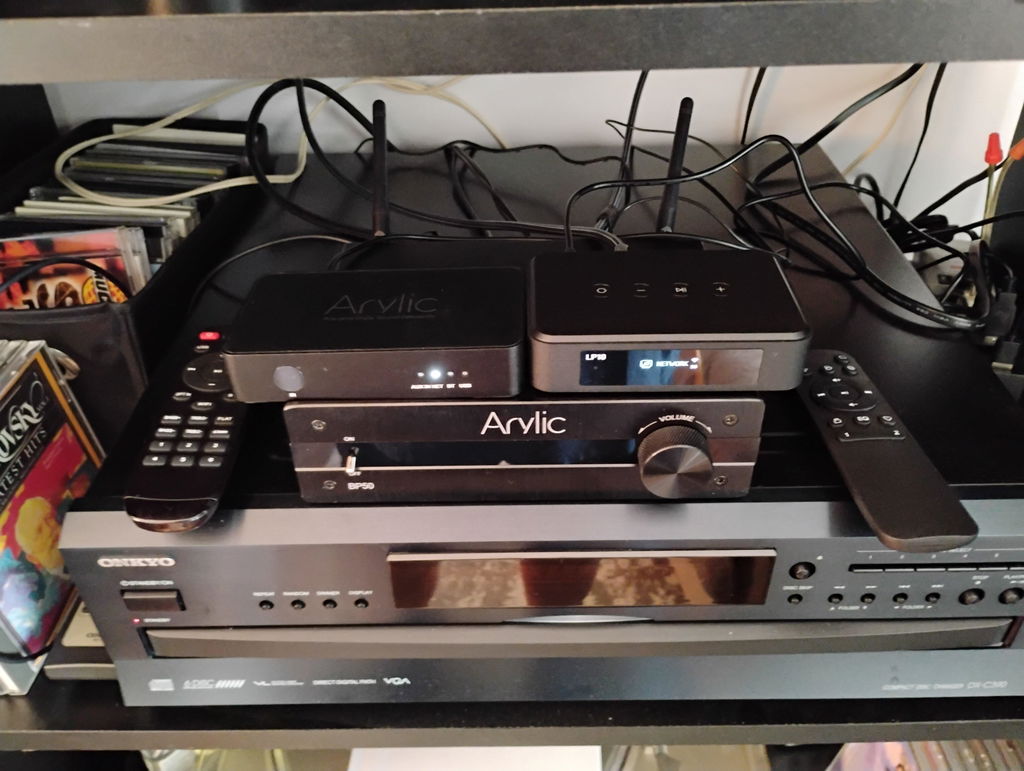
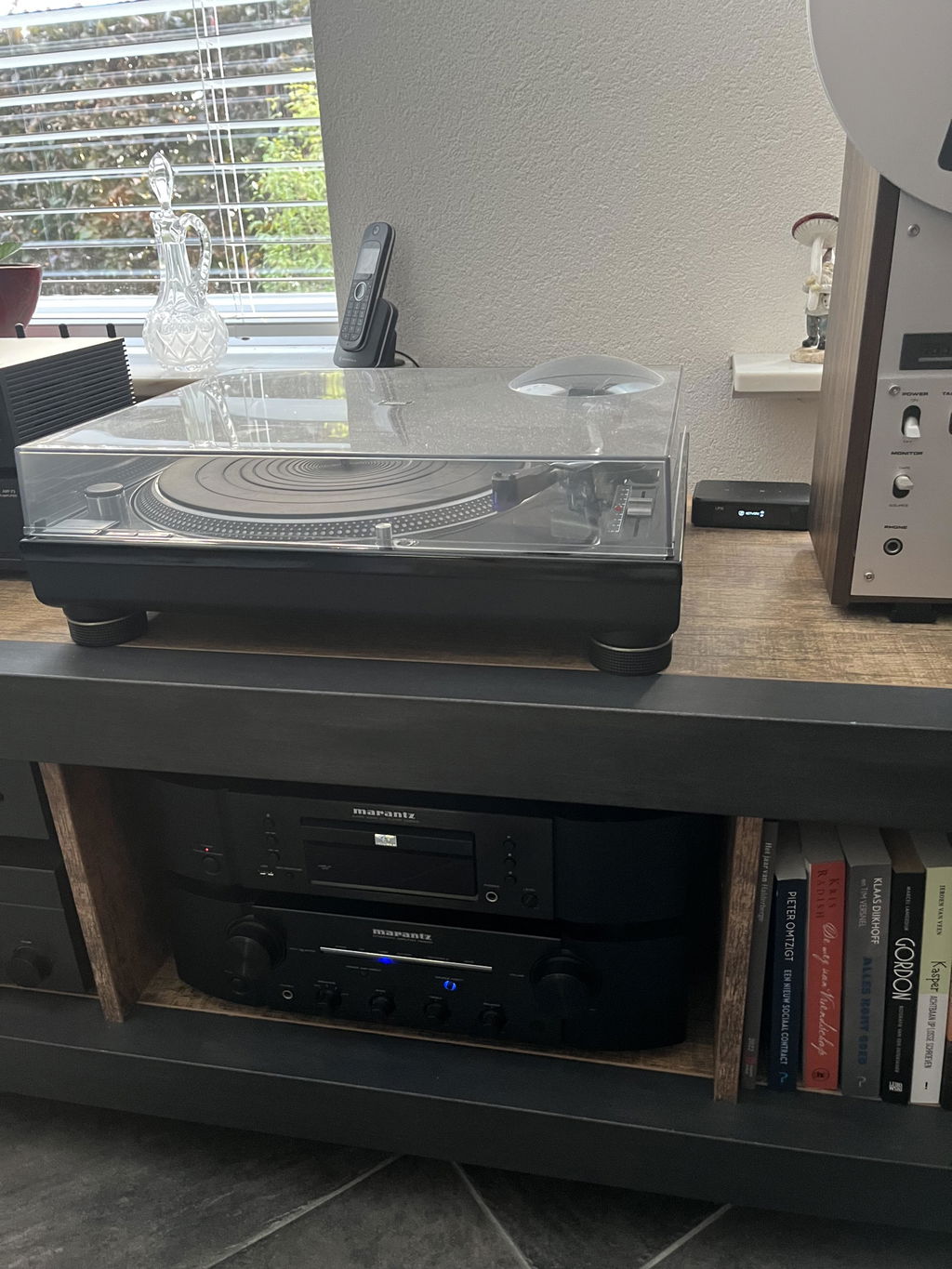
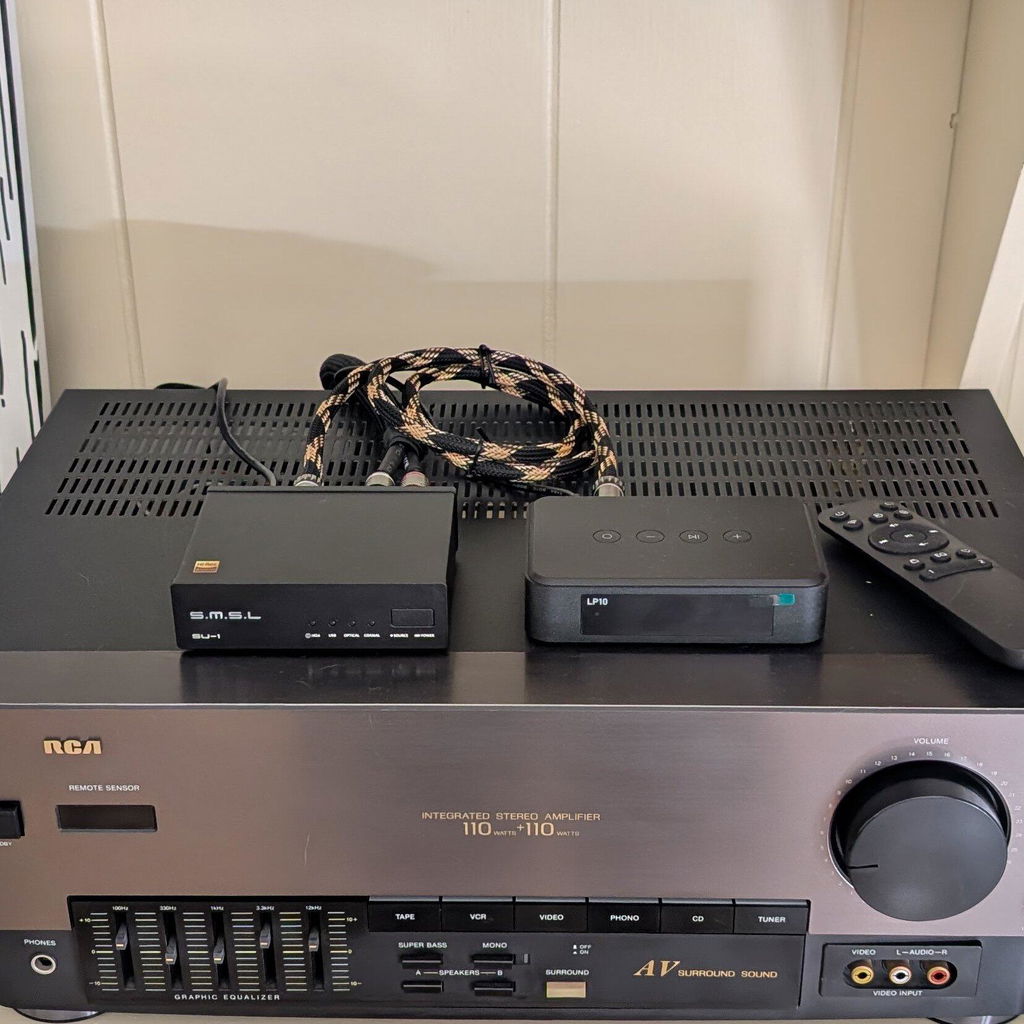
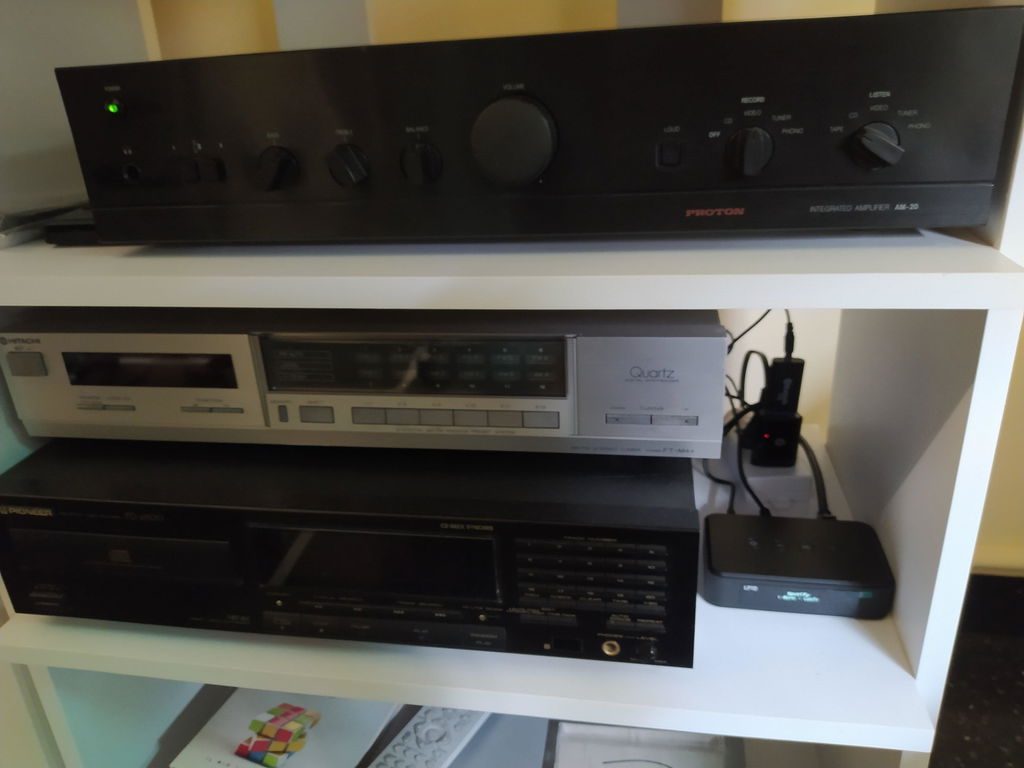
You have a nice old stereo. Maybe an amp. Maybe some bookshelf speakers. Maybe a whole receiver setup from back when CDs were still a thing. It sounds warm. It sounds full. It sounds better than most of the plastic stuff you can buy today.
But here's the problem. It's dumb. Not "broken" dumb. Just… disconnected. No AirPlay. No Wi-Fi. No Siri. Just a bunch of physical inputs and a remote that's probably lost under the couch.
You ask Google. You ask Reddit. "Is there an AirPlay 2 audio receiver for my old stereo?"
The usual answers are useless. "Just buy a whole new smart speaker system." "Get a Raspberry Pi." "Spend a fortune replacing everything."
None of that respects the gear you already own. So we built a bridge: Arylic AirMini, an AirPlay 2 audio receiver for the gear you already own. But before we get into the product, let’s talk about what you actually want.
So, What Is AirPlay 2?
Look, AirPlay 2 isn't just Bluetooth. It’s way better than that. And it’s not just "AirPlay 1" with a new sticker on the box. AirPlay 2 is Apple’s magic trick for streaming audio over Wi-Fi.
Here’s what that means in the real world. You’re sitting on your couch. You pull up Spotify on your iPhone. You tap the little AirPlay icon. And your music just... plays. Through your stereo. Without plugging anything in. No Bluetooth pairing that drops every five minutes.
But the real superpower? Multi-room audio.
Imagine this. It's Sunday morning. You're in the kitchen making coffee. The living room has your old amp and speakers. The bedroom has a modern smart speaker. You group them all together in your phone. Now the same song is playing in the kitchen, the living room, and the bedroom. Perfectly synced. No echo. No weird delay.
You can control everything with Siri. “Hey Siri, play jazz in the living room.” Done.
But here's the catch. AirPlay 2 is a software protocol. It needs a brain. Your old 1990s receiver doesn't have that brain. So it just can't do it.

AirMini The AirPlay 2 Audio Receiver for Your Old Hi-Fi
A record store manager told us a story once. He had a killer system. But he stopped using it. Why? Because the cables were a total mess. And he couldn't stream to it from his phone. So it just sat there. In the warehouse. Dusty.
That's a waste. And honestly? It's a little sad.
Enter Arylic AirMini. It’s a tiny, matte-black disc—just 68mm in diameter. Basically, the size of a hockey puck. It has a subtle LED ring light to show its status.
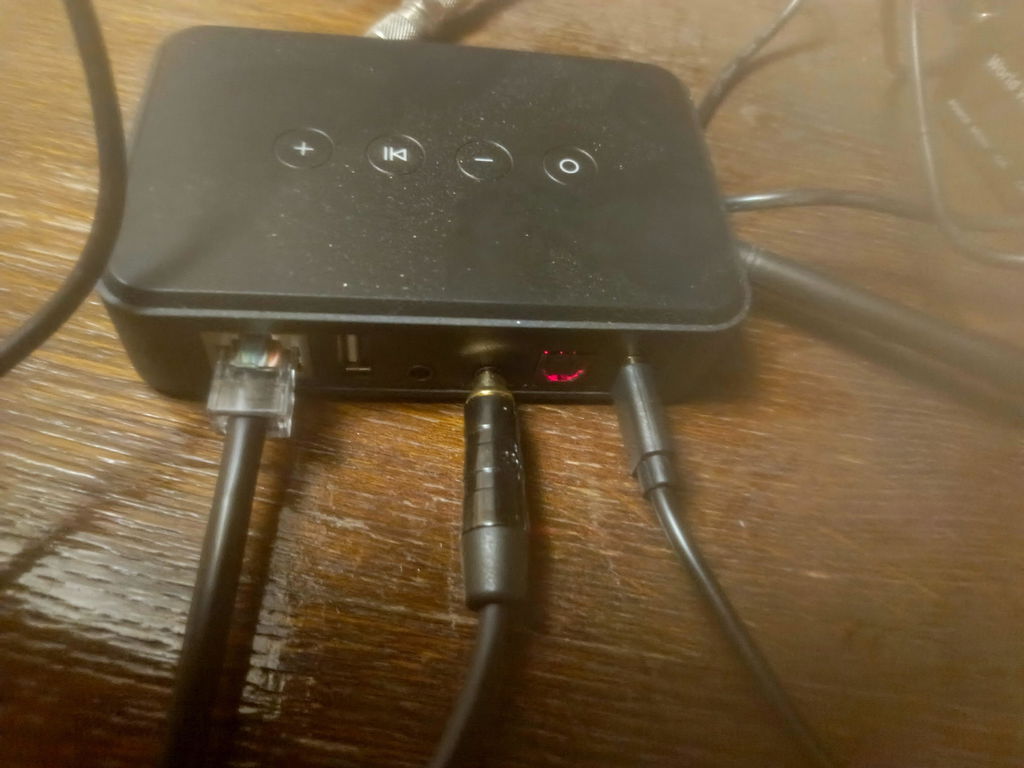
You put it next to your amp. Or your powered speakers. Or your soundbar. You plug it in. You connect it with a short 3.5mm or optical cable. That's the whole hardware side.
Open the GO CONTROL app. Set up Wi-Fi. It takes two minutes. Then open your iPhone. Add it to the Apple Home app.
Suddenly, your legacy hi-fi system is a fully functional AirPlay 2 device. It shows up on your iPhone just like an Apple TV. You can stream it without connecting it by cable. You can group it with your other AirPlay 2 speakers.

How Do You Get the Best Sound from an AirPlay 2 Audio Receiver?
The sound already lives in your amp and speakers. What’s missing is a modern source.
Connect AirMini to your amp’s AUX or line input with a 3.5mm cable, and it sends a stereo line-level signal (1Vrms) with a signal-to-noise ratio above 95dB. Your music arrives clean and quiet, ready for your amp to do the rest.
Have an amp with an optical input? Use the included adapter and an optical cable (sold separately), and let your amp’s own DAC take over. AirMini’s optical output supports PCM up to 24-bit/192kHz.
Of course, sound always depends on the whole chain: your amp, your speakers, and your room. But with AirMini, your vintage system finally gets a source that does it justice.

More Than Just AirPlay 2
AirMini isn't just an AirPlay box. It speaks multiple languages, so it fits into whatever setup you already have.
It supports Spotify Connect, meaning you can stream directly from the Spotify app. It handles Bluetooth 5.3 for when a guest wants to quickly connect their phone. It also supports DLNA/UPnP, which is perfect if you have a NAS drive full of local FLAC files you want to play without compression.
Firmware updates happen right in the app. No weird boot modes. No stress.
AirPlay 2 vs. Bluetooth: What's the Difference?
AirPlay 2 and Bluetooth both make wireless listening convenient, but they work differently and suit different needs.
| Feature | AirPlay 2 | Bluetooth |
| Connection | Network-based streaming | Direct wireless connection |
| Network requirements | A suitable local network is generally needed | No Wi-Fi network is required for a typical connection |
| Multi-room audio | Supports synchronized playback across compatible devices | Depends on the Bluetooth technology and devices used |
| Device compatibility | Requires AirPlay-compatible hardware and software | Available across a broad range of Bluetooth devices |
| Audio quality | Depends on the source, receiving device, and configuration | Depends on the source, codec, and receiving device |
| Common use | Home streaming and multi-room listening | Headphones, portable speakers, and convenient wireless playback |
Who Is This Actually For?
We built AirMini for a few specific types of listeners:
-
The Vintage Gear Lover: You prefer to keep your existing passive speakers and that heavy amplifier. You just want them to stream wirelessly.
-
The Space Saver: You want a compact streaming device that fits easily into your listening space. No massive new receiver.
-
The Smart Home Tinkerer: You already use compatible AirPlay 2 devices and want to explore a more connected home audio setup.
Keep the Sound You Love. The Price Might Surprise You.
Great audio equipment doesn't have to be replaced simply because technology has moved on. Your vintage amplifier can still power your favorite speakers. It can still be the centerpiece of your listening room.
The answer used to be “just buy an entirely new whole-home audio setup” or “spend a fortune replacing your gear.” Now there’s a better answer. It’s small. It’s cheap. It’s called Arylic AirMini, an AirPlay 2 audio receiver for under $100.
AirMini will officially launch in late October. You can pre-order it right now on the Arylic website for under $100.
Let that sink in. For less than the cost of a mid-tier pair of wireless earbuds, you can bring your vintage stereo system into the modern wireless streaming era. It comes with a 12-month warranty and a 30-day free return policy. We ship to parts of North America and Europe.
Keep your hi-fi. Rediscover your music.
FAQs
1.What is an AirPlay 2 audio receiver?
An AirPlay 2 audio receiver is a small device that receives music over Wi-Fi from your iPhone, iPad, or Mac and sends it to an amplifier or powered speakers. Arylic AirMini is an AirPlay 2 audio receiver that connects through a 3.5mm or optical cable. It is not an AV receiver or an amplifier, so it works together with the audio gear you already own.
2.Is AirMini compatible with Apple HomeKit?
Absolutely. You can add the AirMini directly to the Apple Home app on your iPhone. This lets you control the volume, group it with other AirPlay 2 speakers, and use Siri voice commands.
3.Do I need to replace my old speakers to use this?
No. AirMini is built exactly for people who love their existing hi-fi gear but want modern Wi-Fi streaming. It costs under $100, so it’s a much cheaper alternative to buying an entirely new audio system.
4.Does Arylic AirMini support Spotify and Bluetooth?
Yes. Aside from AirPlay 2, it supports Spotify Connect, Bluetooth 5.3, internet radio, and DLNA/UPnP for local NAS files
5.Does Arylic AirMini support Spotify and Bluetooth?
Yes. Aside from AirPlay 2, it supports Spotify Connect, Bluetooth 5.3, internet radio, and DLNA/UPnP for local NAS files.
6.Which output should I use on AirMini, analog or optical?
For most vintage amplifiers, use the 3.5mm analog line out. If your amp has an optical input and a built-in DAC, you can use the optical output instead. Both work, so try each and keep whichever sounds better in your system.
[Explore Arylic AirMini → here]




Leave a comment
All comments are moderated before being published.
This site is protected by hCaptcha and the hCaptcha Privacy Policy and Terms of Service apply.