


If you use an Android phone, a tablet, or even the Chrome browser on your computer to stream music to other devices, chances are you have already experienced the capabilities of Google Cast—perhaps without even realizing it.
Simply use the Google Home app to link your devices together, select a speaker, and your music will instantly begin playing on the other device. It’s that simple.
However, behind this seemingly simple operation, Google Cast harbors far more powerful capabilities. It does more than just transmit audio signals from your device; it transforms your home into an interconnected audio ecosystem, enabling seamless collaboration across apps, rooms, and devices.
Whether you wish to build a complete whole-home multi-room audio system or simply desire a cleaner, more flexible way to listen, Google Cast makes the entire experience effortless.
What is Google Cast?
Google Cast is a streaming technology developed by Google that allows you to send audio (and video) from your device directly to compatible speakers, amplifiers, and TVs over Wi-Fi.
Instead of relying on your phone to continuously transmit audio, Google Cast hands off playback to the target device itself. That means once you start playing something, the speaker or amplifier streams it directly from the internet.
It works across a wide range of devices—from Android phones and tablets to laptops running Chrome—as well as a growing number of third-party audio products.
From a user perspective, it removes a lot of friction. No cables, no complicated pairing. As long as everything is on the same network, you’re ready to go.
Why it feels better than Bluetooth
Most people are familiar with Bluetooth audio. It works—but it comes with limitations that you’ve probably learned to live with.
Google Cast takes a different approach, and you notice it pretty quickly.
First, it uses Wi-Fi instead of a short-range connection. That means you’re not tied to your speaker. You can walk around your home, leave your phone behind, or switch rooms without worrying about dropouts.
It’s also more stable. Bluetooth connections can be unpredictable, especially in busy environments. With Google Cast, once playback starts, it stays consistent.
Sound quality is another step up. Because it doesn’t rely as heavily on compression, audio tends to sound fuller and more detailed—especially on a proper speaker setup.
And maybe the biggest difference: your phone isn’t doing the heavy lifting anymore. You can take calls, open other apps, or even leave the house—your music keeps playing because the device itself is streaming it.
After a while, you stop thinking about how it works. It just fits into your routine.
Google Cast vs Bluetooth
| Feature | Google Cast | Bluetooth |
| Connection | Wi-Fi network | Direct pairing |
| Audio Quality | High / Less compressed | Compressed |
| Range | Whole home | ~10m |
| Multi-room | Yes | No |
| Sample Rate | 96kHz/24 bit | 44.1kHz/16 bit |
| Stability | High | Medium |
| Control | App-based (cloud streaming) | Device-dependent |
| Source | Cloud streaming | Phone-dependent |
| Use Case | Home audio systems | Quick playback |
What Can Google Cast Do?
The real value of Google Cast shows up when you want more than just basic playback.
Hear More in Every Detail
Google Cast supports up to 24-bit/96kHz audio, so you get more detail than standard CD quality. In real use, that means clearer vocals, better separation between instruments, and a more open, less compressed sound—especially noticeable with higher-quality tracks.
Multi-Room Playback, Made Simple

Google Cast supports multi-room audio, letting you group multiple speakers together and play the same music across your entire home.
Everything stays in sync—no noticeable delay, no echo. Whether you're moving between rooms or hosting people, the experience feels seamless.
Play Different Music in Different Rooms
You’re not limited to one stream.
You can play different content in different rooms at the same time:
- Music in the living room
- A podcast in the kitchen
- A YouTube video in the bedroom
All of it can be controlled from your phone, with quick switching between zones.
Works with Your Favorite Apps
Google Cast is built into many apps you already use.
Spotify, YouTube Music, TIDAL, Qobuz — simply start playback, then select your device within the Google Home app.
You won't need to learn any new interfaces. There’s no need to learn a new interface. Everything happens inside the apps you’re already comfortable with.
Additionally, Google Cast supports one-touch casting from multiple control devices, allowing you to enjoy effortless control.
Voice Control with Google Assistant
If you’re using Google Assistant, you can control playback with voice commands.
Things like:
- “Play music in the living room”
- “Turn up the volume”
It integrates naturally into a smart home setup without adding complexity.

Stable, Independent Playback
Once playback starts, the device streams directly from the source.
That means:
- No interruptions when you get a call
- No issues when switching apps
- No dependency on your phone staying connected
It just keeps playing.
Why a Google Cast amplifier is a smarter move
Wireless speakers are convenient, but they’re not always the best long-term solution.
If you already have speakers you like—or want more flexibility — a Google Cast-enabled amplifier is often the better choice.
Keep what you already like
There’s no need to replace a good pair of speakers.
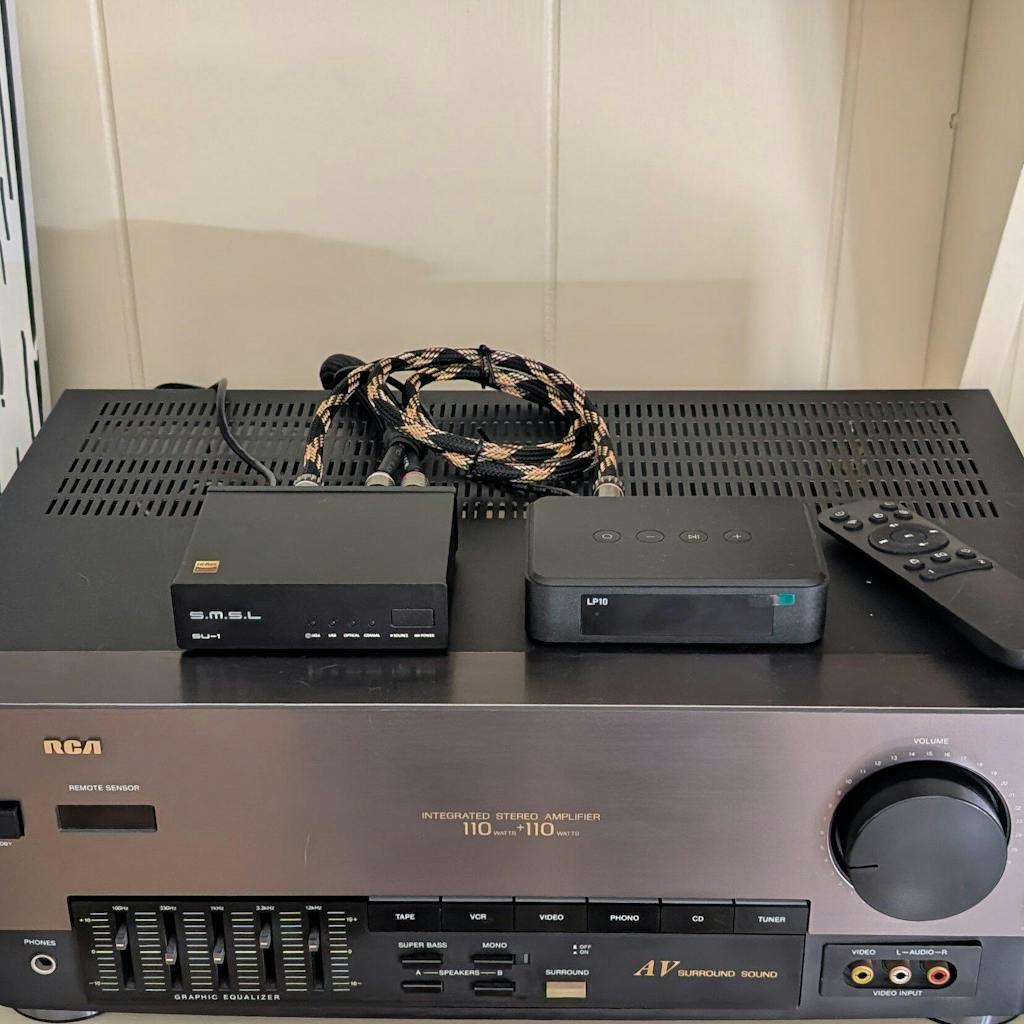
A Google Cast amplifier lets you keep your existing setup while adding modern streaming capabilities.
Better control over sound
Compared to all-in-one speakers, a proper amplifier just gives you more to work with.
You’ll start noticing it pretty quickly—vocals sound cleaner, bass feels tighter, and everything just sits better together.
Build your system your way
You’re not stuck with a fixed setup.
Swap speakers, add a sub, or tweak things over time—whatever fits your space and how you like to listen.

Traditional Hi-Fi meets modern streaming
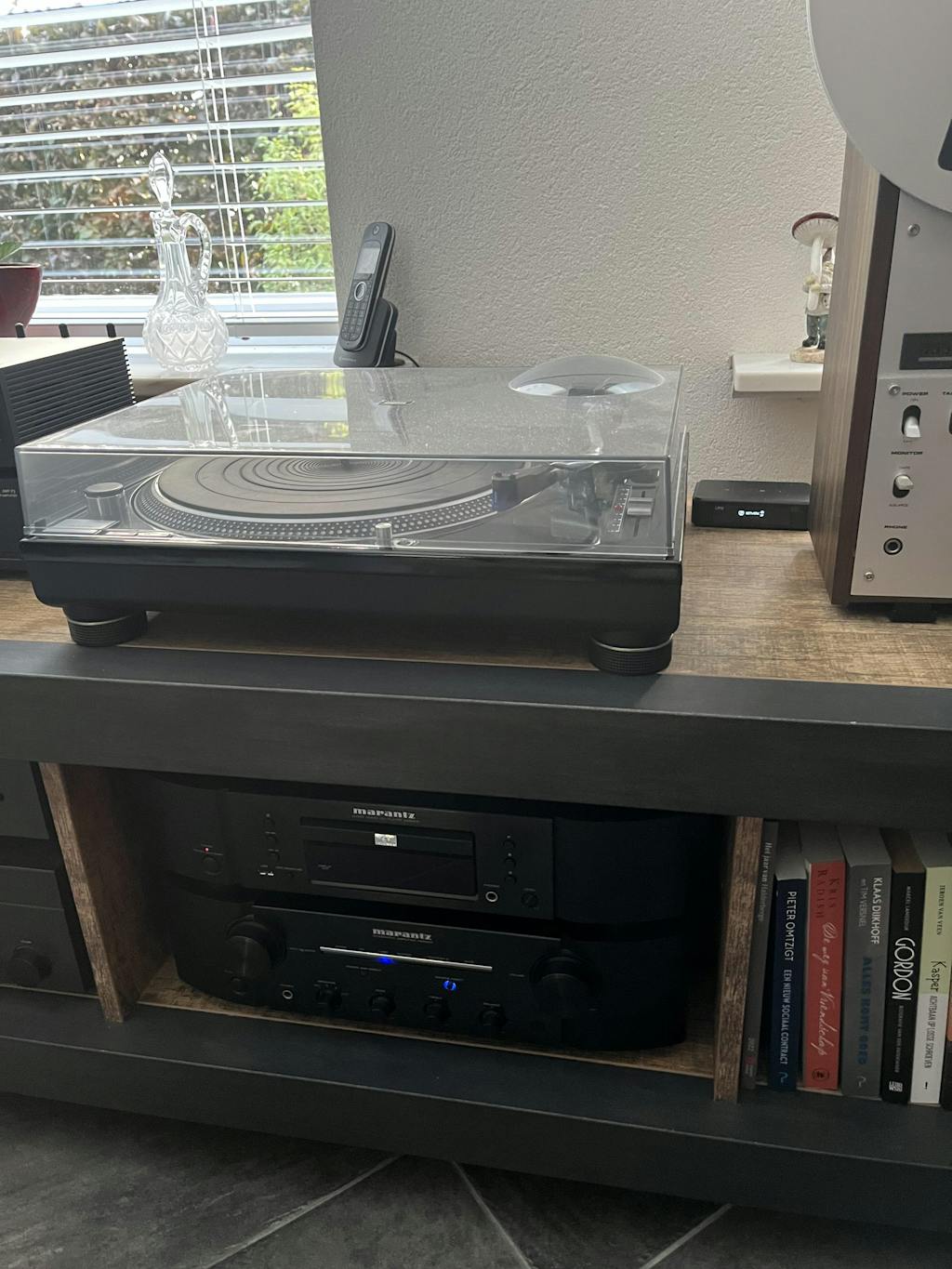
A Google Cast amplifier bridges the gap between classic audio systems and modern listening habits.
You get the sound quality of wired speakers, with the convenience of wireless streaming.
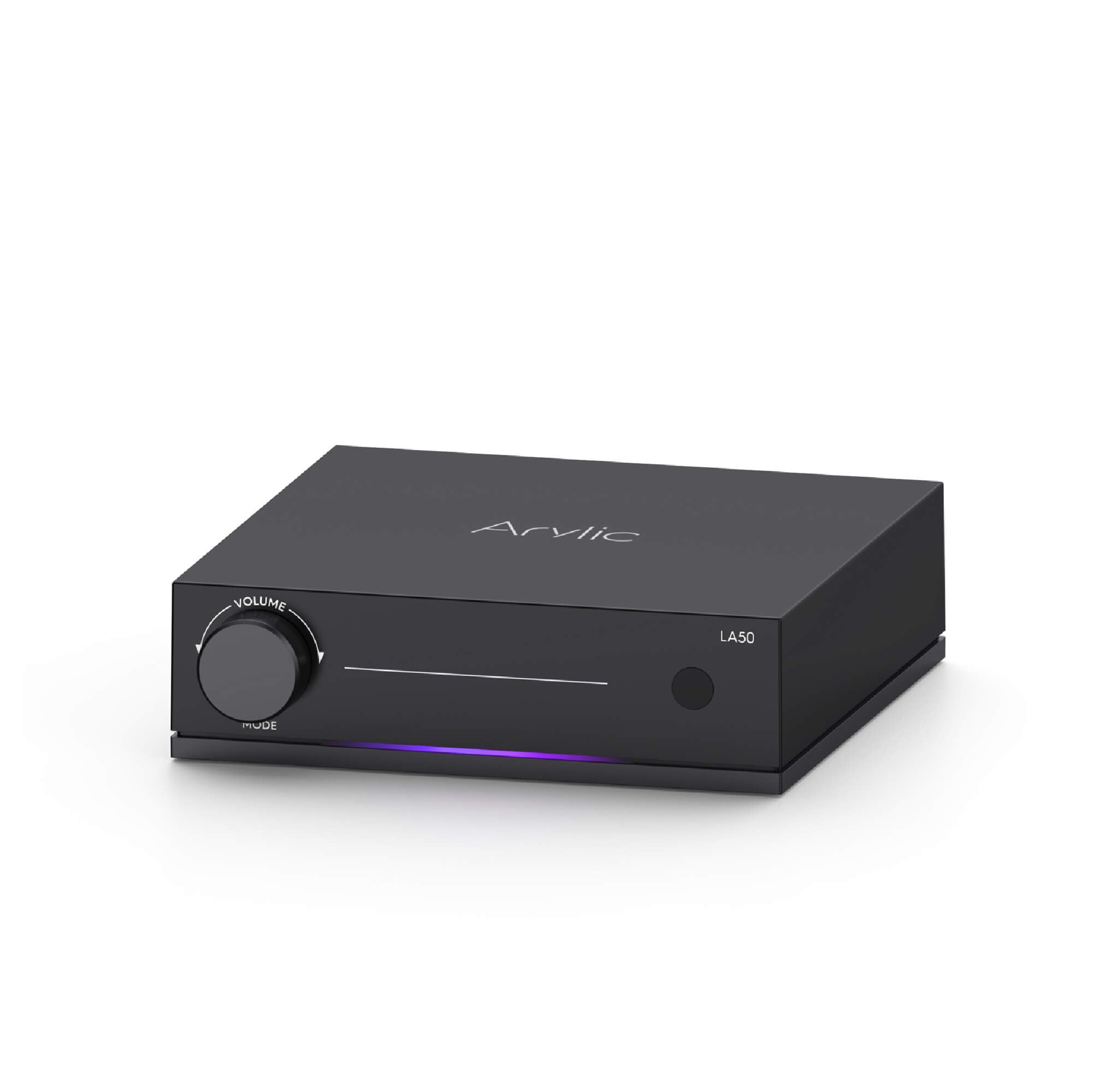
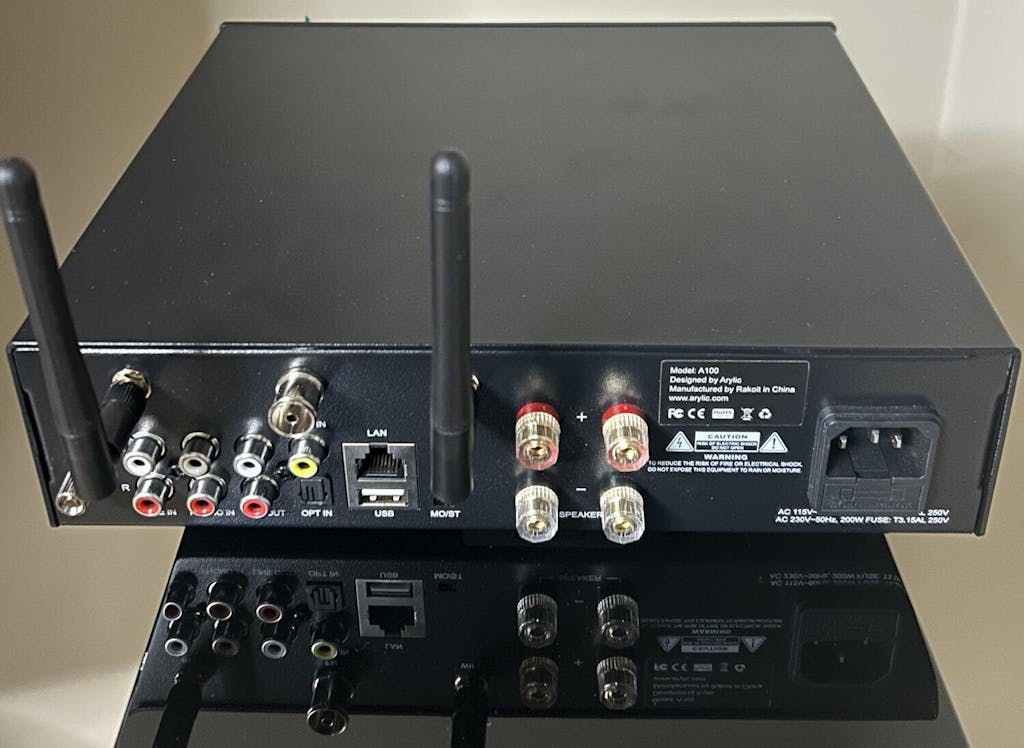
Meet the LA50 Streaming Amplifier
The LA50 is designed around this idea—bringing modern streaming into a flexible, real-world audio setup.
It’s built for people who want convenience, but don’t want to compromise on how their system sounds or evolves over time.
Learn more about LA50: https://www.arylic.com/products/la50-streaming-amplifier
Fits naturally into everyday setups
With 50W per channel, it works well for desktop systems, bookshelf speakers, and most living room environments.
There’s also a dedicated subwoofer output, making it easy to build a 2.1 system.

Not limited to one ecosystem
Google Cast is a core feature—but it’s not the only one.
The LA50 also supports:
- AirPlay 2
- Spotify Connect
- TIDAL Connect
- Qobuz Connect
So you’re free to use whichever platform fits your habits.
Easy to live with
Once it’s set up, it just works.
No complicated controls, no extra steps. It becomes part of your system without getting in the way.
Getting started with Google Cast
Using Google Cast with the LA50 is straightforward.
Connect the amp to your Wi-Fi, make sure your phone or computer is on the same network, then open a supported app and tap the Cast button.
Select the LA50, and playback starts instantly.
No pairing. No friction. Just pick it and play.

Same system, smoother control
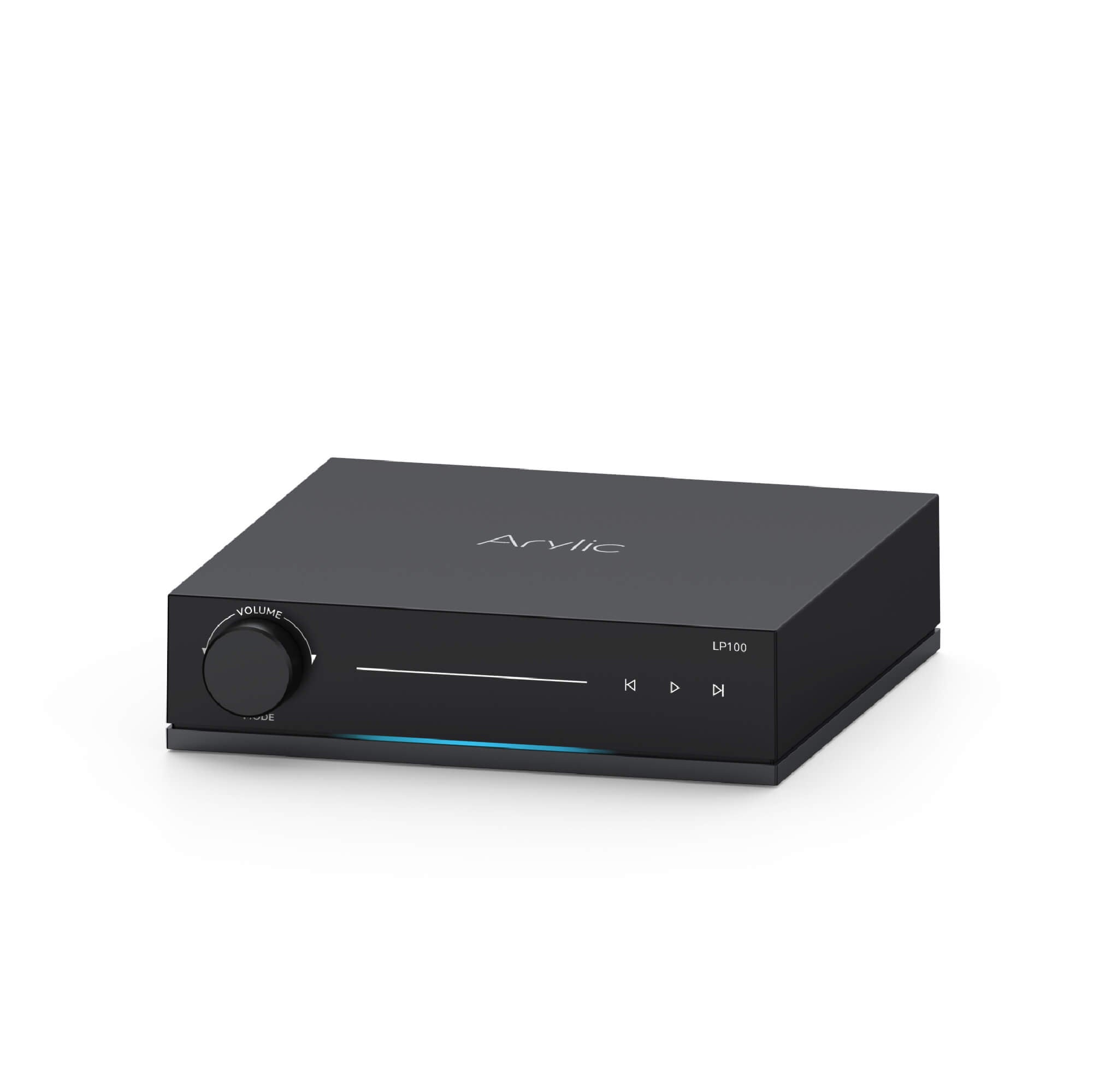
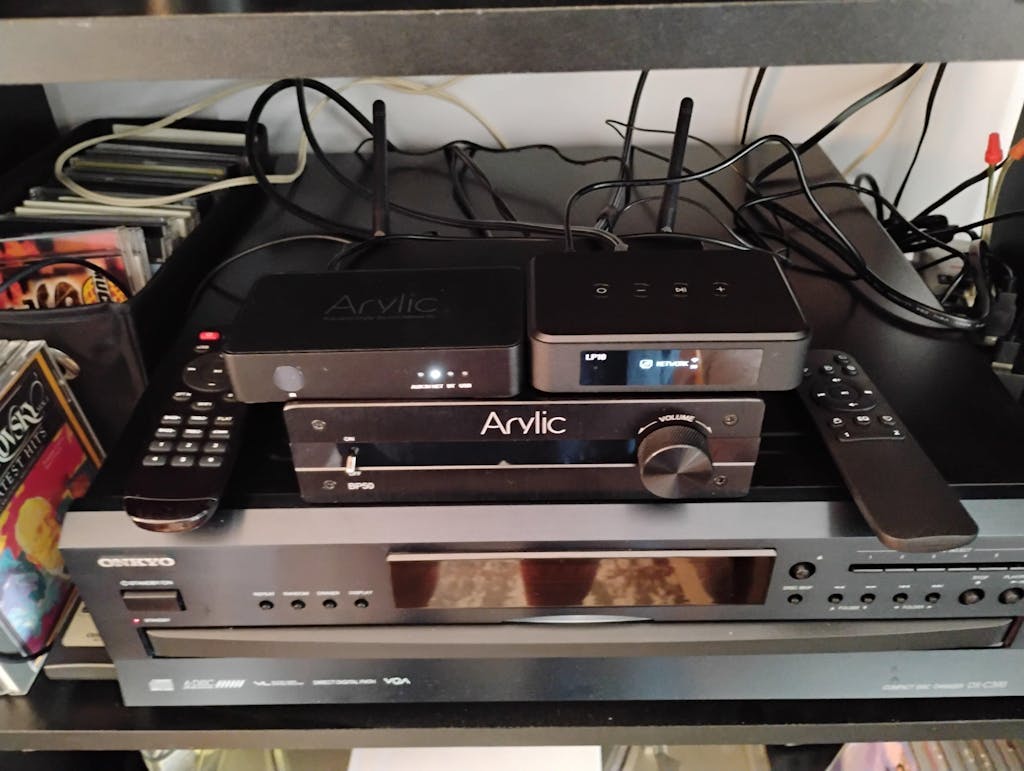
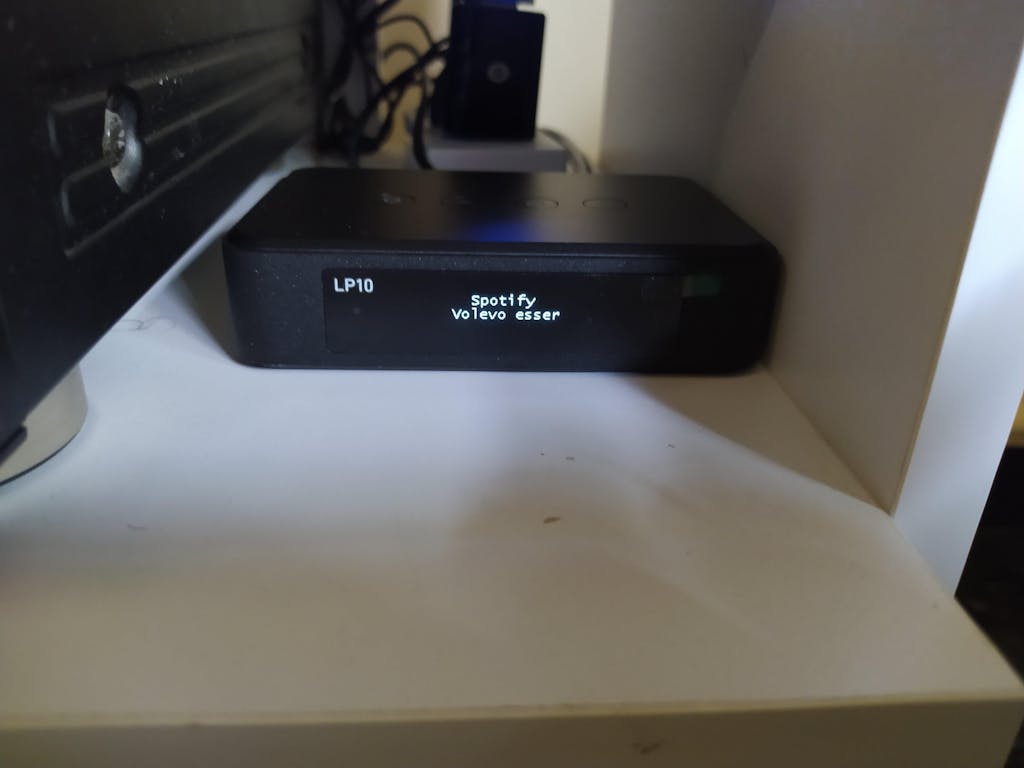
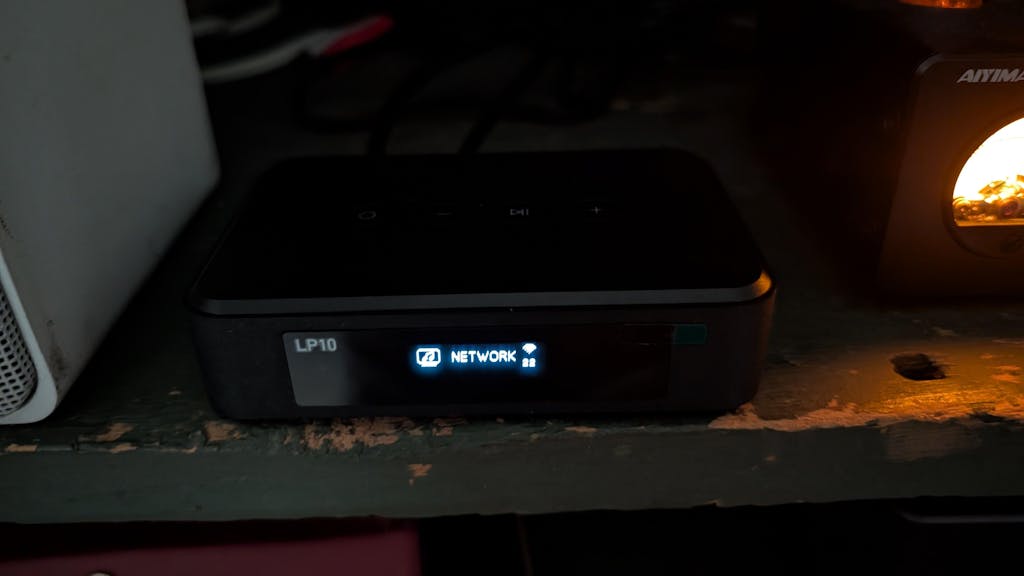
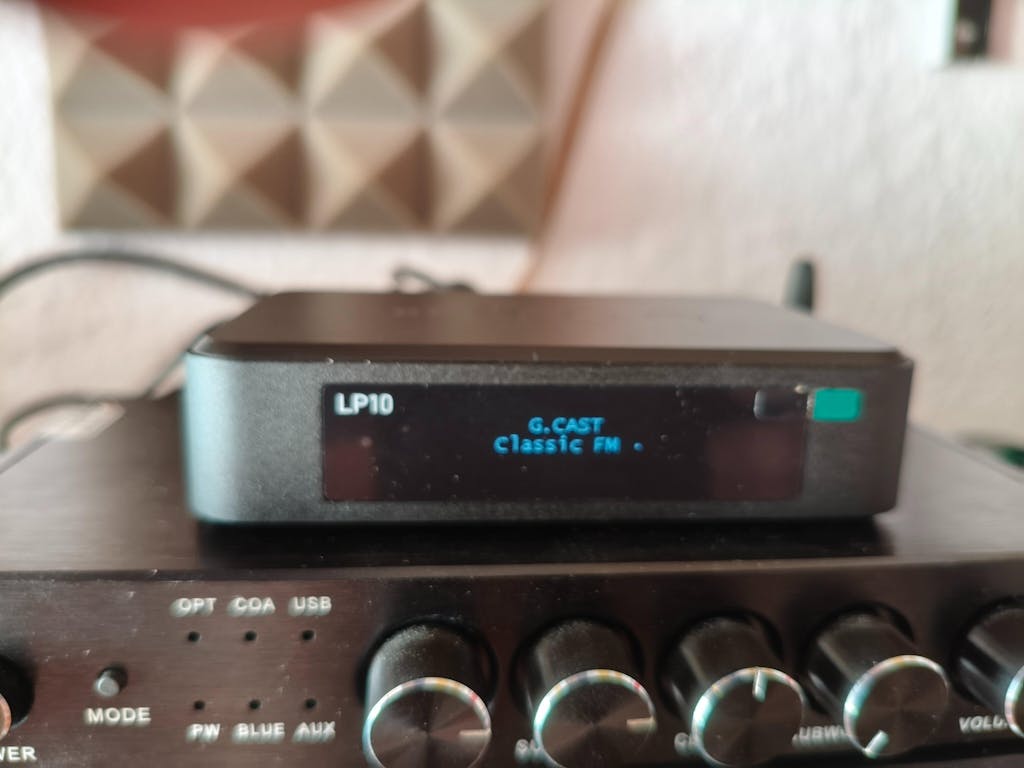
The LA50 and LP20 run on the same streaming platform, so everything works together naturally.
You control both devices from the same apps, with the same interface and playback logic — no switching, no relearning. Just pick what you want to play, and it responds instantly.
It keeps things simple, even as your setup grows.
Final thoughts
Google Cast isn’t just a feature—it changes how your audio system fits into your daily life.
It makes playback more flexible, multi-room setups easier, and removes the small annoyances that come with traditional wireless audio.
If you’re looking to move beyond basic speakers, a Google Cast amplifier is a strong upgrade path.
And with something like the LA50, the transition feels natural.
You keep the speakers you already enjoy, add the streaming features you actually use, and end up with a system that works the way you want it to.


Leave a comment
All comments are moderated before being published.
This site is protected by hCaptcha and the hCaptcha Privacy Policy and Terms of Service apply.