


If you use an iPhone, iPad, or Mac to stream music to other devices, chances are you have already experienced AirPlay—perhaps even without realizing it. Simply tap the casting button on your device, select a speaker, and your music begins playing on another device. It’s that simple.
Apple's follow-up, AirPlay 2, takes things up a notch, refining the experience significantly. It no longer merely transmits audio from one device to another; instead, it transforms the entire home into a system featuring an Apple Music environment.
Whether you plan to set up a comprehensive whole-home audio system or simply wish to enjoy your music with greater ease, using AirPlay 2 to unlock its full range of features will deliver a truly transformative experience.
What is AirPlay 2?
AirPlay 2 is a technology introduced by Apple in 2018. Building upon the original AirPlay standard, it enables you to wirelessly stream audio from Apple devices—such as iPhones, iPads, and Macs—to other systems, including speakers, amplifiers, and televisions, all over a Wi-Fi network.
This technology has since become an indispensable part of the Apple ecosystem. Today, AirPlay 2 can be found across a wide range of products—encompassing devices running iOS, iPadOS, and macOS, as well as numerous third-party audio devices.
From a user's standpoint, AirPlay 2 is a game-changer, freeing you from the mess of wires and delivering a smoother music streaming experience. Plus, it's designed to fit seamlessly into your life. Forget about the hassle of Bluetooth setups. Just make sure your device and audio system are on the same network, and you're good to go.
Why it feels better than Bluetooth
Most people have used Bluetooth audio at some point. It works—but it also comes with a few small annoyances you probably just got used to.
AirPlay 2 takes a different approach, and the difference shows up pretty quickly in daily use.
For one, it runs on Wi-Fi instead of a short-range connection. That means you’re not stuck staying close to your speakers. You can move around your home, leave your phone on the table, or even step into another room, and the music doesn’t suddenly cut out.
It’s also a lot more reliable. With Bluetooth, dropouts and random disconnects aren’t unusual—especially in busy environments. AirPlay 2 feels steadier. Once it starts playing, it just keeps going.
Sound quality is another area where the gap becomes noticeable. Because it doesn’t rely as heavily on compression, music tends to sound fuller and more natural, especially on a proper speaker setup.
And then there’s the way it fits into everyday use. You don’t have to think about “staying connected” anymore. You can open other apps, take a call, scroll through messages—your music keeps playing in the background like it should.
After a while, you stop thinking about the technology altogether. It just becomes part of how you listen.
AirPlay 2 vs Bluetooth
| Feature | AirPlay 2 | Bluetooth |
| Connection | Wi-Fi network | Direct pairing |
| Audio Quality | High / Lossless | Compressed |
| Range | Whole home | ~10m |
| Multi-room | Yes | No |
| Stability | High | Medium |
| Control | App / system-level | Device-level |
| Source | Multiple apps | Single device |
| Use Case | Home audio systems | Quick playback |
What Can AirPlay 2 Do?
The true value of AirPlay 2 becomes apparent when you seek a richer, more feature-rich experience than basic audio playback alone can offer.
Multi-Room Playback, Made Simple

One of AirPlay 2’s most significant upgrades is its support for "multi-room audio."
You can use multiple speakers located in different rooms or zones to play the same song simultaneously, enabling you to achieve perfect audio synchronization. There is absolutely no delay and no echo—creating a cohesive, consistent audio experience throughout your entire space.
This feature excels in a wide variety of scenarios—whether you live in a home with an open-plan layout, are hosting a party, or simply wish to move between rooms without interrupting your listening experience.
Play Different Music in Different Rooms
AirPlay 2 offers capabilities that go far beyond simply streaming a single audio source.
You can simultaneously send different audio content to different rooms. For example:
Music playing in the living room
A podcast playing in the kitchen
The commentary track from a YouTube video playing in the bedroom
All playback controls can be managed directly via your iPhone or iPad, allowing you to switch effortlessly between different zones.
Built-in iOS Controls
AirPlay 2 is deeply integrated into Apple's operating system.
You can control playback directly through the iOS "Control Center"—performing actions like pausing, skipping tracks, adjusting volume, or switching output devices takes just a few seconds. There is no need to open a separate app or navigate through complicated, cumbersome interfaces.
For those who rely on Apple Music, the integration is particularly smooth. But AirPlay 2 isn't limited to just that; it also works with Spotify, YouTube Music, and a host of other applications, giving you a broader range of audio options.
Control Playback with Siri

You can use Siri to control audio playback on your devices.
Simply issue commands such as "Play music in the living room" or "Turn down the volume," and AirPlay 2 transforms into a truly seamlessly integrated core component of your smart home ecosystem.
Stable and Seamless Playback
Once playback begins, AirPlay 2-enabled applications stream audio directly from the internet source. Consequently, your music playback will no longer be easily interrupted—ensuring that the audio remains consistently smooth and uninterrupted, even when you answer a phone call, switch applications, or walk into another room.
Why an AirPlay 2 amplifier is a smarter move
When people think about upgrading their audio setup, wireless speakers are usually the first thing that comes to mind. They’re easy, compact, and quick to set up.
But if you’re thinking a bit longer term—or you already have speakers you actually like—going with an AirPlay 2 amplifier tends to make more sense.
Keep what you already like
There’s no real need to replace a good pair of speakers just to get wireless streaming.
An AirPlay 2 amplifier lets you keep using your existing setup while adding modern features on top. If you’ve already spent time (and money) finding speakers that sound right to you, this approach just feels more practical.
More control over how your system sounds
Compared to most all-in-one wireless speakers, a dedicated amplifier gives you more headroom and better control.
You’ll notice it in small ways at first—cleaner vocals, tighter bass—but over time it adds up to a more balanced and enjoyable listening experience.
Build your system your way

One of the biggest advantages here is flexibility.
You’re not locked into a single box. You can change speakers, add a subwoofer, or slowly expand your setup depending on your space and preferences. A simple 2.0 setup today can easily become a 2.1 system later on.
That kind of freedom is a big part of why many audio enthusiasts prefer this route.
Old-school meets modern streaming
In a way, an AirPlay 2 amplifier sits right between traditional Hi-Fi and today’s streaming habits.
You still get the reliability and sound quality of a wired speaker system, but now it works seamlessly with your phone, your apps, and your daily routine.
That balance is what makes it such a practical upgrade.
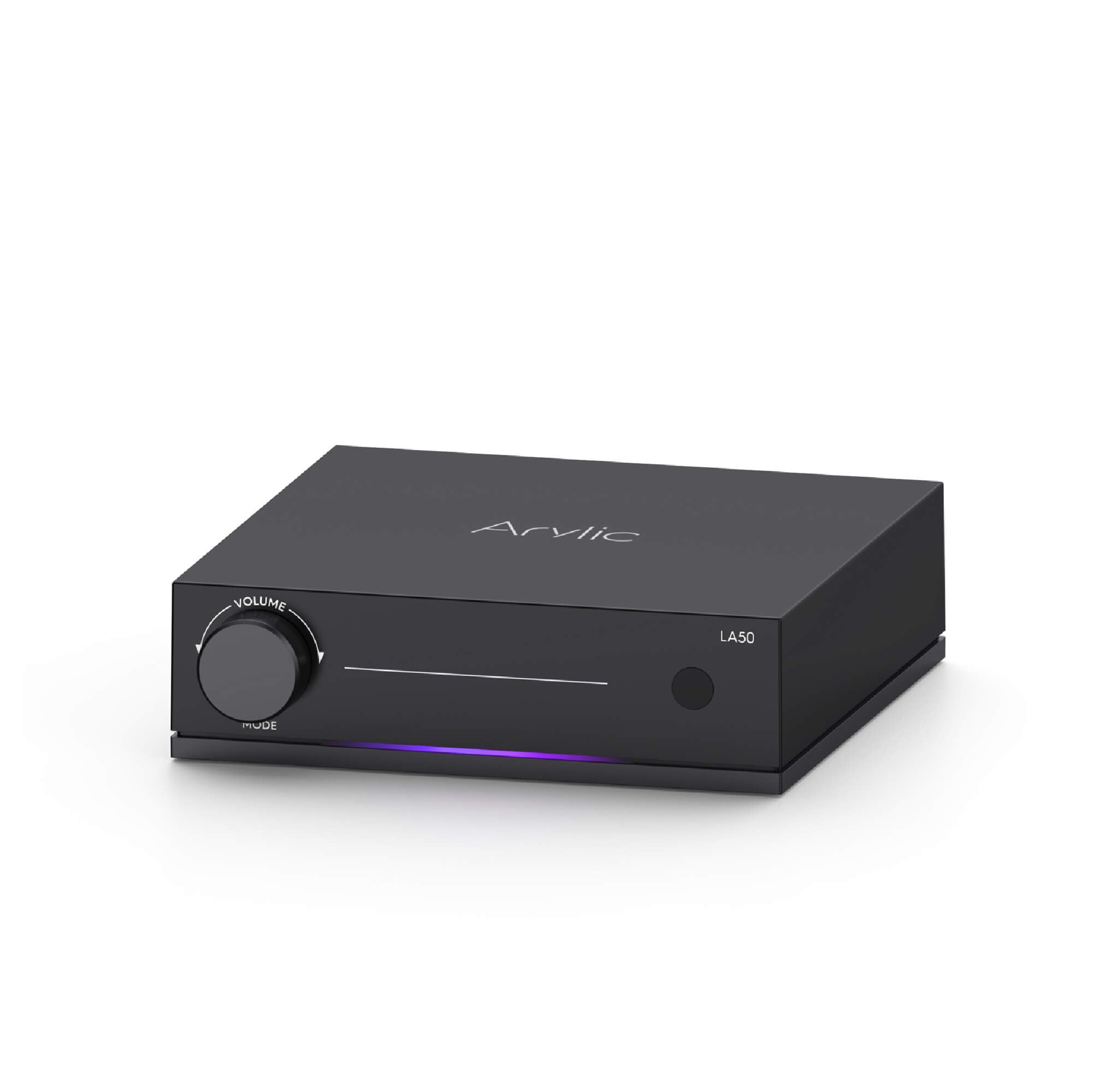
Meet the LA50 AirPlay 2 Amplifier
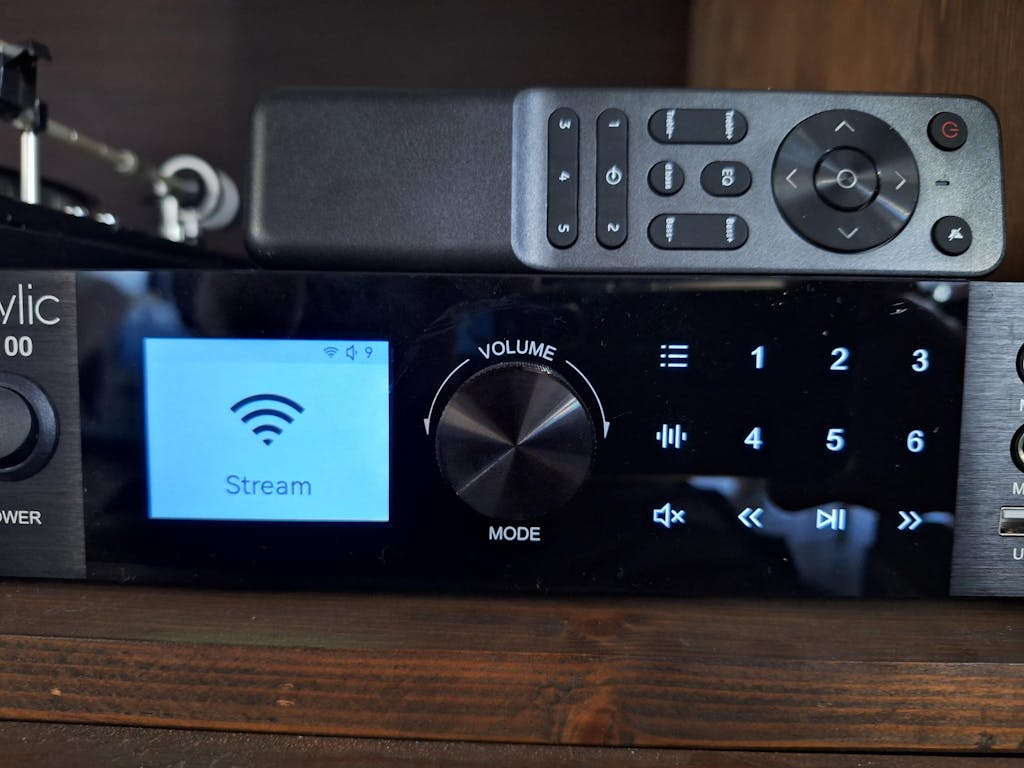
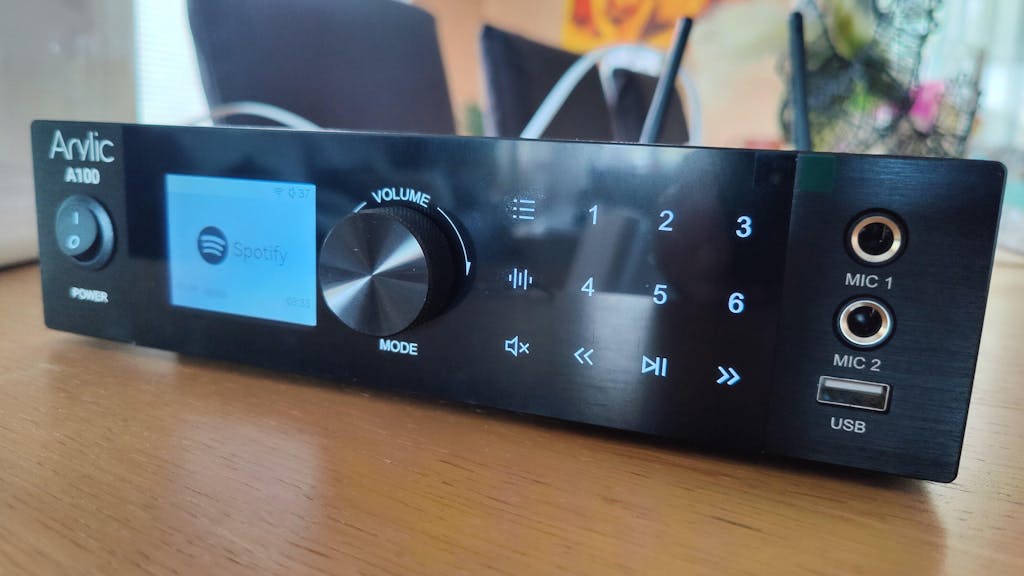
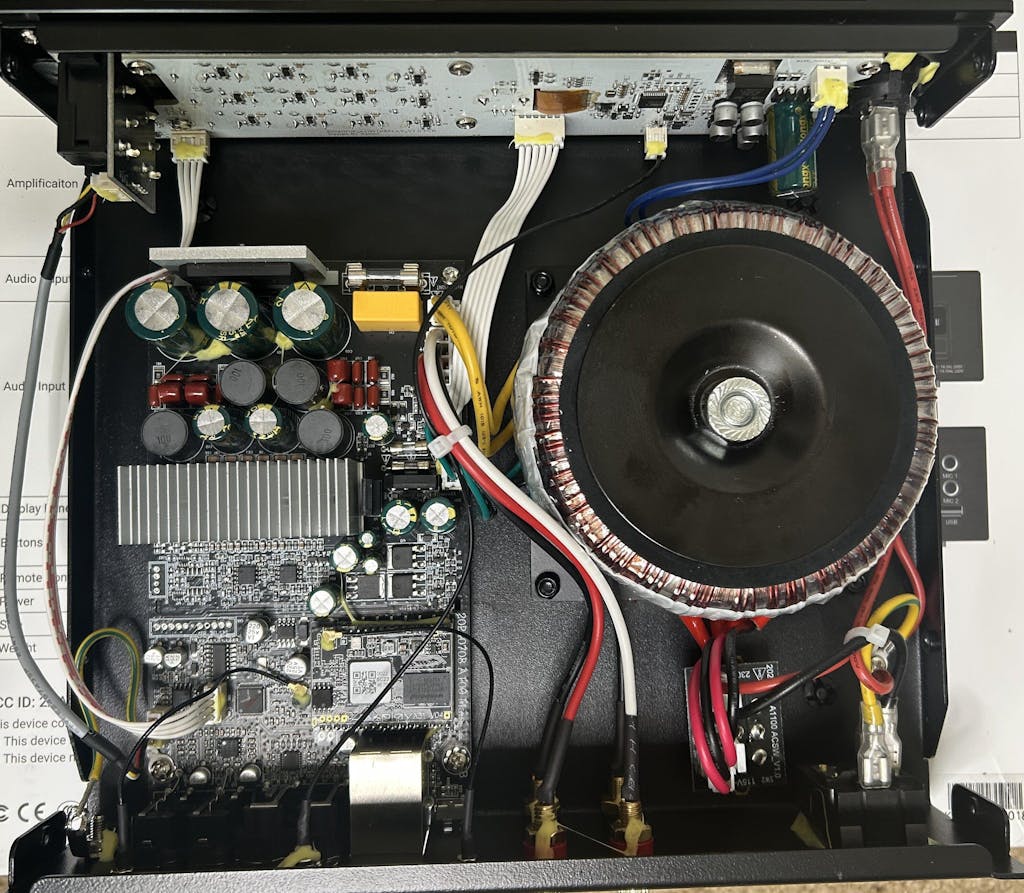
The LA50 is Arylic’s take on this idea—a streaming amplifier designed to bring AirPlay 2 into a real-world setup without making things complicated.
It’s built for people who want modern streaming, but don’t want to give up the flexibility of a proper speaker system.
Fits naturally into everyday setups

With 50W per channel, the LA50 works well for desktop listening, bookshelf speakers, and most living room setups.
There’s also a dedicated subwoofer output, so if you want a bit more low-end presence, building a 2.1 system is straightforward.
Not limited to one ecosystem

AirPlay 2 is a big part of the experience, but it’s not the only option.
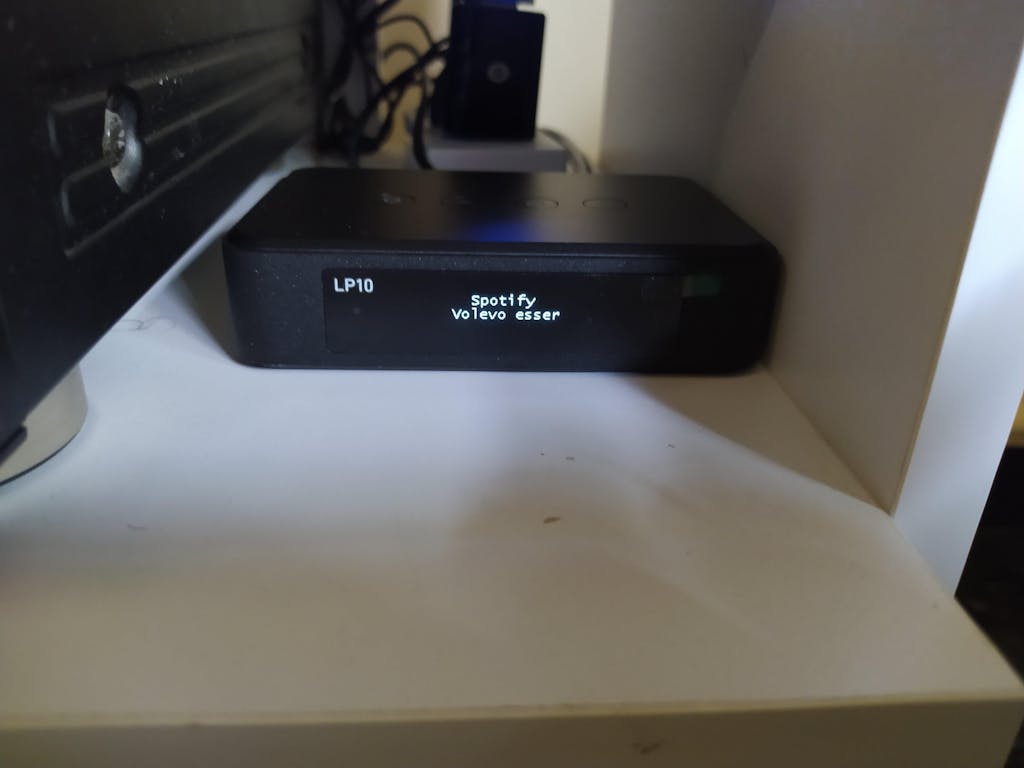
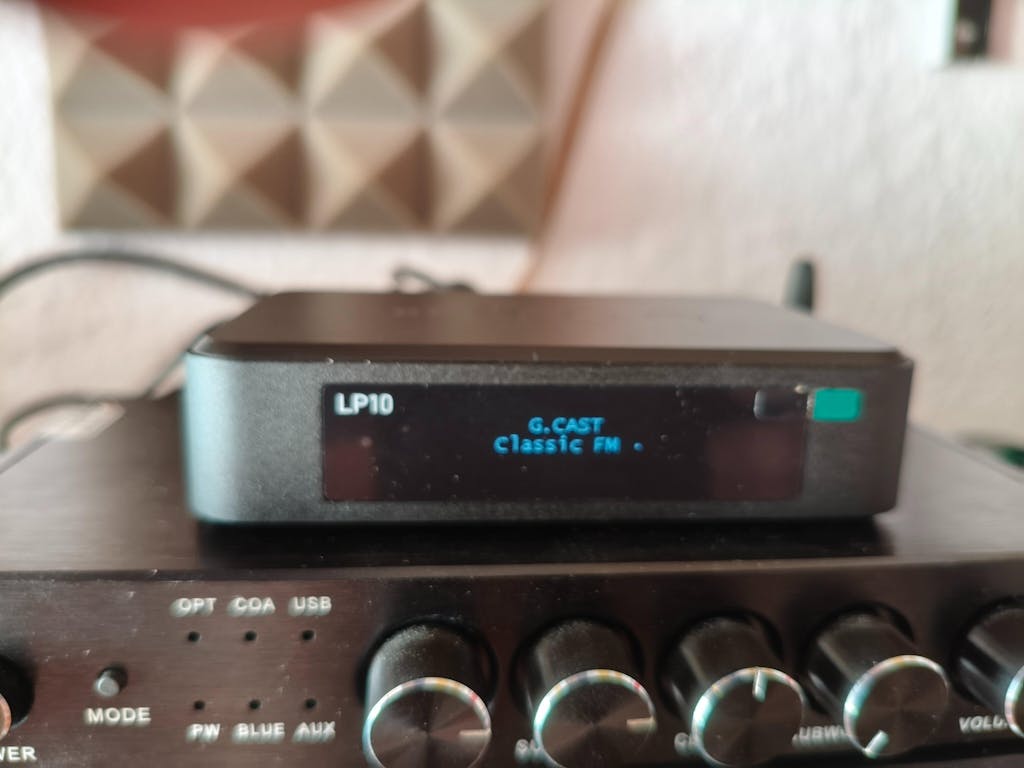
The LA50 also supports Google Cast, Spotify Connect, TIDAL Connect, and Qobuz Connect. So no matter which platform you tend to use, you’re not boxed into a single way of listening.
Easy to live with
Once it’s set up, it doesn’t ask much from you.
You don’t need to relearn how you listen to music or deal with complicated controls. It just becomes part of your setup—something that works in the background without getting in the way.
Getting started with AirPlay 2

Using AirPlay 2 with the LA50 is about as simple as it gets.
Connect the amp to your Wi-Fi, make sure your iPhone, iPad, or Mac is on the same network, then open Control Center and select the LA50 from the AirPlay menu.
That’s all it takes.
No pairing process, no extra steps—just pick it and start playing.
Once it’s set up, it’ll show up every time you want to use it.
Final thoughts
AirPlay 2 isn’t just another feature you check off on a spec sheet. It changes how your system fits into everyday life.
It makes playback easier, switching between devices quicker, and multi-room setups far less complicated.
If you’re looking for something beyond a basic wireless speaker, an AirPlay 2 amplifier is a solid upgrade path.
And with something like the LA50, you don’t have to overthink it.
You keep the speakers you already enjoy, add the streaming features you actually use, and end up with a system that feels simple, flexible, and built around how you listen.



Leave a comment
All comments are moderated before being published.
This site is protected by hCaptcha and the hCaptcha Privacy Policy and Terms of Service apply.