


Currently, people listen to music in diverse ways, for example, people can access millions of songs from streaming platforms instead of traditional physical albums or locally stored music.
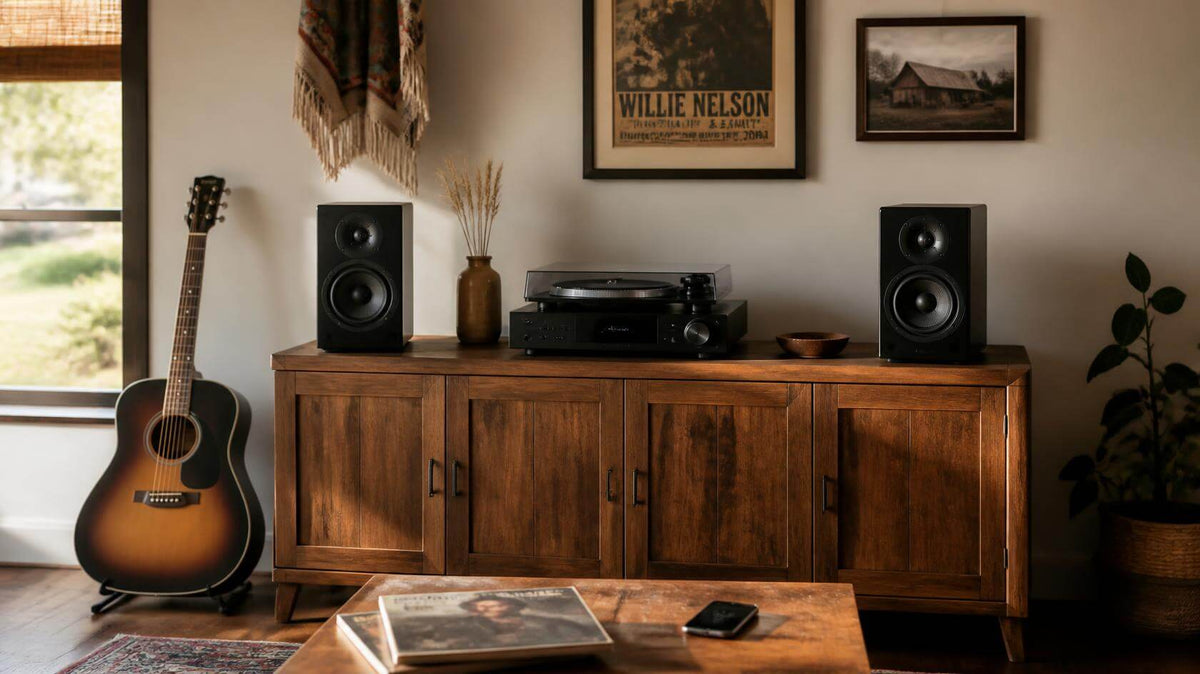
For many music lovers, listening to streaming music only through phones or computers is not satisfactory. They want to bring streaming music into their home audio system but without replacing any existing audio equipment. This is where music streamers come in. Not only can music streamers upgrade an audio system, but they can also be a central hub of an audio system, connecting different sources and giving listeners more flexibility in how they listen.
But the use of technological products can also give rise to various problems. It was no exception for music streamers either. One of the frustrating issues is audio dropout. When we are enjoying music, the music suddenly pauses, which annoys us. So, why does your music keep cutting out? Is it because your music streamer has a problem? Let's explore this issue deeply.
What Is a Music Streamer
It is important to understand what a music streamer is before we explore the issue of music dropout.
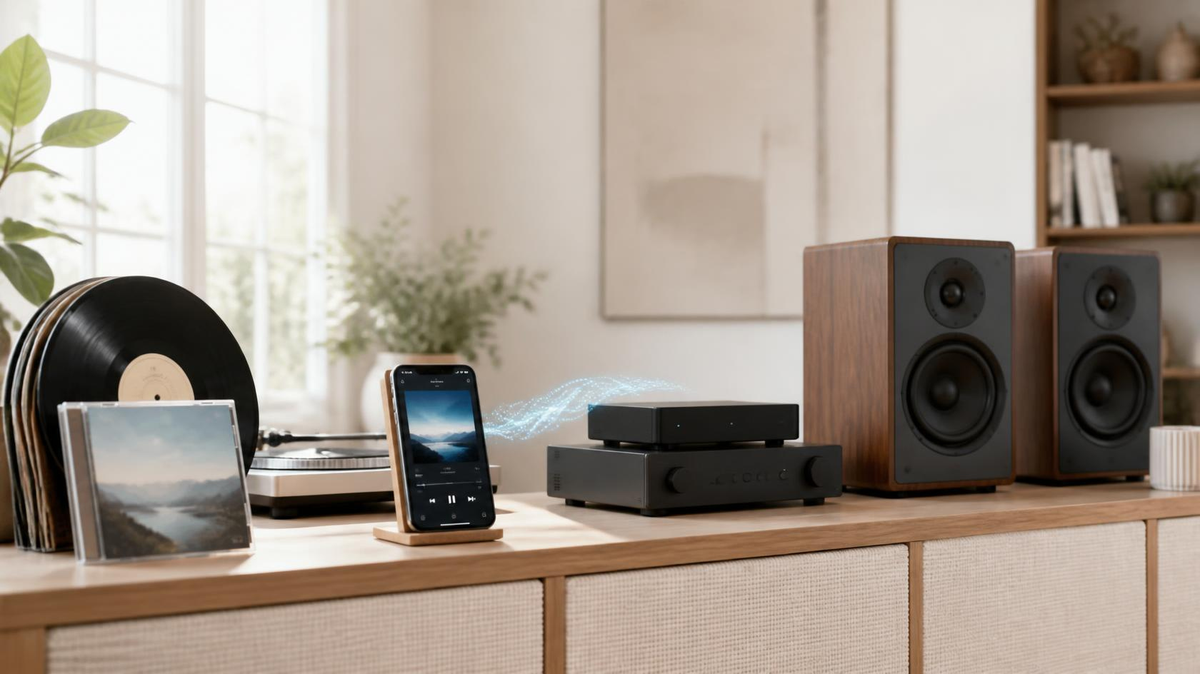
Simply put, a music streamer acts as the link between your audio system and today's digital music. It is a device that allows even traditional audio systems to play digital music with ease. It can connect to Wi-Fi to play tracks via music services such as Spotify, TIDAL and Qobuz, as well as content from your mobile phone or local music library.
Music streamers have powerful aggregation capabilities. Regardless of where the music comes from, they can gather it and send it to the audio system for playback. However, this does not mean that music streamers are immune to problems. One particularly frustrating issue is music interruptions. Why does this situation happen, and what can we do?
What Causes Music Dropouts and How Can You Fix Them?
Unstable Wi-Fi Connection
The Wi-Fi signal on the mobile phone being full does not necessarily mean that the Wi-Fi connection is stable, which is a common misunderstanding among people. The Wi-Fi signal shouldn't be the only criterion.
The Wi-Fi connection is also affected by the distance between the music streamer and the router. Obstacles between the two devices can also affect the Wi-Fi connection.
When faced with this issue, users can check whether the distance between the devices is appropriate and whether there are any obstacles.
Many users will notice that there are two Wi-Fi bands and may be unsure which to choose. Users should understand the similarities and differences between the two frequency bands before connecting the streaming player to the appropriate one.
2.4GHz vs 5GHz
|
|
2.4GHz
|
5GHz
|
|---|---|---|
|
Coverage Area
|
Wider
|
Narrower
|
|
Obstacle Penetration
|
Better
|
Weaker
|
|
Interference
|
More susceptible
|
Less susceptible
|
|
Speed
|
Lower
|
Higher
|
|
Best For
|
Devices that are farther from the router or separated by obstructions
|
Devices that need higher speeds
|
Network Load and Interference
When a large number of devices are connected to the same Wi-Fi network, it is difficult for the network to handle them all simultaneously, let alone cope with devices that require a significant amount of bandwidth.
Lots of nearby Wi-Fi and wireless signals may also interfere with the playback of music.
When placing the music streamer, people should reduce the number of devices using Wi-Fi simultaneously, and avoid placing the music streamer in areas with a high density of wireless signals.
Router
Some users utilise mesh Wi-Fi systems, which typically consist of multiple nodes. Devices may switch between different nodes based on the network conditions. This can result in temporary connection interruptions.
In such cases, the connection may recover automatically after a moment.
Streaming Service or Music Source
Once network connection issues have been ruled out, the streaming service or audio source may still be the cause of such interruptions.
It is actually quite simple to check whether this is the cause of music interruptions. Simply switch to another streaming service or audio source. Users can try to restart the streamer and update the app or firmware.
Streamer, App, or Firmware Issues
When you have ruled out the above issues, the problem of music dropout may come from the app, firmware or even the music streamer itself. As the product is developed and updated, these problems may be solved over time but cannot always be fixed immediately. So what you can do is give feedback to the engineering team and wait for their reply and updates. Most companies attach great importance to feedback.
Compatibility of devices and apps also needs to be considered. Before you play music through the music streamer, you also need to know whether the app or device is compatible with it.
Lastly, the music streamer itself may have problems if you have checked

What Should You Look for in a Music Streamer?
If you’ve solved the common problems above but your music continues to cut out, it’s worth considering whether your music streamer is compatible with your system. But how do you choose a suitable music streamer?
Stable Network Connectivity
A music streamer relies on a stable network connection to deliver continuous playback. Look for a music streamer that supports reliable network connectivity and widely used streaming protocols such as AirPlay and Google Cast, it can provide a better streaming experience. Most people may not pay much attention to the network connection when they select a music streamer. But without a smooth network experience, it is a major drawback to the music streamer.
Regular Firmware and Software Updates
Streaming technology and services are constantly evolving, and people’s needs are constantly changing. Regular firmware and software updates to music streamers, carried out by a team of specialists, help to improve performance, patch vulnerabilities and more.
Ongoing Technical Support
Although firmware and software keep updating, there are lots of issues that users may encounter. Whether the problem lies with the operation or with the equipment itself, users need professional help. Through problems and feedback from users, the engineering team can better understand the needs and problems of music streamer users, pushing the music streamer to be better.
Streaming Service and Protocol Support
Users may not need so many streaming services. However, it doesn't mean that a music streamer can only support a single streaming service. More streaming services and protocol support provide more possibilities and selections to users.
Right Inputs and Outputs
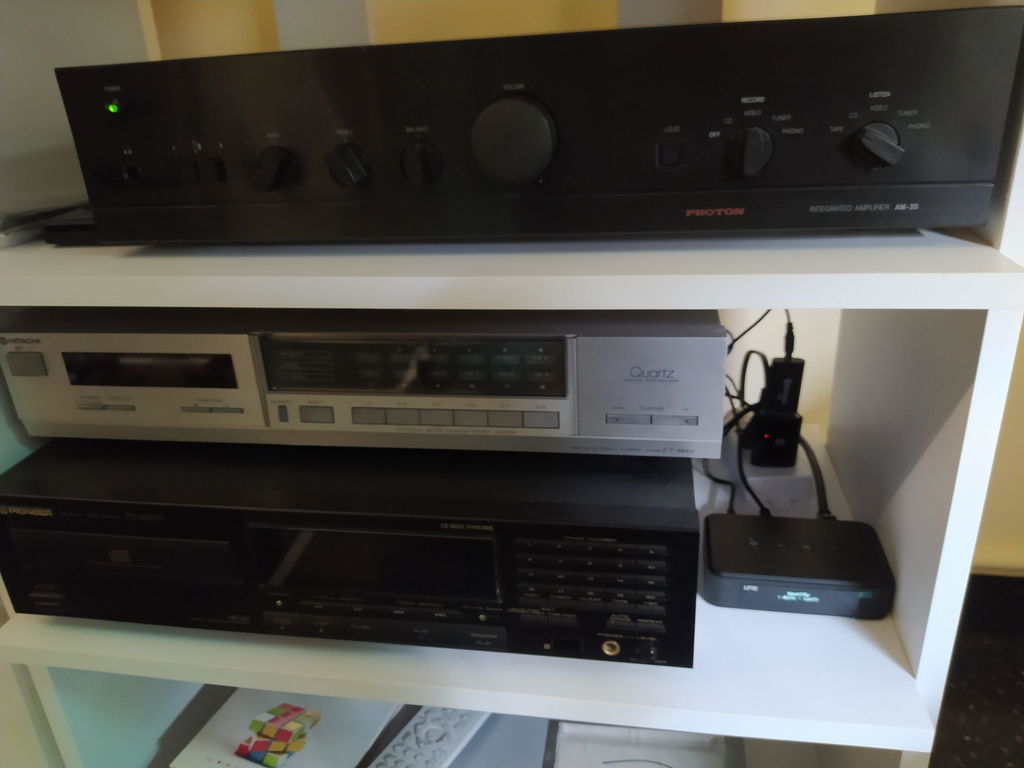
Finally, users need to think about the compatibility of the music streamer with existing audio system. For example, if users are considering connecting devices such as a television, turntable, or power amplifier to the music streamer, users will need to ensure that the streaming player has the appropriate input and output connections.
Which Music Streamer Is Right for You?
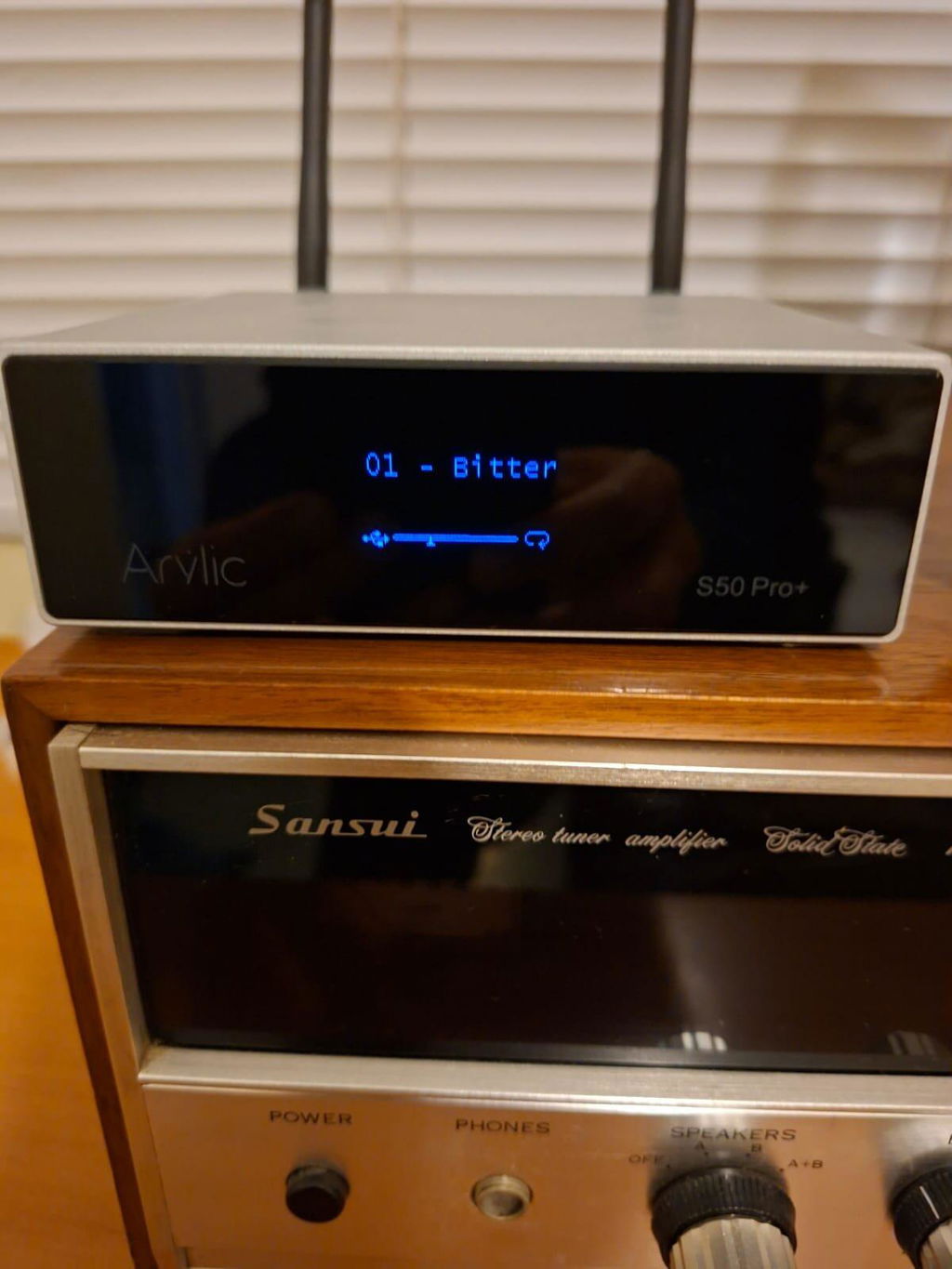
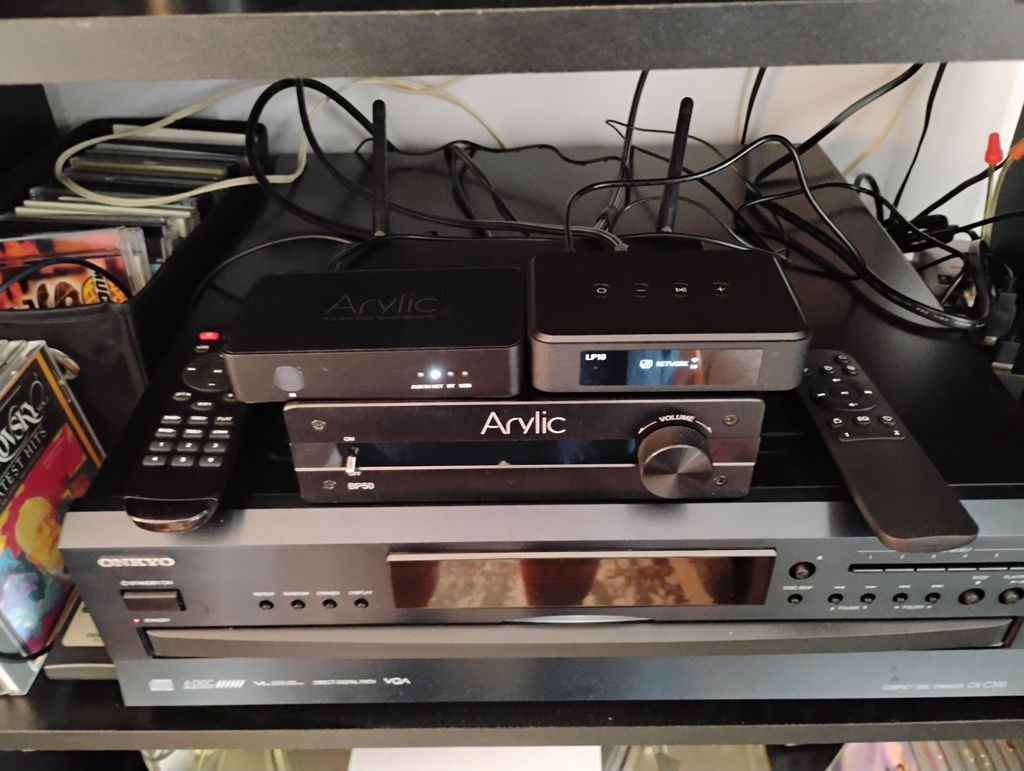
There is no perfect music streamer, but people can choose a music streamer depending on their needs. For people who already have an entire audio system, they don't need to replace their devices. Arylic provides different solutions for different needs.
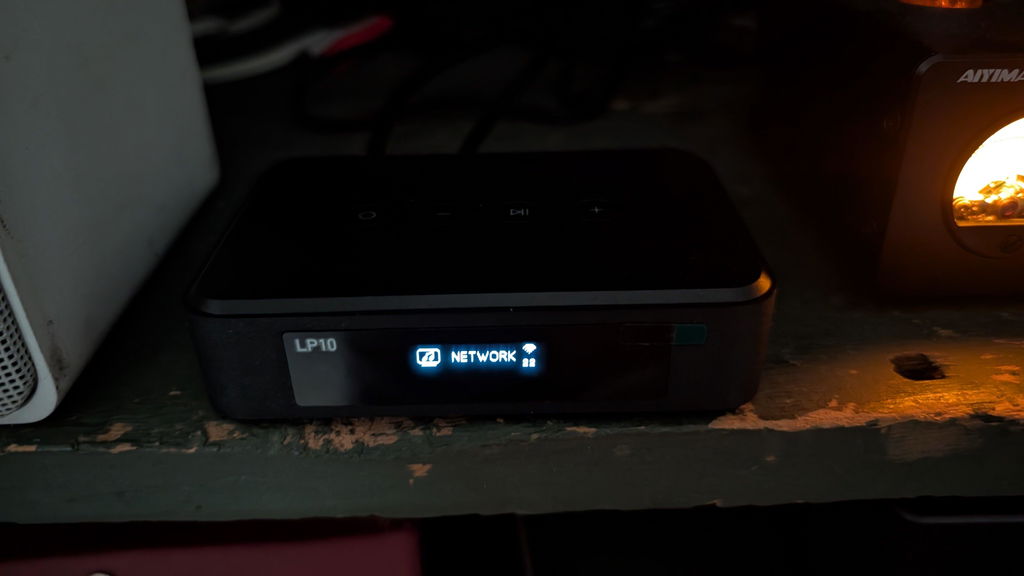
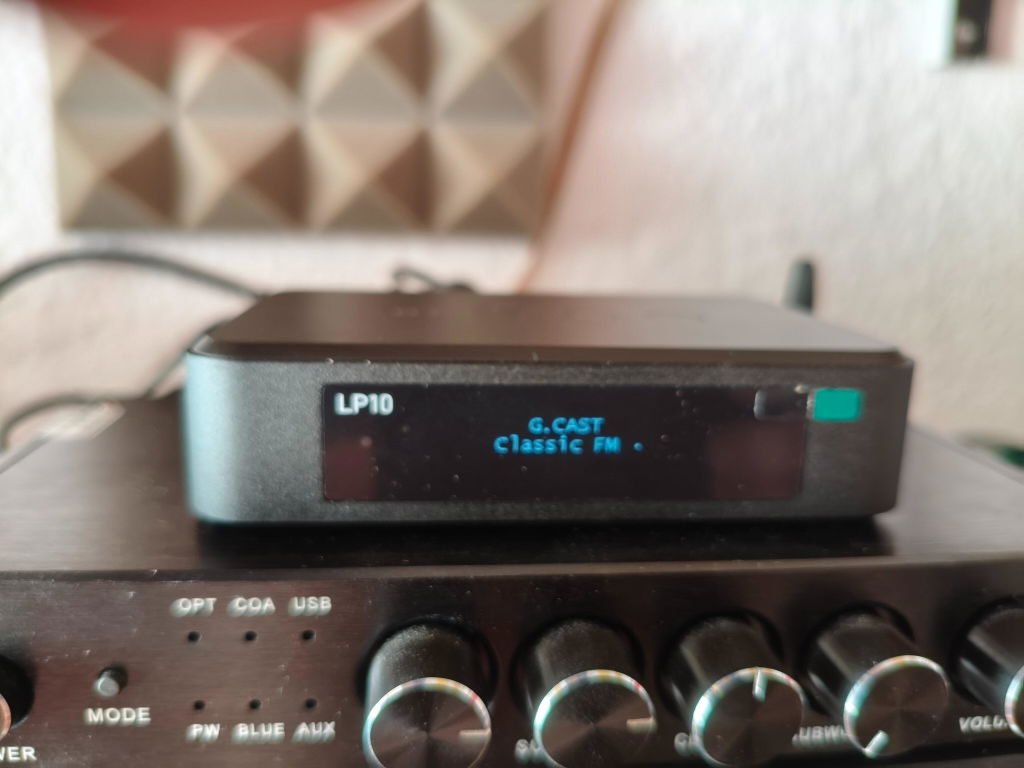
Simply Adding Streaming - Arylic LP10
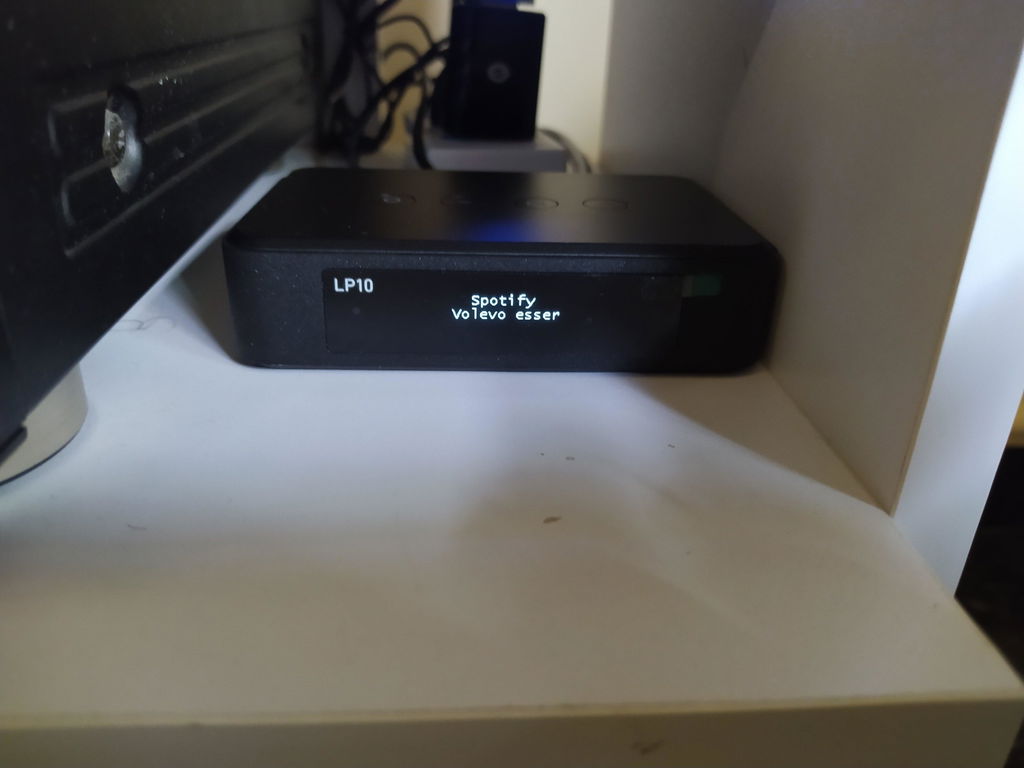
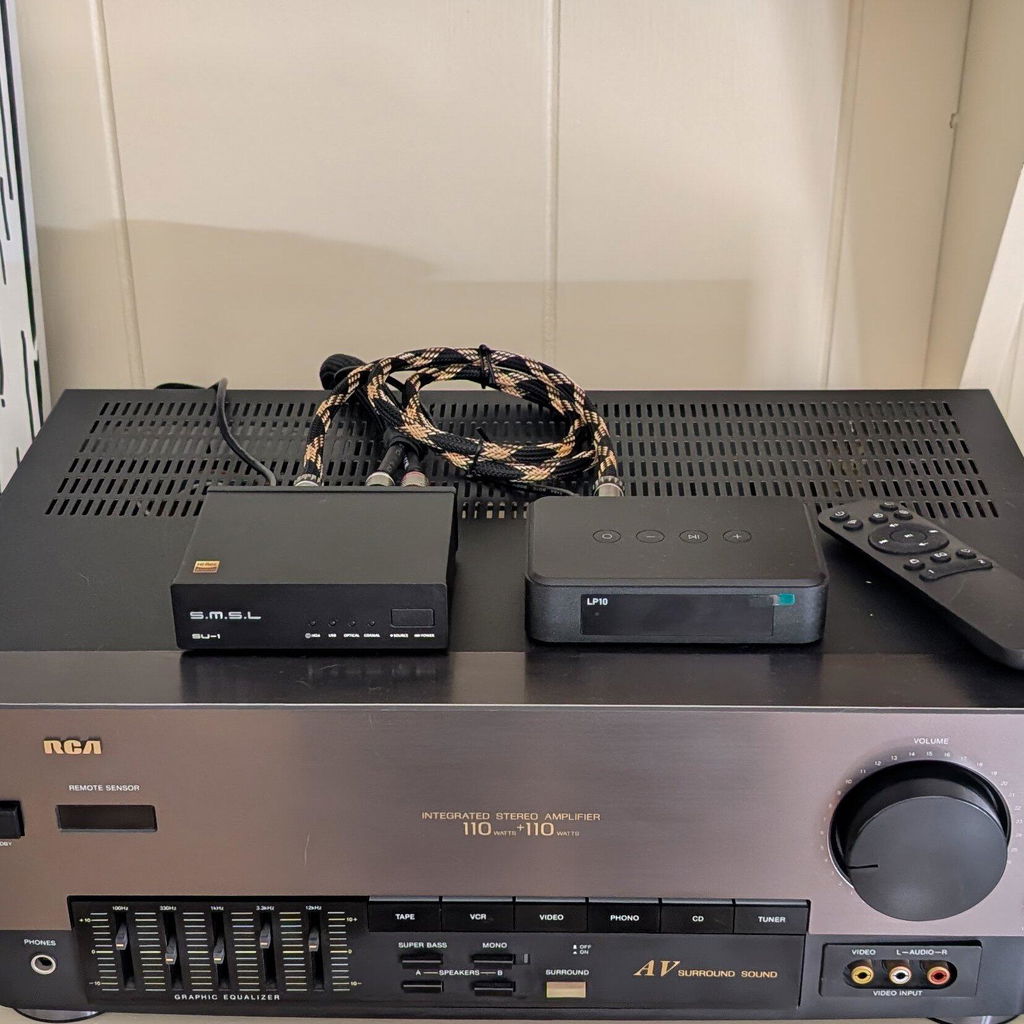
The Arylic LP10 is a simple and efficient choice to upgrade streaming features for an existing audio system. A dedicated music streamer can add streaming capabilities to an existing setup while allowing people to keep the equipment they already have.
Explore more about LP10: https://www.arylic.com/products/lp10-music-streamer

More Flexible Streaming - Arylic LP20
For people who want more flexible connections and control for their existing audio system, the Arylic LP20 takes a more comprehensive approach. LP20 can serve as the control center between your audio sources and amplifier, while also bringing network streaming into your setup.
For users who are ready to move beyond simply adding streaming and want a more complete streaming-focused Hi-Fi setup, the LP20 is a natural step up from a standalone music streamer.
Explore more about LP20: https://www.arylic.com/products/lp20-music-streamer
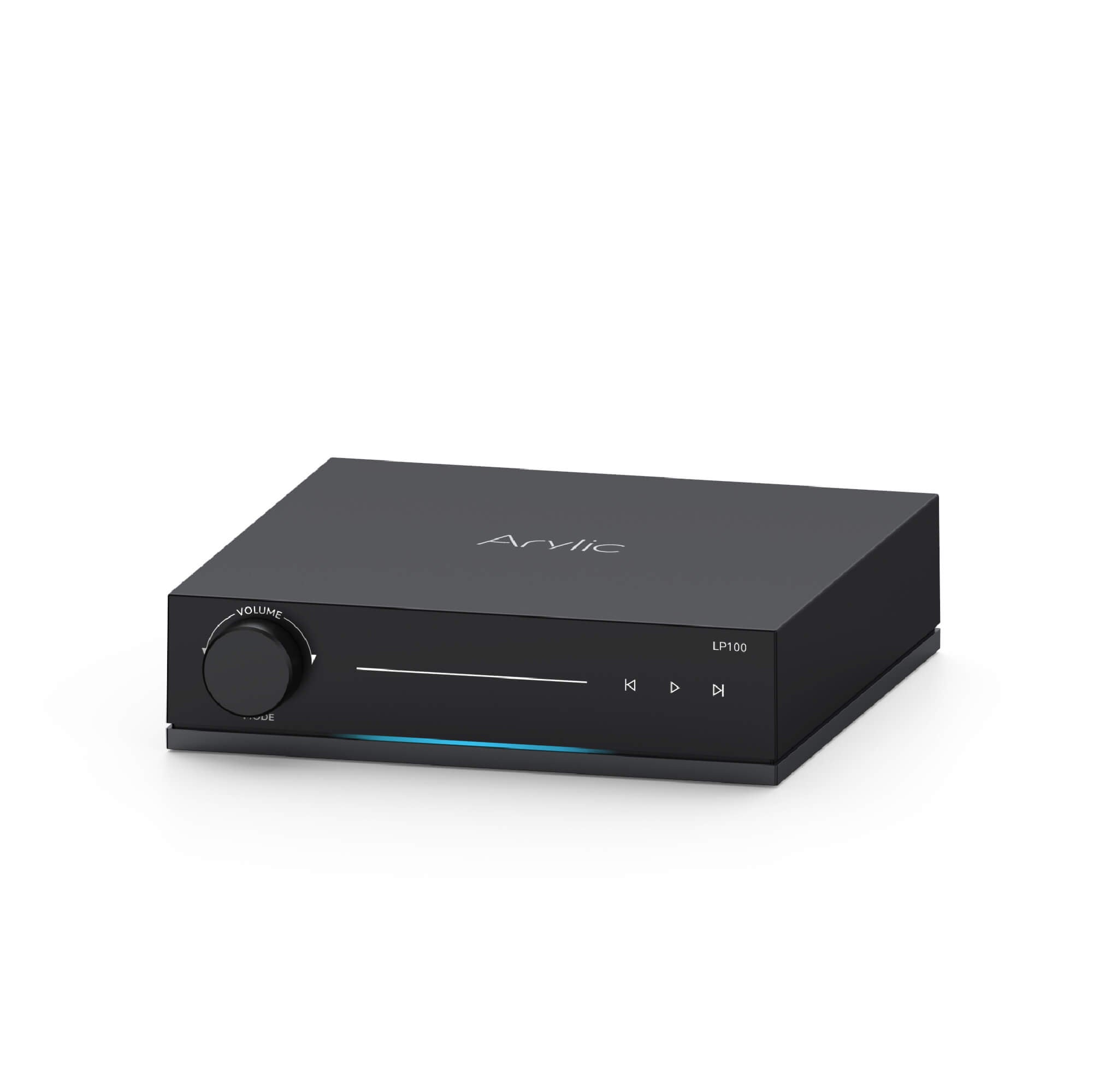
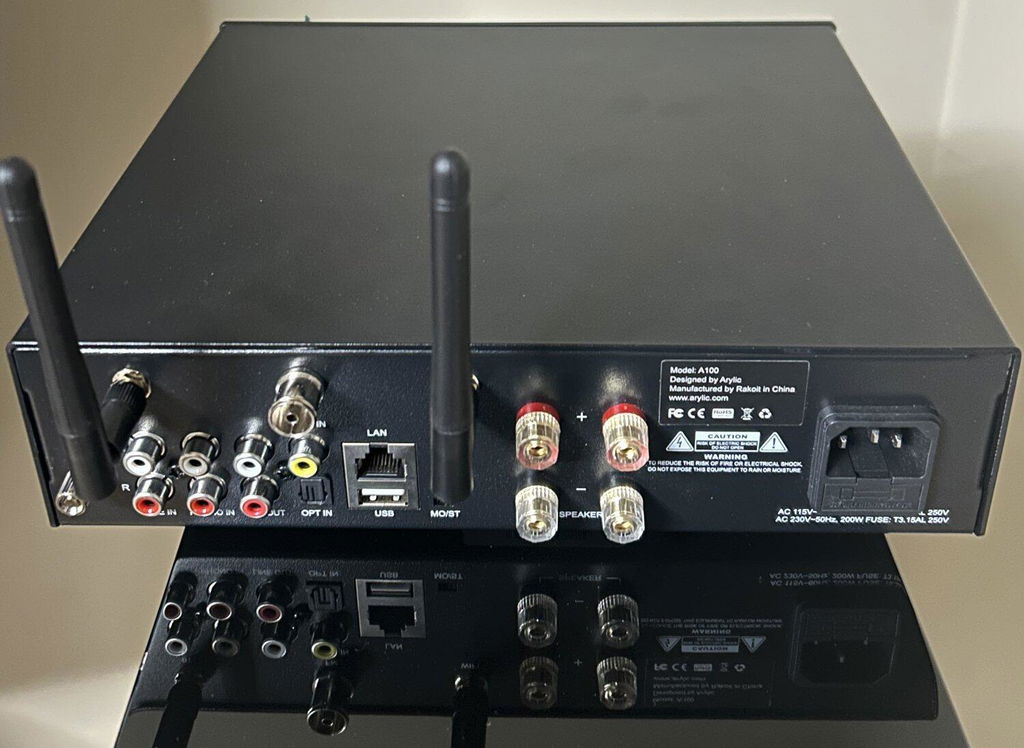
Complete Streaming Hub – Arylic LP100
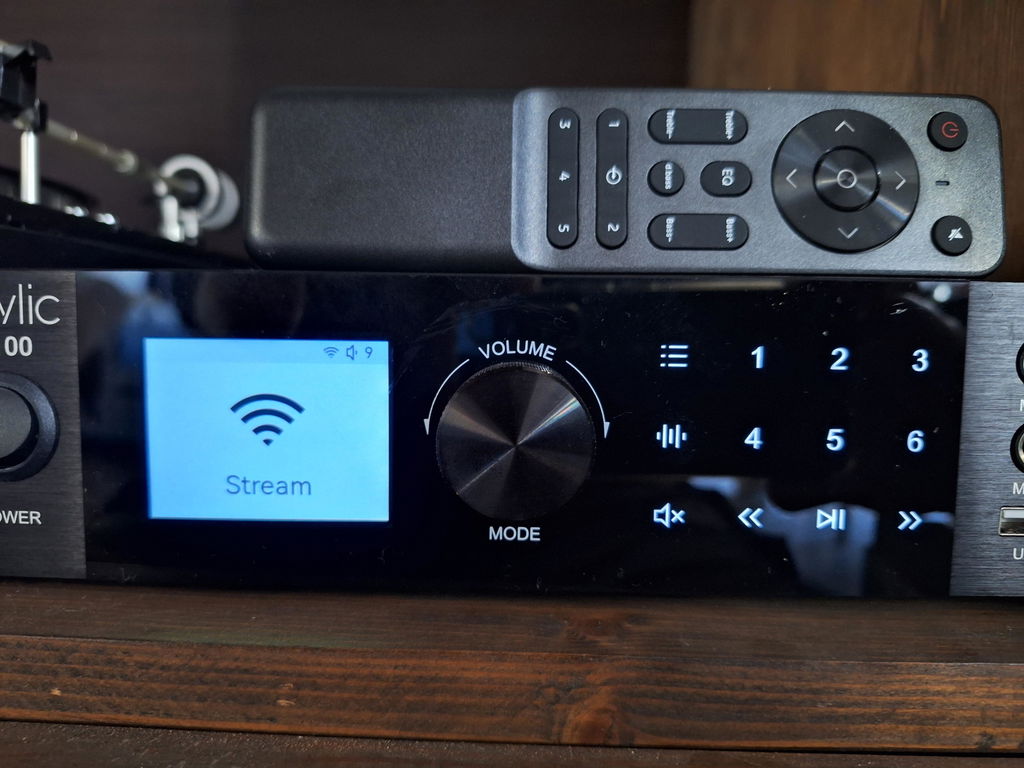
Some people want more than just a device that adds streaming to their existing audio system. They want to build a streaming hub including their TV and vinyl record player. This is where the LP100 comes in. The LP100 can connect different audio sources and provide a more centralized way to manage them.
For those looking to build a more flexible and connected Hi-Fi setup, the LP100 can serve as the central hub for different ways of listening.
Explore more about LP100: https://www.arylic.com/products/lp100-music-streamer
|
|
LP10
|
LP20
|
LP100
|
|---|---|---|---|
|
Best for
|
Simply adding streaming
|
More flexible streaming
|
Complete Streaming Hub
|
|
Audio Input
|
USB, Line in
|
Line in, Optical in, USB, USB DAC (Type-C)
|
Line in, Optical in, USB, USB DAC (USB-B), Phono in, Coaxial in, TV eARC
|
|
Audio Output
|
Line out, Optical out
|
Line out, Optical out, Coaxial out, Subwoofer out, 12V Trigger out
|
Line out, Optical out, Subwoofer out, 12V Trigger out
|
|
Multi-Room
|
AirPlay (2), Google Cast(Chromecast)
|
AirPlay (2), Google Cast(Chromecast)
|
Roon Ready, AirPlay (2), Google Cast(Chromecast)
|
|
Audio Format (Up to)
|
192kHz/24bits (Hi-res)
|
192kHz/24bits (Hi-res)
|
192kHz/24bits (Hi-res)
|
|
Continuing Firmware/Software Update
|
Yes
|
Yes
|
Yes
|
|
Ongoing Technical Support
|
Yes
|
Yes
|
Yes
|
Conclusion
Music dropouts can be frustrating, but they don't always mean that your music streamer needs to be replaced. Several reasons may cause that problem and there are also several possible causes worth checking first.
Before upgrading or replacing your device, users should take some time to troubleshoot issues. If your current setup still doesn't meet your needs after troubleshooting, it may be time to consider a new music streamer.
Whichever music streamer you choose, the right choice depends on how you listen and what you want from your audio system.

Leave a comment
All comments are moderated before being published.
This site is protected by hCaptcha and the hCaptcha Privacy Policy and Terms of Service apply.