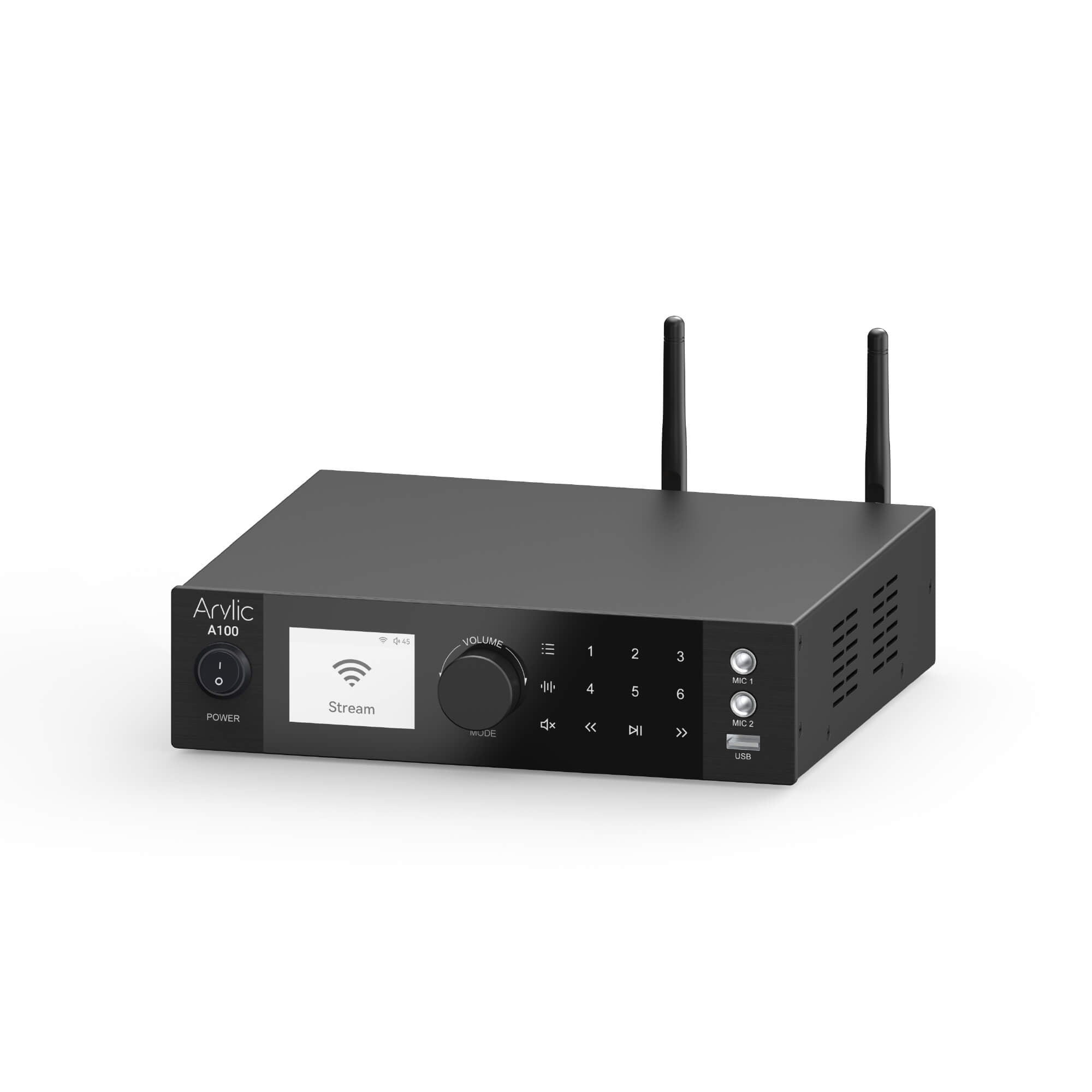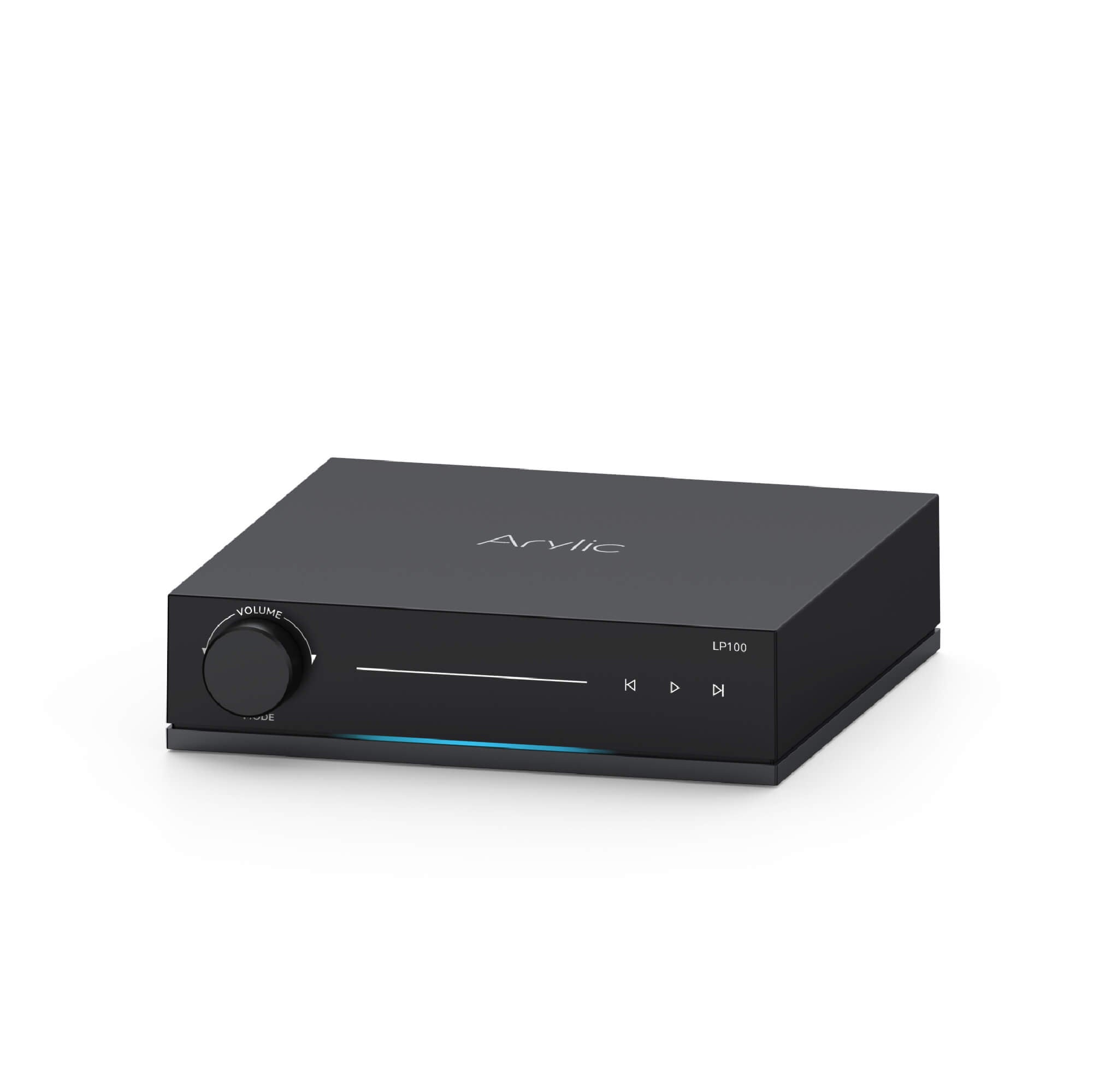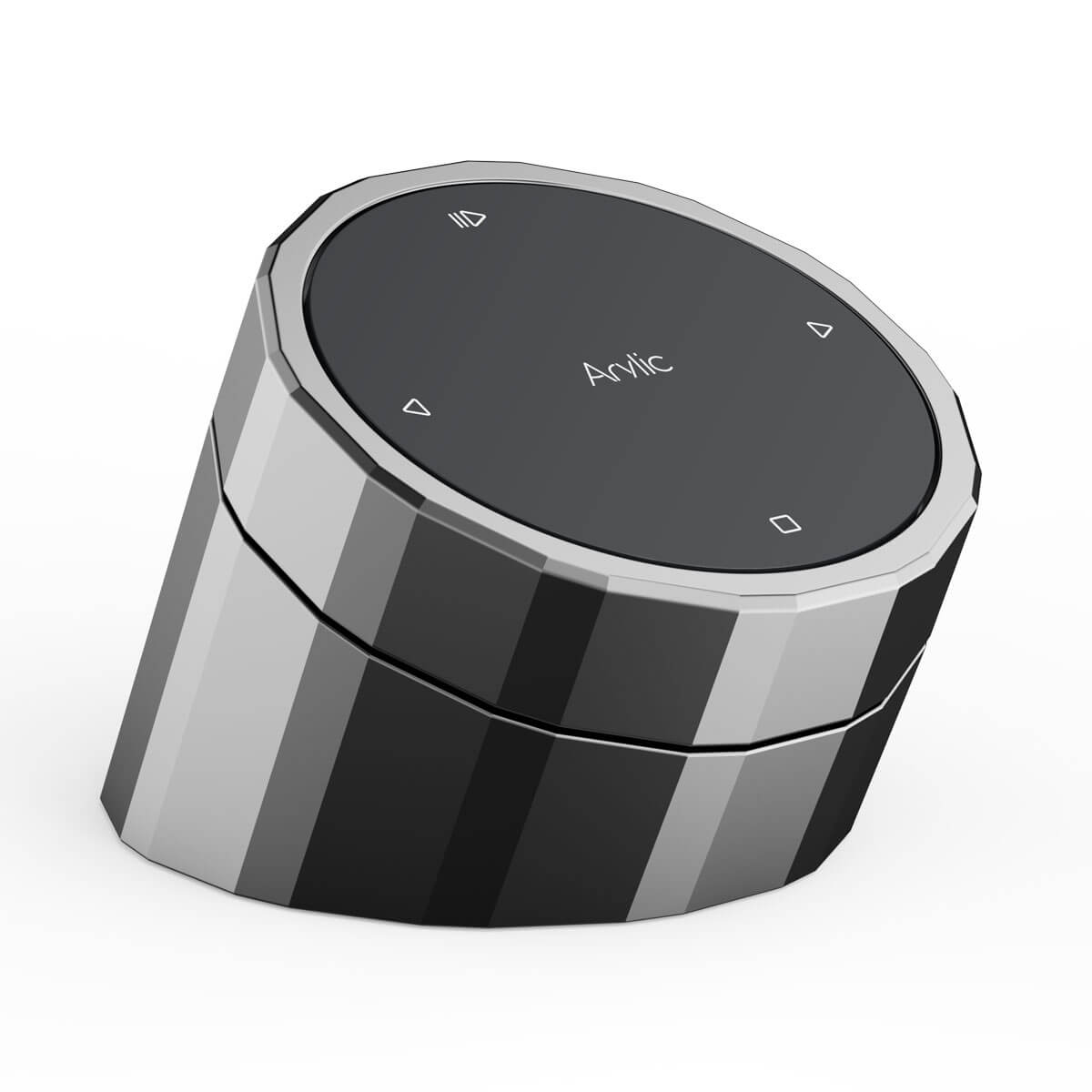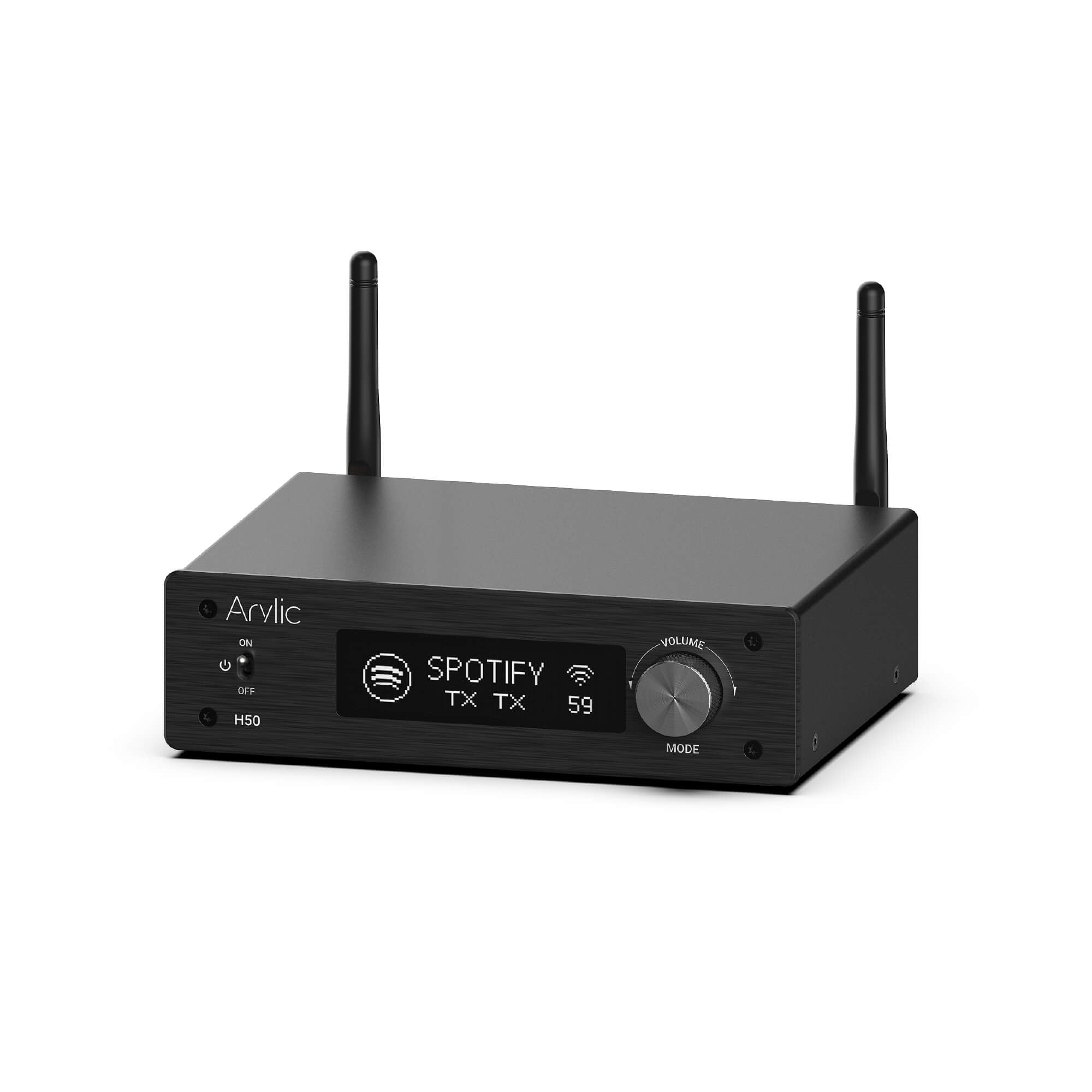
How Arylic Works
Play music seamlessly via WiFi and Bluetooth, breathing new life into your legacy sound system.
Experience the power of classic audio systems combined with the unlimited convenience of future-ready control.
Get To Start




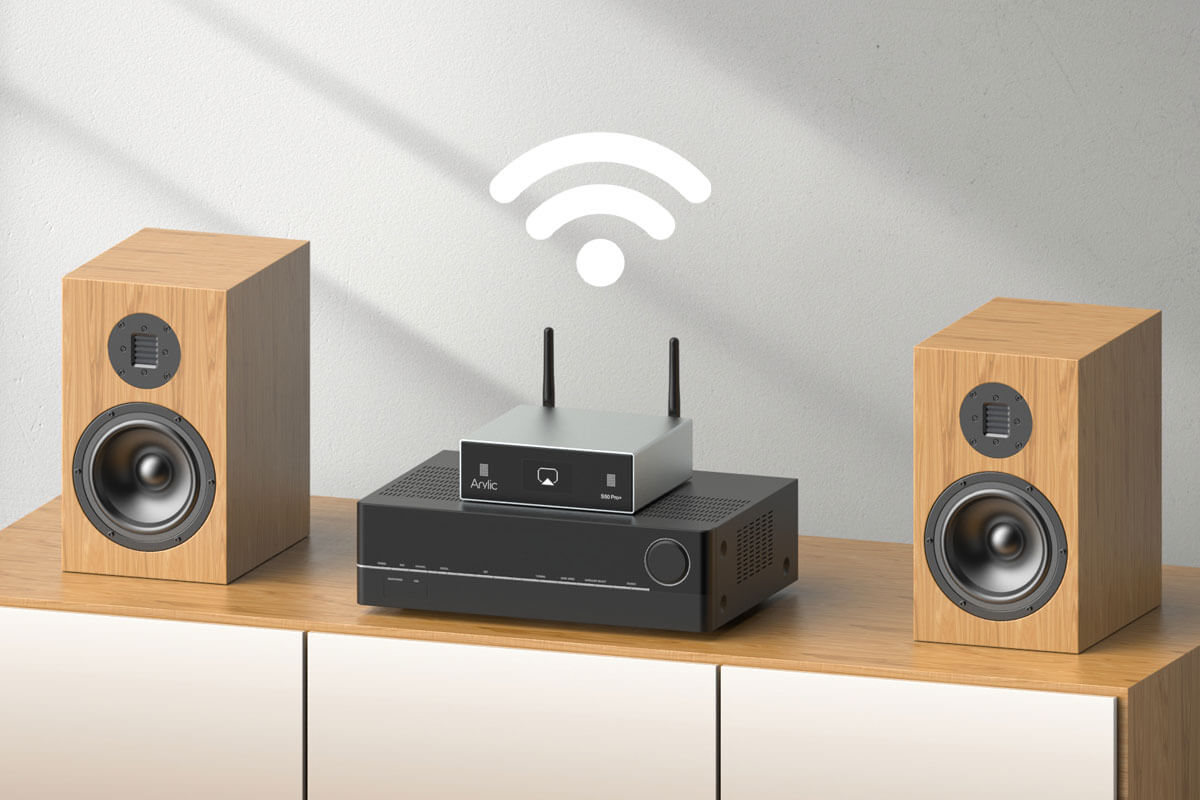
WiFi Streaming
Compare to Bluetooth traditional streaming, WiFi streaming solve the annoying distance issue when you want to play music and walk around.
You can play your online music service, connect any source to Arylic streaming devices. Play and manage all through WiFi.
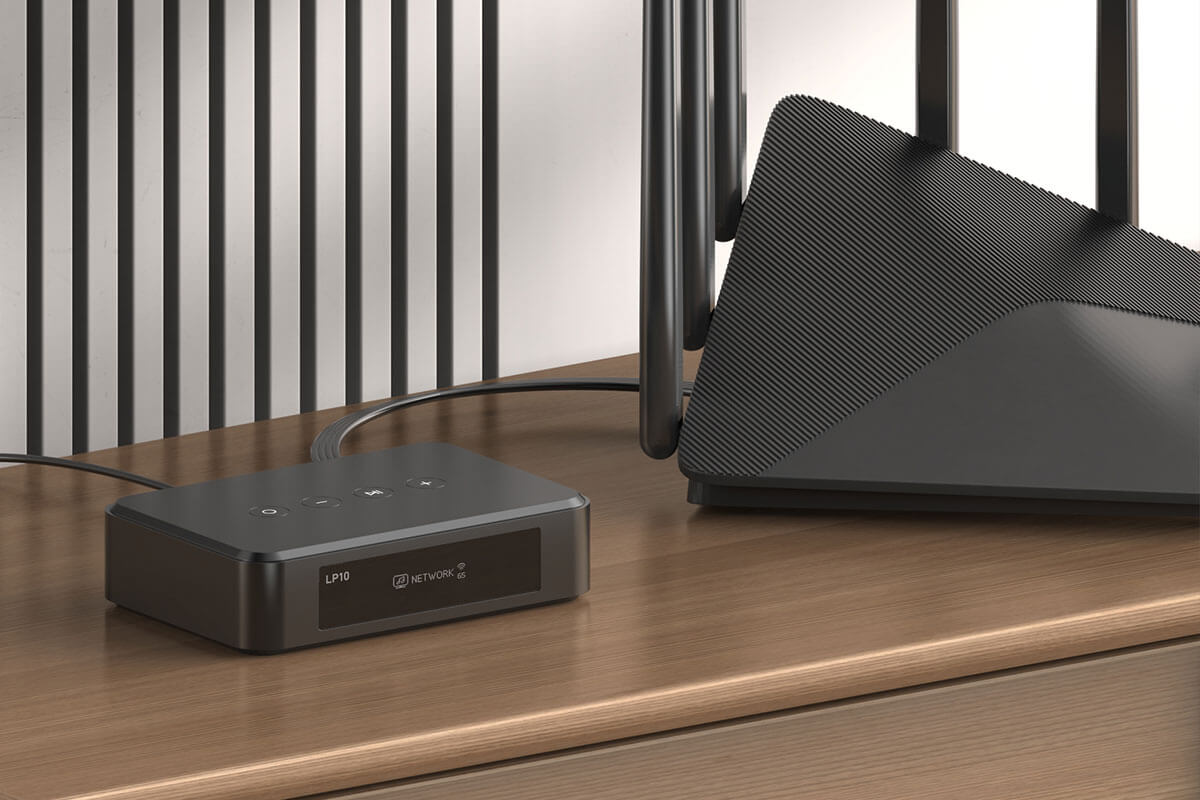
Connect by Lan
Delivers a more stable connection and easier direct integration with your WiFi router. Ideal for smart homes and whole-house audio systems during renovations.
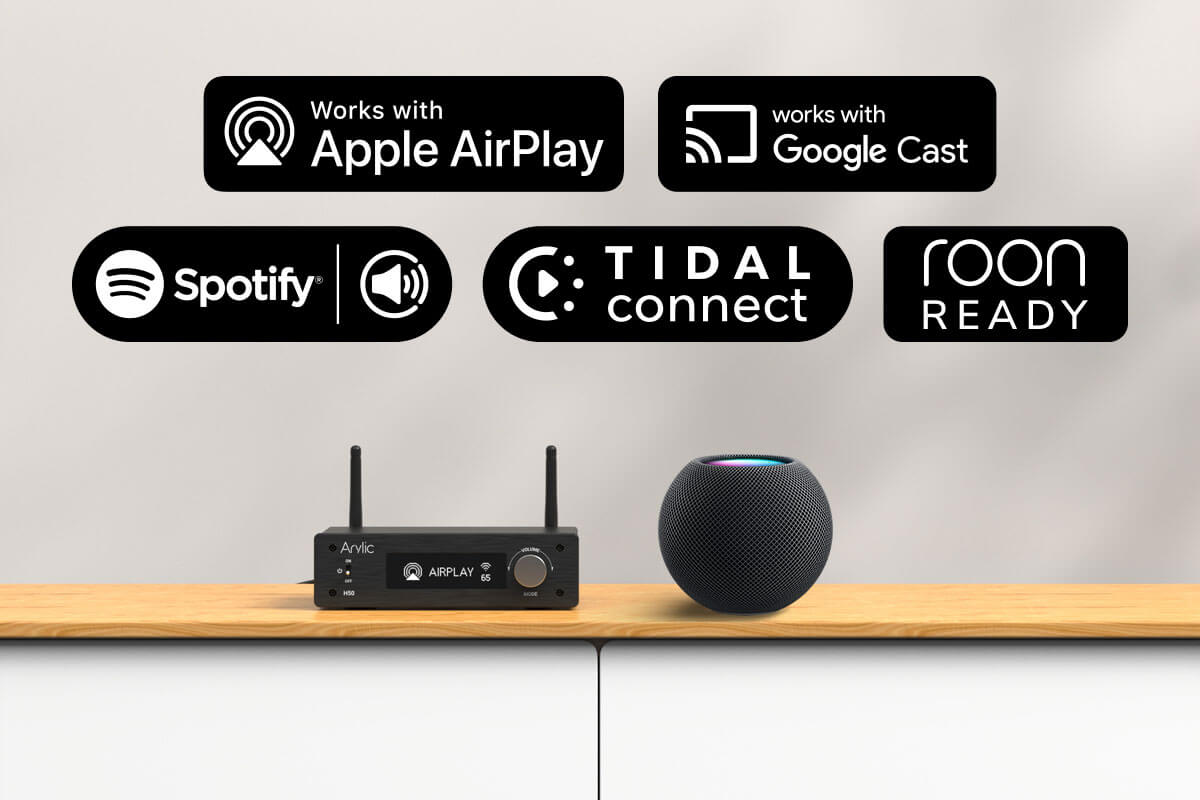
Play Directly From Your Native System
Arylic Supports AirPlay 2, Google Cast, Alexa, Spotify Connect, Tidal Connect and Qubuz Connect. Seamlessly integrate to your native smart phone system and compatible to build a smart home with other ecosystem smart products.
*Feature availability varies by product. Visit product pages for details.

Bluetooth
Stream any content easily and convenient, like Tiktok, YouTube and Padcasts. Arylic offers high quality Bluetooth options with advanced experience.
*Feature availability varies by product. Visit product pages for details.
Why WiFi Streaming?
Compare to Bluetooth traditional streaming, WiFi streaming solve the annoying distance issue when you want to play music and walk around.
What's more, WiFi streaming keeps the playback quality and stability from playing cuts, clicks, and hissing.
WiFi
Bluetooth
Longer
Limited
Medium
Worse
N/A
Yes
Control In Your Way
Arylic offers flexible options to control your home audio system your way.
Learn More
Connect All Rooms Together

AirPlay 2
Apple users can control and manage all AirPlay 2-compatible devices directly from their iPhones.
WiFi
Flexibly sync playback or play different songs across Arylic streaming devices via the Arylic native system.
Google Cast
Stream content from your device and sync playback with other Google Cast-compatible devices.
Sync Playback with Any Source
Content from all supported inputs—including WiFi, Bluetooth, line-in, optical audio, and more—can be streamed synchronously across Arylic devices.

Play Your Favorite Contents




















Arylic offers flexible audio settings. You can customize your sound system for different rooms, listening habits, or even moods.
Wireless Streaming Tips
As we mentioned, the WiFi router is playing a big role in our system. The router is one of the main points to make the streaming more stable. For Normal home routers, we recommend you use 5-10 devices at the same time. For Commercial Routers, we suggest 10-30 devices at the same time.
Of course, this is based on the performance of different routers. For example, our office can connect about 60 units at the same time. For a better streaming experience, we advise you to connect by Lan when need to connect over 5 devices to improve your network stability.